
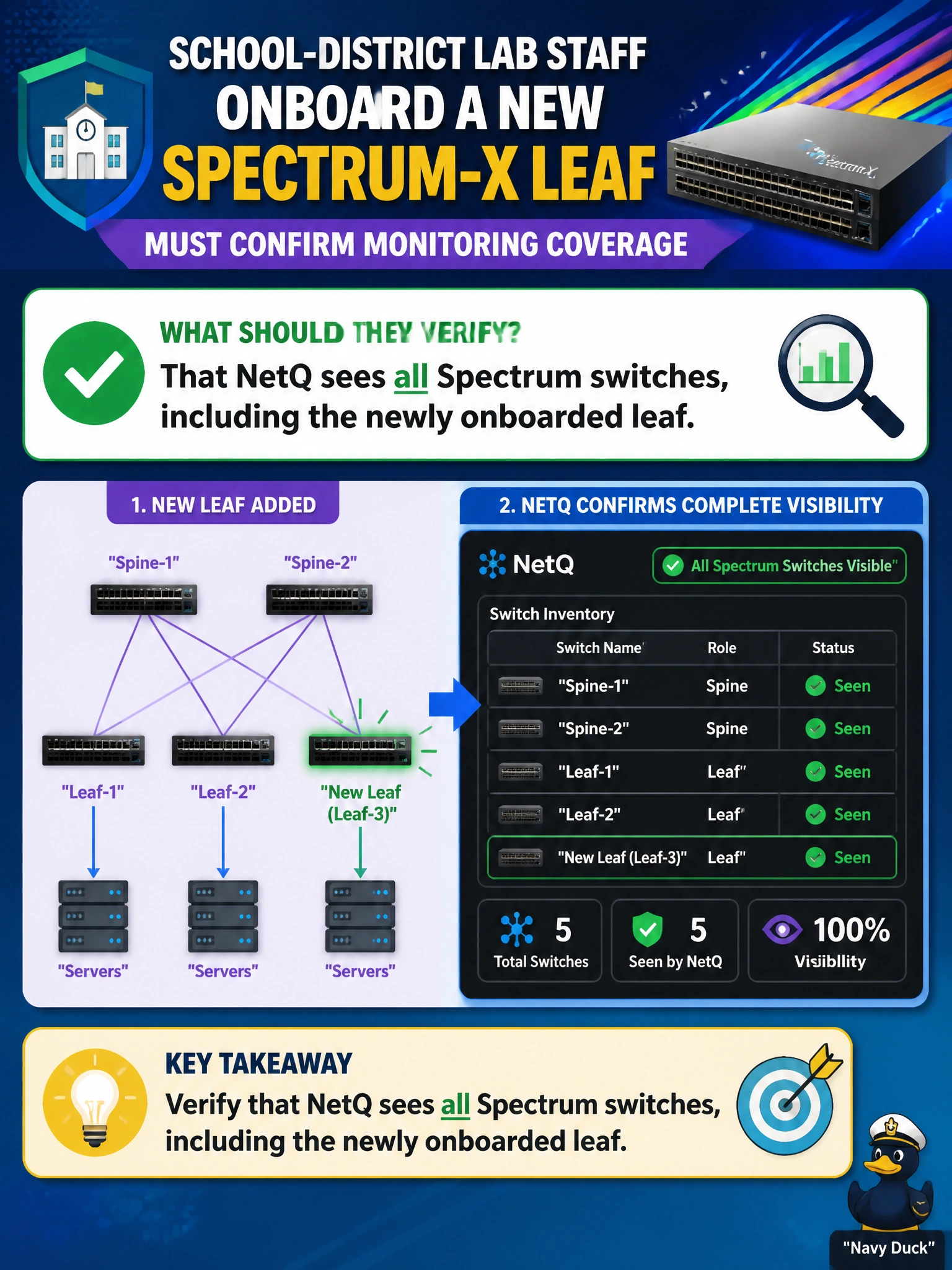
School-district lab staff onboard a new Spectrum-X leaf and must confirm monitoring coverage. What should they verify?
Select an answer to reveal the explanation.
Short Explanation
A new leaf that NetQ cannot see is a blind intersection in the school-district fabric. After onboarding, confirm NetQ visibility covers every Spectrum switch—including the new one.
Full Explanation
School-district lab staff onboarding a new Spectrum-X leaf must confirm that NetQ sees all Spectrum switches, including the newly onboarded leaf. Monitoring coverage is incomplete if the new leaf is dark to NetQ: congestion, latency, and validation views will omit that civic AI attachment point, leaving the district fabric with a blind intersection exactly where new GPU or inference gear may land.
Believing the new leaf requires a separate NetQ collector running on it locally fails by concept: NetQ gathers Spectrum telemetry centrally through the fabric's existing collection points, not through a dedicated collector bolted onto every individual switch. Assuming RoCE VRF traffic on the new leaf is initially hidden until manual mapping fails because that treats an onboarding gap as expected behavior rather than something to verify and fix—coverage should be confirmed complete, not assumed to need a separate manual step before it counts. Confirming that the new leaf runs the expected Cumulus Linux release fails because an OS-version check does not verify that NetQ is collecting telemetry from the new Spectrum-X leaf or that it appears in monitoring views.
Exam caveat: NetQ inventory and telemetry must include every Spectrum switch in the civic AI fabric after onboarding. Management VRF visibility alone is insufficient for Spectrum-X AI rail assurance.
Operational check: after leaf onboarding, query NetQ for the new Spectrum-X switch hostname or serial, confirm telemetry and topology inclusion, run a quick congestion or validation view that references the new leaf, and update the school-district monitoring runbook with the coverage check.