
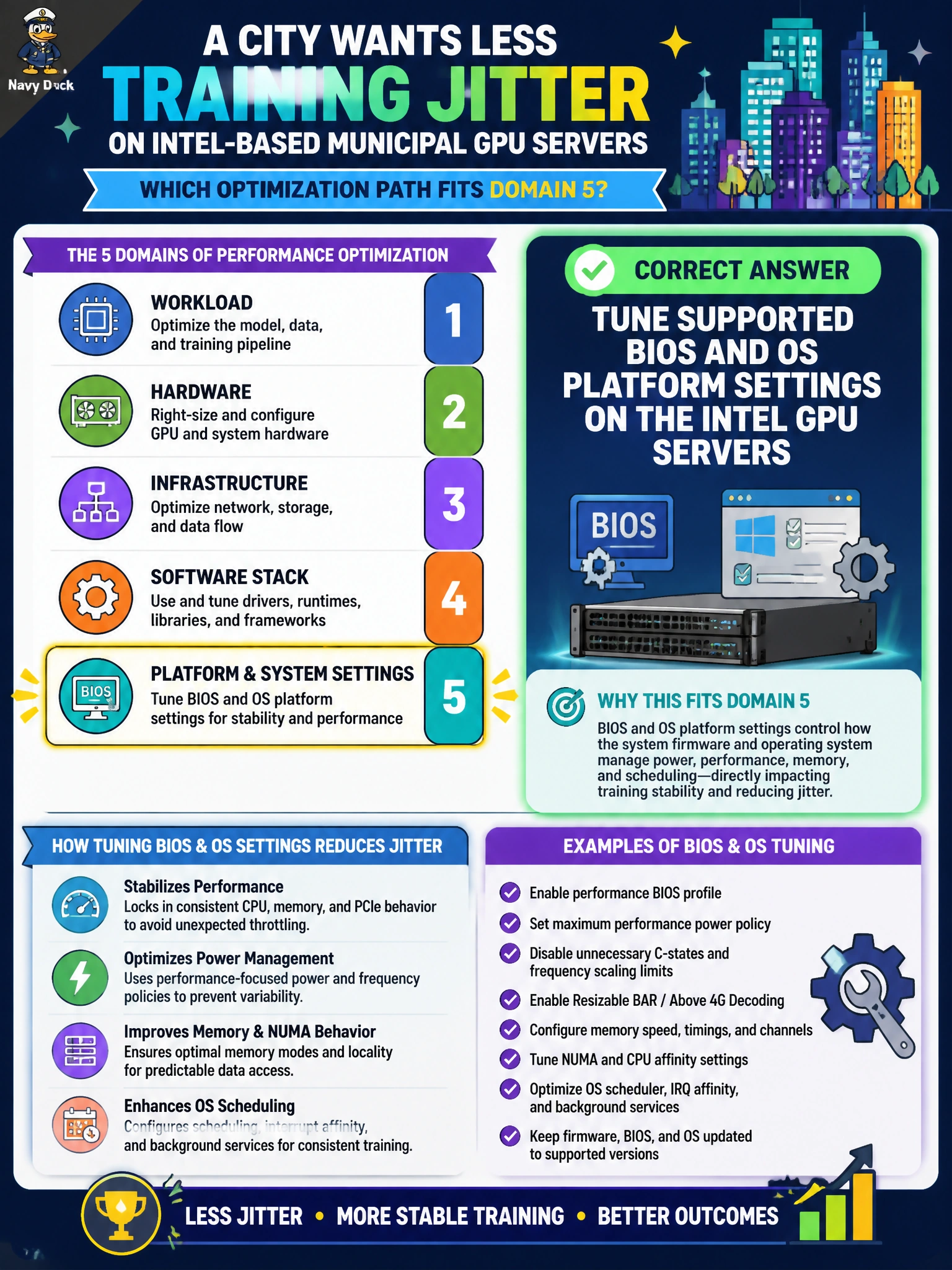
A city wants less training jitter on Intel-based municipal GPU servers. Which optimization path fits Domain 5?
Select an answer to reveal the explanation.
Short Explanation
Jitter isn't cured by wild overclock folklore—use the Intel platform knobs the vendor actually supports. City GPU servers calm down when BIOS/OS settings are tuned properly.
Full Explanation
A city seeking less training jitter on Intel-based municipal GPU servers should tune supported BIOS and OS platform settings on those Intel GPU hosts. Domain 5 optimization for Intel AI platforms means vendor-aligned power, C-state, turbo, and related knobs that stabilize GPU workload latency without unsupported hacks. Jitter often traces to platform wake latency or unbalanced CPU behavior feeding GPU jobs, which supported settings address more safely than folklore. Overclocking consumer desktop RAM profiles on servers imports unsupported memory settings that risk instability and void support. Disabling all CPU cores except one to reduce jitter starves the host of CPU cycles GPU pipelines still need for I/O and collectives and is not a valid anti-jitter strategy. Replacing InfiniBand with Wi-Fi 6E for smoother collectives swaps a datacenter fabric for an inappropriate wireless medium and does not address Intel platform jitter. Exam caveat: apply only documented Intel server performance guidance for the specific municipal SKU; settings that help HPC may need validation against the city’s AI job mix. Operational check: capture before-and-after training jitter and throughput on the city Intel GPU servers after supported BIOS and OS changes, and keep a rollback of prior platform settings.