
A school-district lab upgrades a fabric switch and must close the change. What validation step is required?
Select an answer to reveal the explanation.
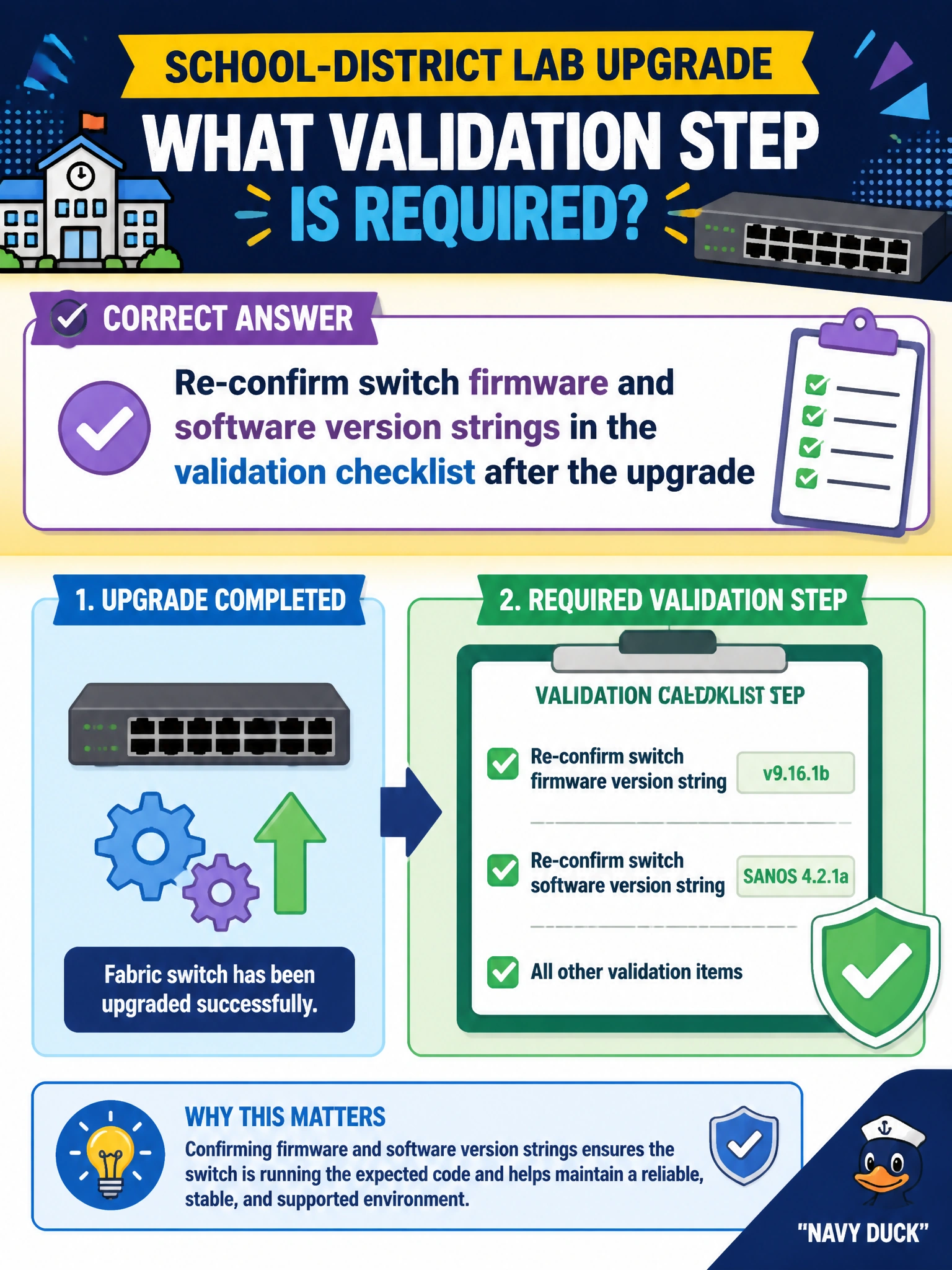
Short Explanation
Upgrade command exit code isn't the finish line—the school lab should re-read the switch version strings on the checklist after the change.
Full Explanation
When a school-district lab upgrades a fabric switch, closing the change requires proof the intended image is active—not just that an upgrade command returned success. Re-confirming switch firmware and software version strings in the validation checklist after the upgrade catches failed, partial, or rolled-back loads before the lab returns to class or research GPU jobs. Closing the ticket immediately when the upgrade command returns treats CLI success as image activation and skips Domain 4 post-change confirmation. Assuming the new image loaded without reading version strings skips the only durable confirmation of what is actually running on the switch. Validating only by rebooting an unrelated access point exercises the wrong device and proves nothing about the fabric switch serving the lab. Domain 4 includes post-upgrade switch confirmation in the validation checklist for a reason: upgrades fail quietly more often than teams expect. Caveat: some platforms need a reboot or hitless ISSU completion before the new string appears—wait for that terminal state, then read versions before checklist sign-off. Operational check: after the school-district switch upgrade completes, show version (or equivalent), record the strings on the checklist, compare to the change’s target image, and only then close the change.