
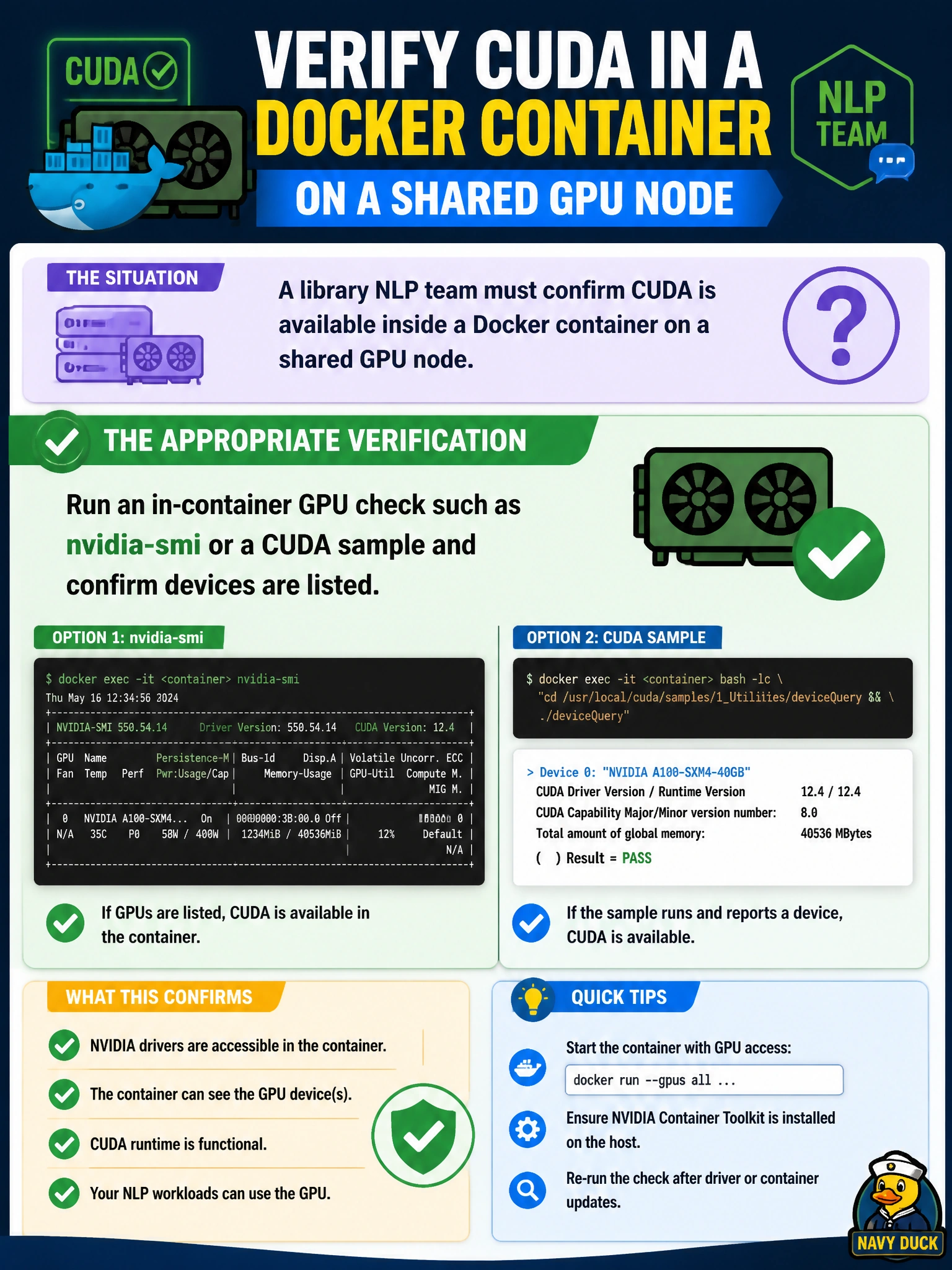
A library NLP team must confirm CUDA is available inside a Docker container on a shared GPU node. What verification is appropriate?
Select an answer to reveal the explanation.
Short Explanation
Don't trust the image name—jump inside the container and actually see GPUs with nvidia-smi or a CUDA sample. Shared library nodes love silent miswires.
Full Explanation
A library NLP team confirming CUDA inside a Docker container on a shared GPU node must run an in-container GPU check—nvidia-smi or a CUDA sample—and confirm devices are listed. Image metadata and host health are insufficient; only a process executing inside the container namespace proves the runtime exposed NVIDIA devices and that the CUDA user-mode stack can talk to them.
Pinging the library Wi-Fi gateway from the host BMC fails by concept because BMC/out-of-band networking and Wi-Fi reachability say nothing about Docker GPU device mounts or CUDA usability for NLP containers. Checking only that the image tag contains “cuda” fails because tags are naming conventions; a cuda-tagged image can still run with zero GPU visibility if --gpus/CDI was omitted or the toolkit is misconfigured. Validating CUDA by Docker Hub star count fails because popularity metrics are unrelated to local runtime exposure on the municipal shared node.
Exam caveat: Domain 3 verification items emphasize empirical in-container checks. The exam commonly contrasts “looks like a CUDA image” with “devices appear and CUDA works inside the running container.”
Operational check: after launching with GPU access enabled, exec or run nvidia-smi and confirm the expected GPU UUIDs/counts; then run a short CUDA sample or framework device query (e.g., torch.cuda.is_available() / device_count) before declaring the library NLP container ready on that shared node.