
City permitting racks finish OS imaging and need GPU software. What driver action is required?
Select an answer to reveal the explanation.
Short Explanation
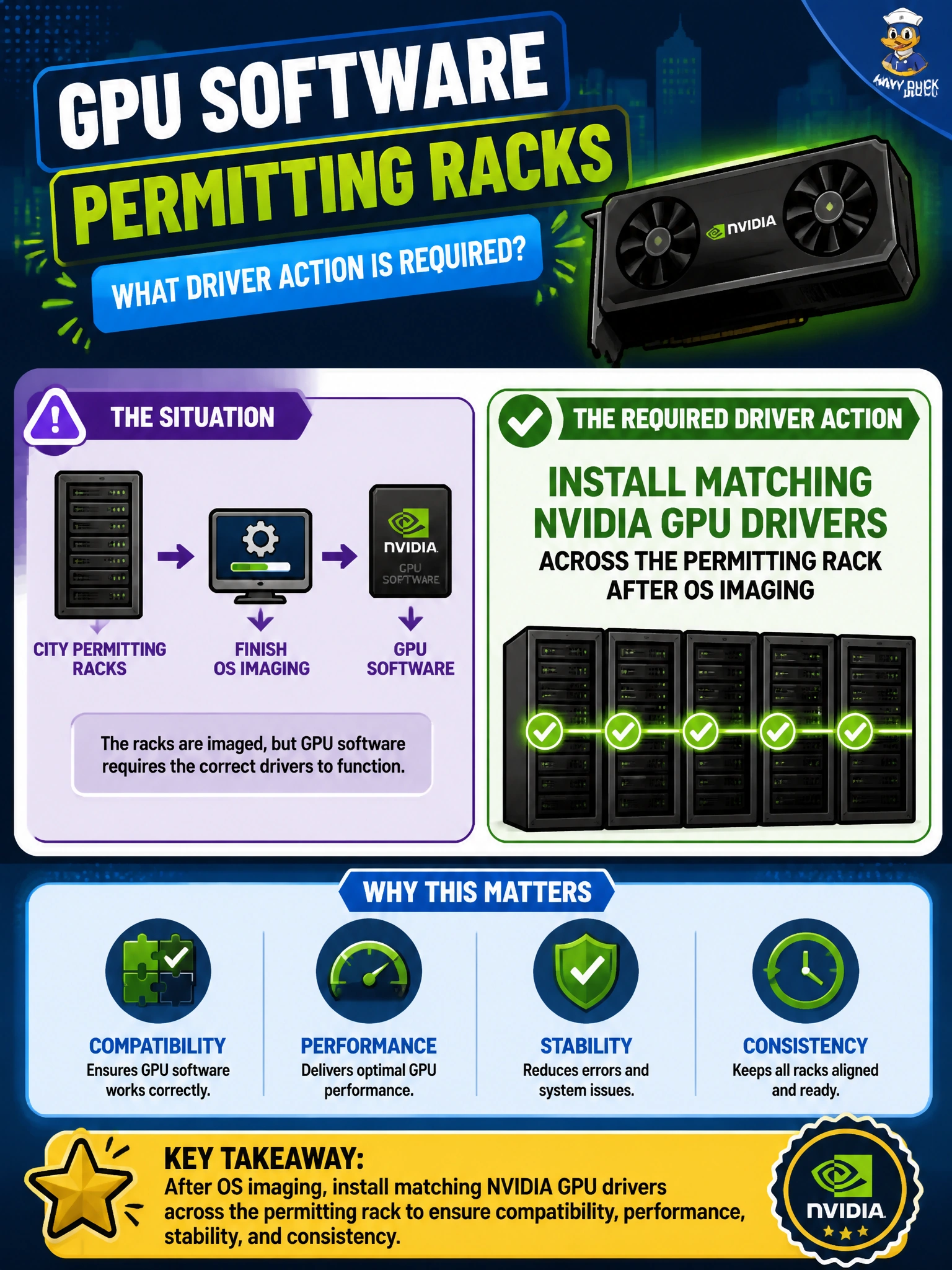
After OS imaging, put the same supported NVIDIA driver set across the permitting rack—matching versions keep the fleet sane. Random per-node branches are a headache.
Full Explanation
After OS imaging on city permitting racks, operators must install matching NVIDIA GPU drivers across the rack so every node presents a coherent, supported CUDA/driver userland for training and tooling. Matched drivers reduce “works on one node” failures, simplify support matrices, and make nvidia-smi and container GPU access predictable under BCM for permitting workloads.
Installing a different random driver branch on every node without matching guarantees unsupported skew and debugging chaos. Leaving Nouveau as the only long-term GPU driver for training is unsuitable for NVIDIA accelerated AI workloads that require the proprietary/supported NVIDIA driver stack. Refusing all GPU drivers so nvidia-smi can never run blocks GPU bring-up entirely. Matched driver versions also simplify rollback planning when a permitting node must revert after a bad package.
Exam caveat: post-OS GPU software means matched NVIDIA drivers across the fleet—not Nouveau-as-production, random per-node branches, or driver refusal.
Operational check: select the supported driver branch for the OS/GPU pair, deploy the same version across the permitting rack via BCM, reboot as required, and verify identical nvidia-smi versions on all nodes.