
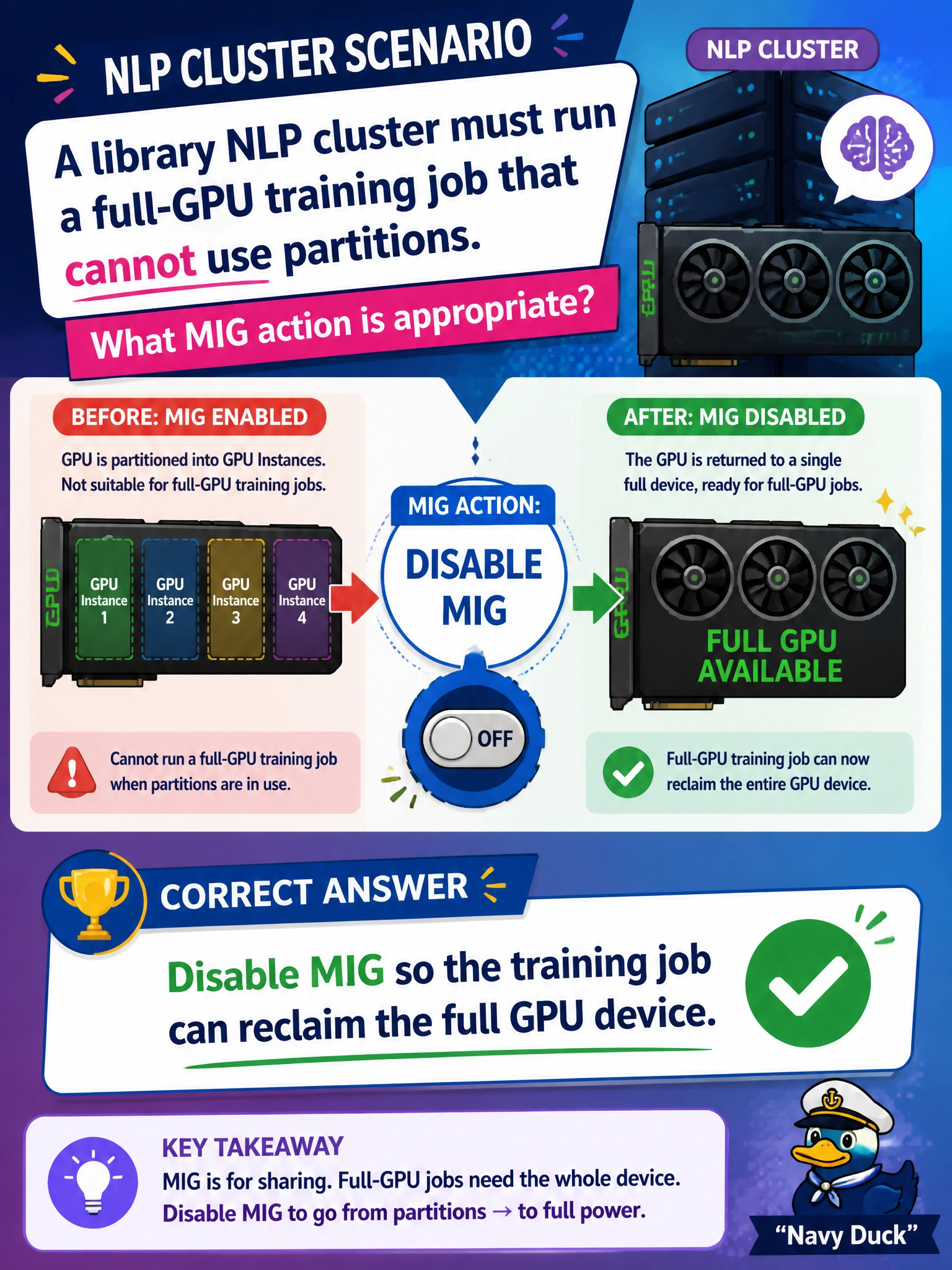
A library NLP cluster must run a full-GPU training job that cannot use partitions. What MIG action is appropriate?
Select an answer to reveal the explanation.
Short Explanation
When training needs the whole GPU, turn MIG off and give the library job the full device—like opening all the study rooms into one hall. Tiny leftover slices will not do.
Full Explanation
A library NLP cluster running a full-GPU training job that cannot use partitions must disable MIG so the training job can reclaim the full GPU device. MIG partitions intentionally shrink the addressable device; full-GPU training that requires the entire memory and compute envelope cannot succeed while those partitions remain active. Disabling MIG is the correct mode change when the workload contract is exclusive full-device use. Leaving MIG enabled and forcing the job into the smallest instance silently fails by concept: a tiny slice cannot satisfy a full-GPU training requirement and will fail or thrash. Creating more MIG slices until none remain usable fails by concept: more fragmentation moves further from full-device availability. Deleting the GPU drivers instead of changing MIG mode fails by concept: removing drivers destroys the platform rather than correctly switching device mode. Exam caveat: disabling MIG typically requires draining workloads and may need a GPU reset or reboot; do not assume MIG can be toggled underneath a live full-GPU job without disruption. Operational check: drain the library GPU, disable MIG per platform procedure, confirm the full device is visible to the trainer, run the full-GPU NLP job, and re-enable MIG later only when partitioned civic inference returns.