
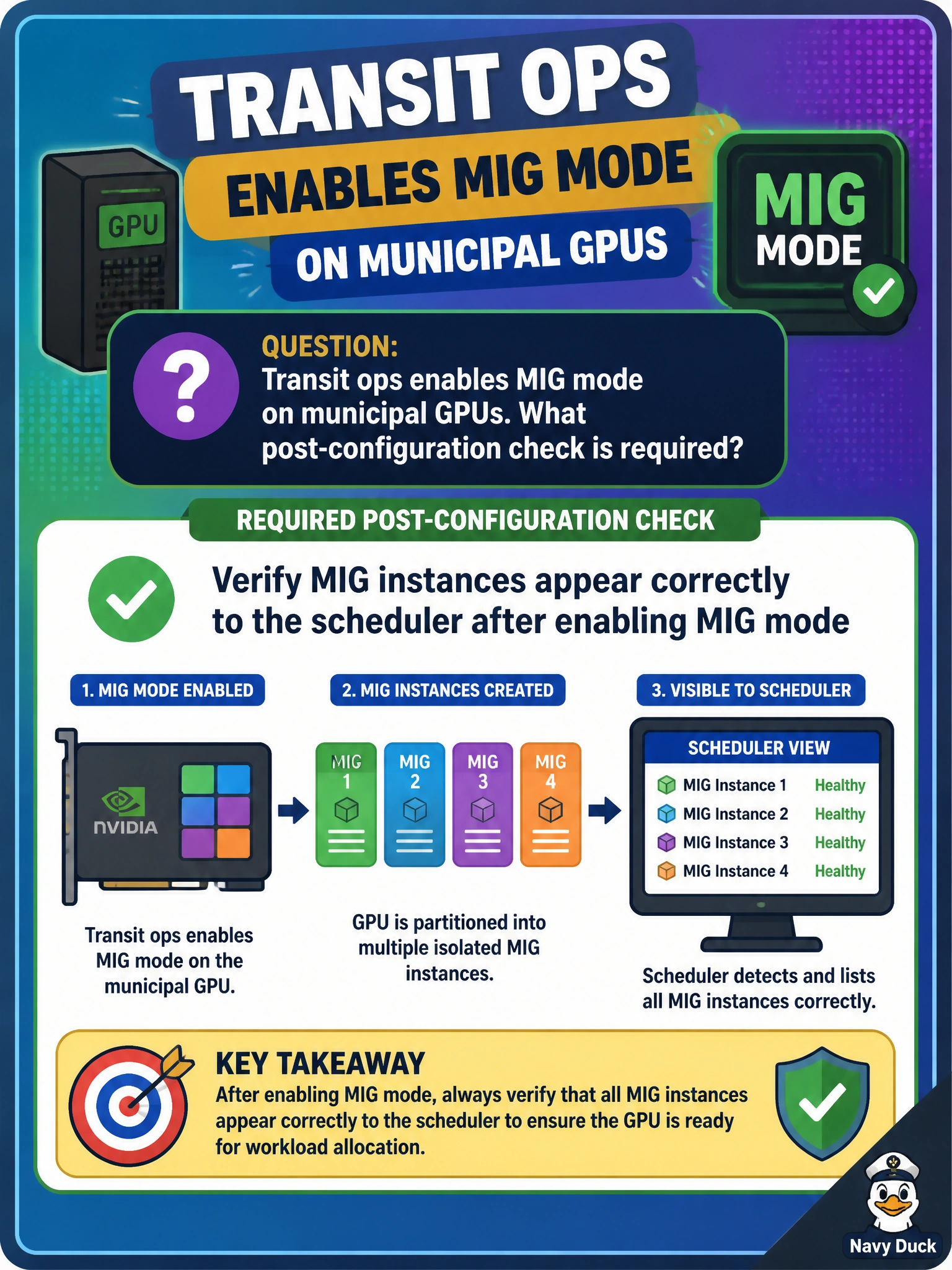
Transit ops enables MIG mode on municipal GPUs. What post-configuration check is required?
Select an answer to reveal the explanation.
Short Explanation
After MIG mode is on, make sure the scheduler actually sees the instances—like confirming platform screens show the new train cars before boarding. Fans spinning is not enough.
Full Explanation
Transit ops enabling MIG mode on municipal GPUs must verify that MIG instances appear correctly to the scheduler after the mode change. Enabling MIG on the GPU is incomplete until the cluster manager or workload scheduler can discover and place work onto the new instances; otherwise capacity exists in nvidia-smi but remains invisible to municipal job placement. Post-configuration verification closes that control-plane gap. Assuming the scheduler sees instances without verification fails by concept: discovery bugs, stale node inventories, and restart requirements commonly leave MIG capacity unpublished. Disabling the scheduler permanently after enabling MIG fails by concept: MIG is meant to feed scheduled tenancy, not replace the scheduler with chaos. Only checking that chassis fans still spin fails by concept: cooling presence is unrelated to MIG instance advertisement. Exam caveat: some platforms require node restarts, GPU resets, or agent refreshes before MIG instances appear; verification must follow the platform’s enablement sequence, not a casual glance at fans. Operational check: after enabling MIG on transit GPUs, list instances on the node, confirm the scheduler inventory shows those instances, submit a small job to a MIG device, and only then declare MIG mode operational.