
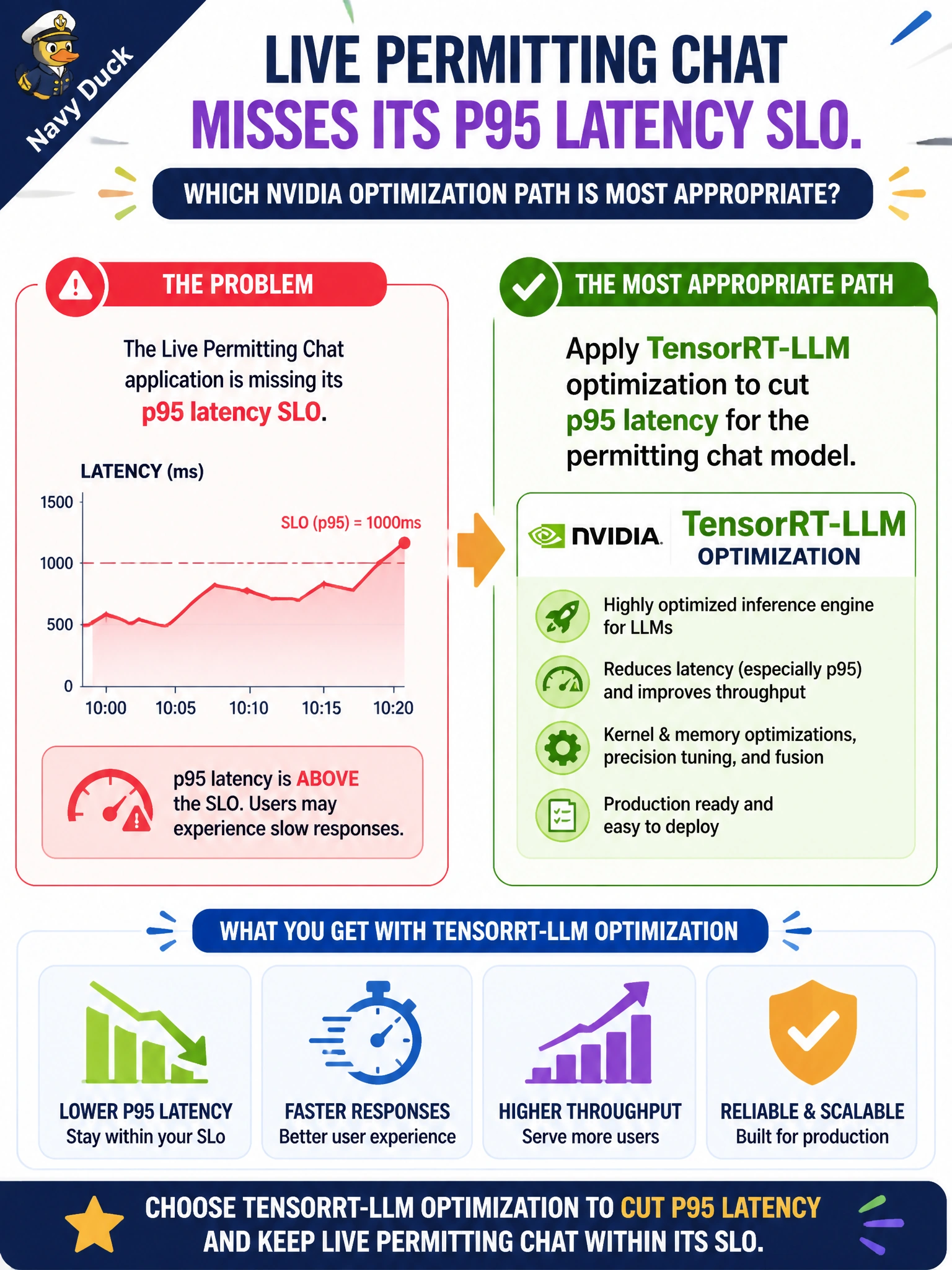
Live permitting chat misses its p95 latency SLO. Which NVIDIA optimization path is most appropriate?
Select an answer to reveal the explanation.
Short Explanation
You need answers to arrive faster, not just to feel like they do. TensorRT-LLM optimization targets lower p95 latency for live permitting chat.
Full Explanation
When live permitting chat misses its p95 latency SLO, TensorRT-LLM optimization is the appropriate NVIDIA path because it targets inference efficiency through kernels, batching, and runtime optimizations, helping the permitting chat model serve resident turns faster under load. Increasing the chat UI font size may make latency feel shorter, but a perception change does not improve server timing or SLO compliance. Shifting the workload to one CPU-only VM and turning off GPU inference simplifies serving, but is not an effective optimization: it typically worsens latency for LLM workloads already missing the SLO. Decorative animations may hide waiting time, but concealment does not reduce latency and can increase frustration when answers arrive. Exam caveat: TensorRT-LLM helps model-serving latency; if p95 is dominated by slow tools, RAG hops, or cold starts, workflow and caching work may also be needed. Diagnose with traces before assuming the model weights are the bottleneck. Practical check: capture baseline p95 on GPU with the unoptimized path, apply TensorRT-LLM, then remeasure under a permitting load profile and confirm faithfulness and tool-success evaluations remain within tolerance after the optimized engine ships.