
A permitting and inspections bureau wants Jupyter work that auditors can follow. How should notebook cells be organized?
Select an answer to reveal the explanation.
Short Explanation
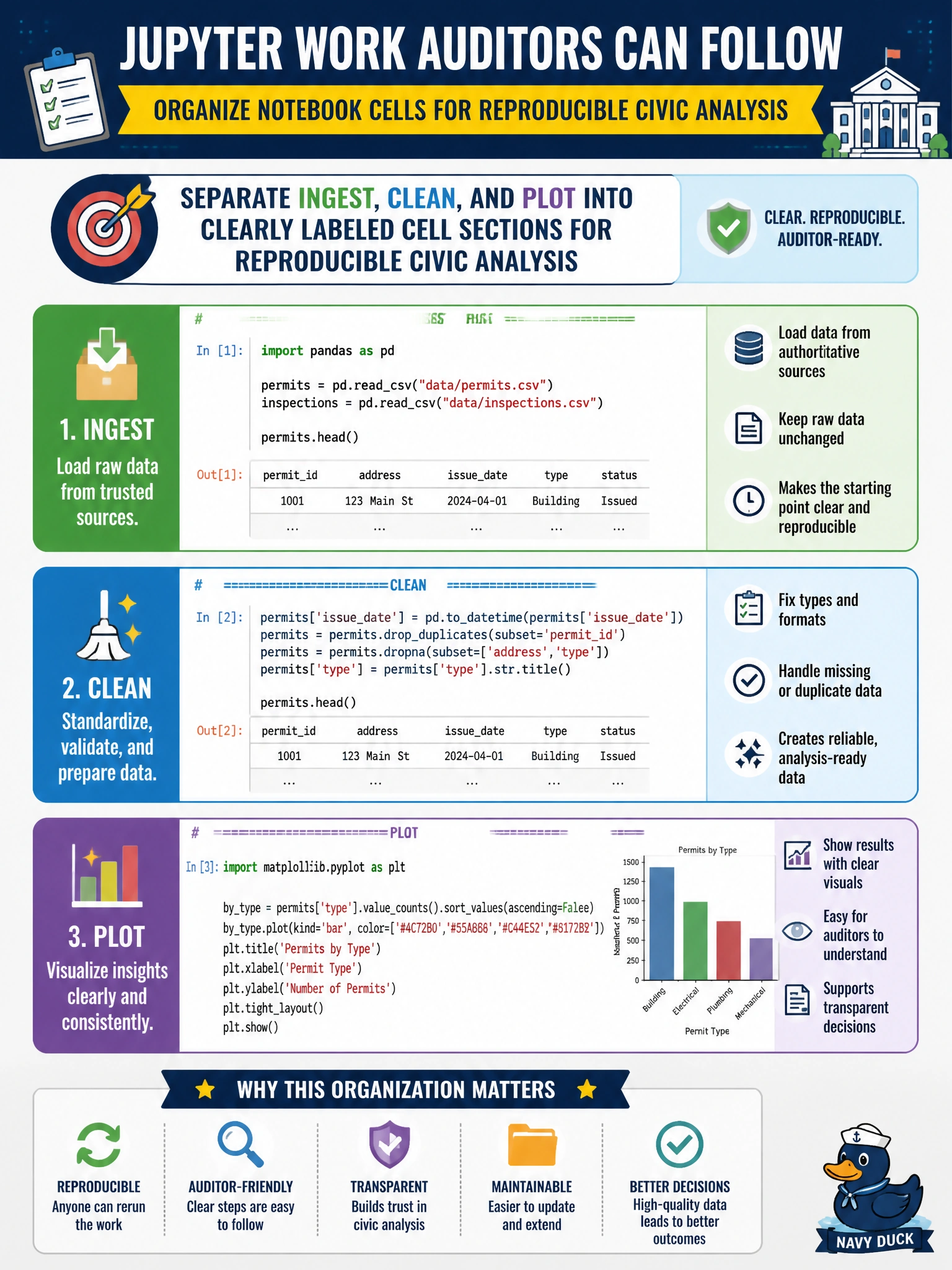
Think of the notebook like a permit file: intake, clean, then show the drawing. Label those sections so auditors can walk the path. One giant mixed cell or 'plots only' notebooks leave inspectors guessing.
Full Explanation
Auditor-friendly Jupyter work for a permitting and inspections bureau separates ingest, clean, and plot into clearly labeled cell sections. That structure makes the analysis reproducible: reviewers can see where raw permit extracts enter, how quality rules apply, and which charts leadership saw. Domain 5 foundations emphasize organized notebooks as civic work products, not disposable scratchpads. Clear sectioning also speeds handoffs when inspectors, analysts, and managers share the same file across review cycles.
Mixing ingest, cleaning, and plotting randomly in one undifferentiated cell block obscures lineage and makes peer review nearly impossible. Putting only plots in the notebook while keeping cleaning undocumented elsewhere hides the transformations that justify the visuals. Deleting cell outputs and markdown solely to shrink file size strips the narrative and evidence auditors need to follow the work.
Exam caveat: When stems stress reproducibility or auditability, labeled ingest → clean → plot sections win over mixed blobs, plot-only notebooks, or stripped markdown.
Operational check: Use markdown headers for Ingest / Clean / Plot, keep parameters in early cells, retain key outputs for the permit file package, and avoid collapsing the whole pipeline into one anonymous cell.