
A county assessor parcel desk needs quick KPI math on valuation arrays inside a Jupyter notebook. Which foundational approach fits best?
Select an answer to reveal the explanation.
Short Explanation
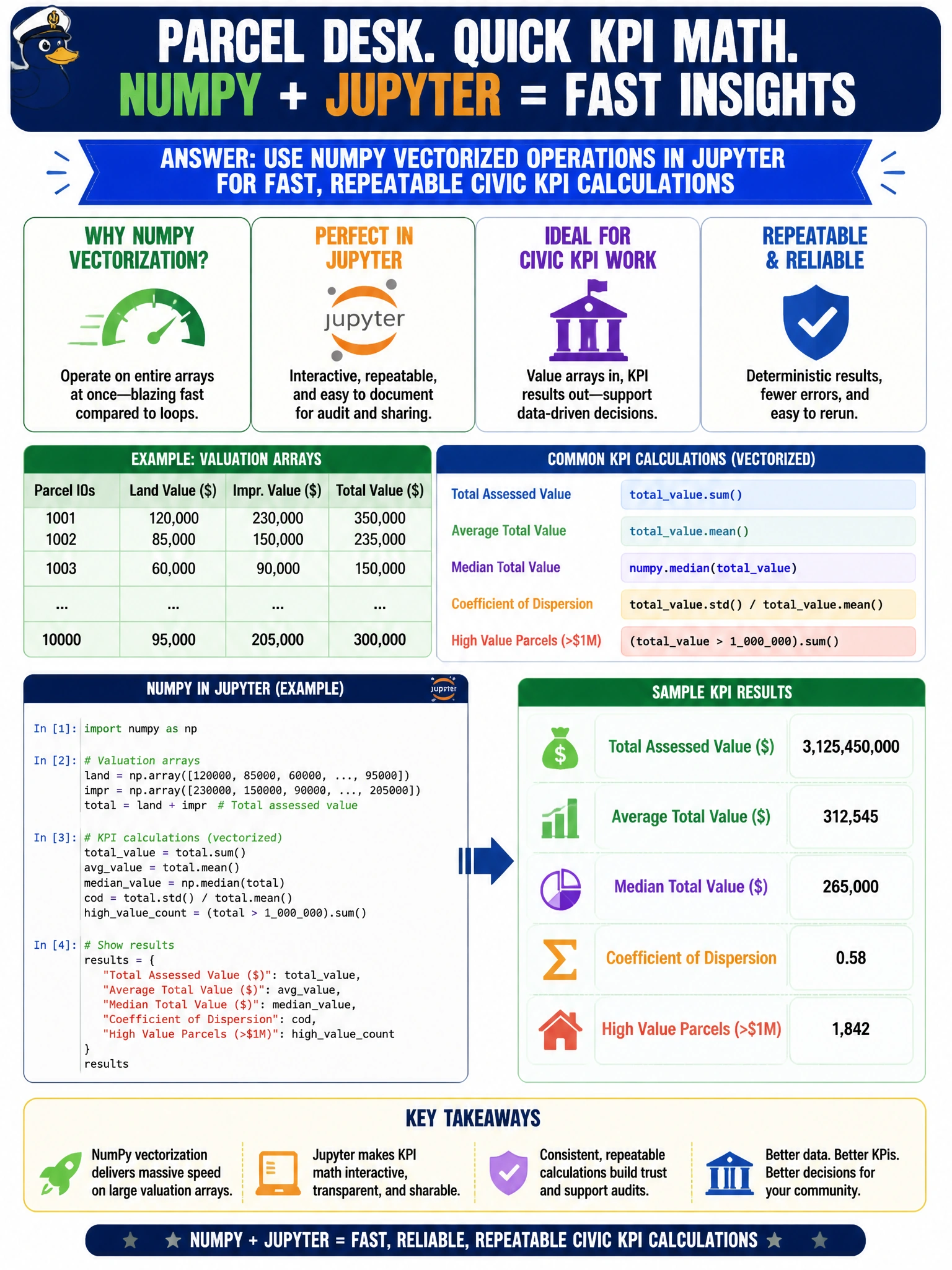
Parcel KPIs love vector math—NumPy in a Jupyter notebook beats a desk calculator and slide copy-paste. Keep the arithmetic in arrays so next week's rerun is one cell, not a marathon. Email blobs and word-processor formulas are the long way around.
Full Explanation
County assessor parcel KPI math on valuation arrays belongs in a reproducible notebook with NumPy vectorized operations. Jupyter plus NumPy gives fast array arithmetic, easy reruns when rolls update, and an auditable trail for civic analysts—core Domain 5 Python foundations for accelerated data science. Vectorized KPI calculations on numeric arrays are precisely what notebooks are for in municipal valuation work.
Hand-copying each parcel value into a slide and averaging with a calculator only is slow, error-prone, and non-repeatable at parcel scale. Storing every KPI as unstructured email text with no numeric arrays destroys computability and version control. Avoiding notebooks entirely and retyping formulas in a word processor each week recreates fragile manual labor instead of programmatic, reviewable analysis.
Exam caveat: Foundations items that mention arrays, KPI math, and Jupyter point to NumPy vectorization in notebooks—not slides, email blobs, or word-processor formulas.
Operational check: Load valuation arrays into NumPy (or a DataFrame column), compute KPIs in labeled notebook cells, re-run after each assessment extract, and archive the notebook with outputs for assessor audit review.