
An Ansible playbook that creates VMs through the Prism Element REST API works on AOS 6.8 but starts failing after a cluster upgrade to AOS 7.5. The playbook now receives HTTP 404 responses and cannot parse some response fields. What should you verify first?
Select an answer to reveal the explanation.
Short Explanation
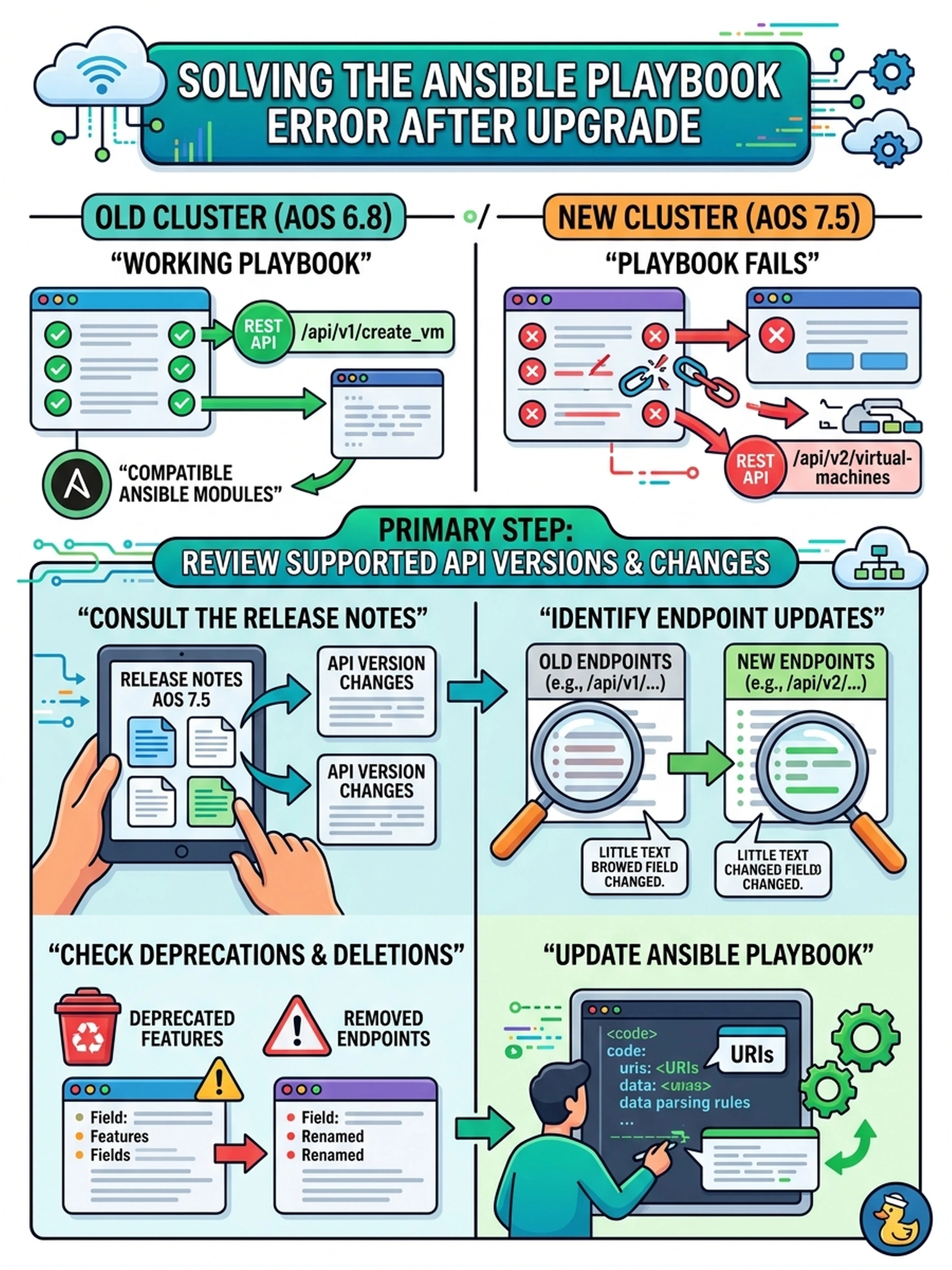
Think of an upgraded API like a new phone number for the same department: the script keeps dialing the old number and gets a 404. Check the supported API version and changed endpoints before you start blaming credentials or timeouts. That compatibility check is what stops your automation from failing after an upgrade.
Full Explanation
Automation failures immediately after an AOS or Prism Element upgrade often come from interface drift rather than broken authentication. The Nutanix REST API exposes endpoints and payload schemas that can be deprecated, renamed, or versioned between releases, so a playbook that worked on an older cluster may receive 404 responses or parse unexpected fields after the upgrade. The correct action is to confirm which API versions the upgraded release supports and review the release notes for endpoint changes, then adjust the playbook or client library accordingly. A longer timeout does not fix a missing endpoint; it only masks slow responses and would not explain schema changes. Refreshing Prism Central registration or cached credentials would address authentication or discovery problems, not a resource path that no longer exists. Switching to certificate authentication would address credential transport, not 404s caused by changed URLs or deprecated API operations. Exam caveat: do not treat every post-upgrade automation failure as a credential problem; inspect HTTP status and response body first. Operational check: run the failing REST call manually, compare the requested path and version with the supported release notes, and update the playbook to the documented endpoint.