
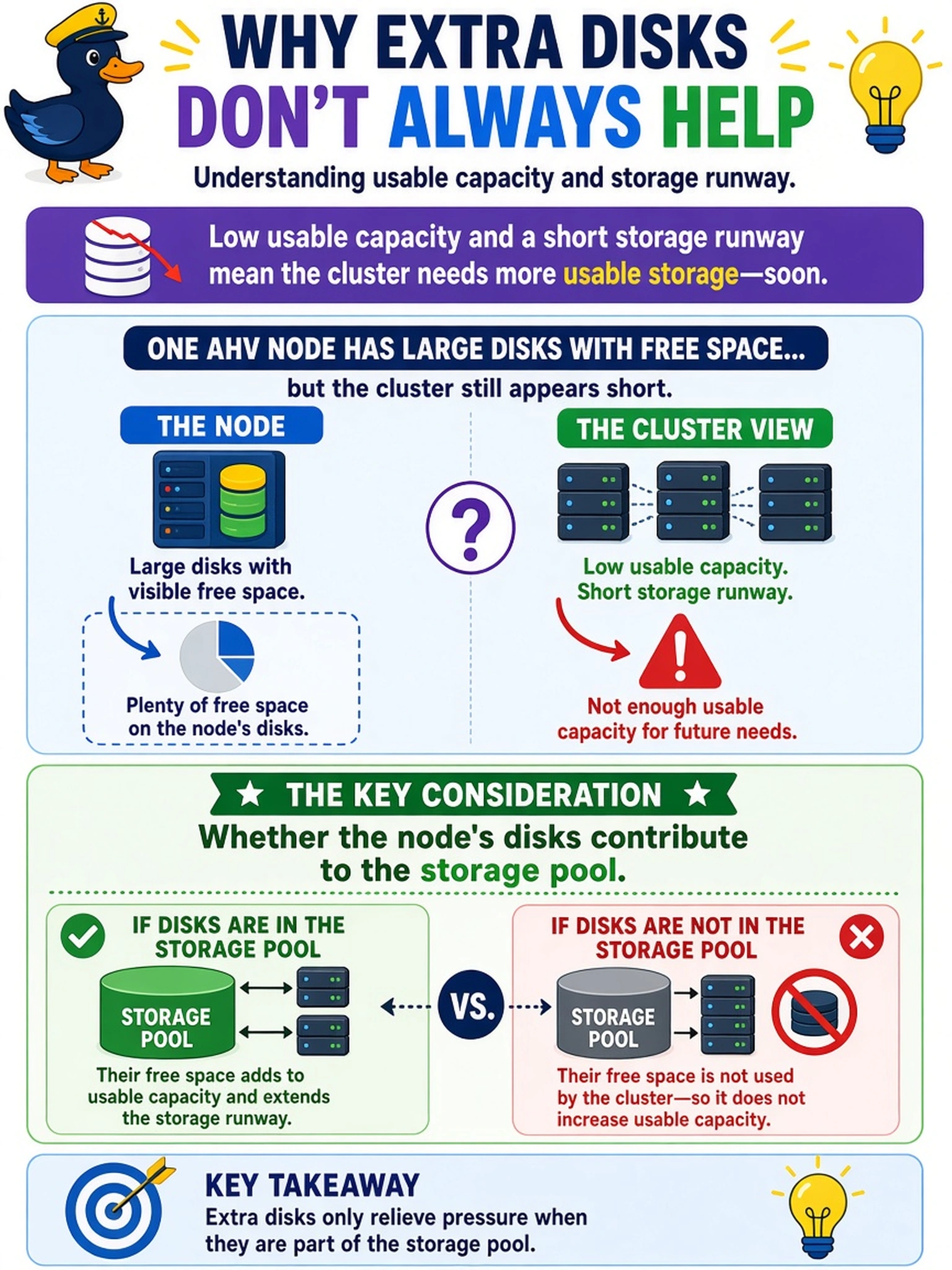
During a capacity review, Prism Central shows low usable capacity and a short storage runway. One AHV node has large disks with free space, but the cluster still appears short. Which consideration best explains why the extra disks are not relieving usable capacity?
Select an answer to reveal the explanation.
Short Explanation
Think of storage like a shared fridge: just because a shelf is empty doesn't mean it's in the kitchen. You have to confirm the node's disks are actually in the storage pool before counting them as usable capacity. If they're outside the pool, the cluster can be full while those disks sit idle.
Full Explanation
Nutanix usable capacity is derived from disks that are part of the cluster storage pool and then reduced by protection, metadata, OpLog, and container constraints. A node can have physically free disk space that never becomes cluster capacity if those disks are not included in the storage pool or otherwise not available to AOS. Therefore the first capacity-planning check is whether the disks contribute to the pool, because host count and local free space alone do not prove usable capacity has increased. Host-count comparisons are wrong because a host is not a unit of storage capacity; VM count may show demand but does not reveal why disk capacity is unavailable. Snapshot and metadata checks are useful for consumption analysis, but they do not explain why disks with visible free space fail to relieve the cluster if they are not in the pool. Assuming raw disk capacity equals usable capacity is wrong because protection factor, metadata, OpLog, and reserved space reduce what is actually available for VMs. Exam caveat: capacity questions often separate raw, usable, and consumed capacity, so choose the answer that establishes whether capacity is even present in the cluster. Operational check: inspect the storage pool disk inventory and confirm the node's disks are present, online, and counted in usable capacity before reviewing snapshots or VM placement.