
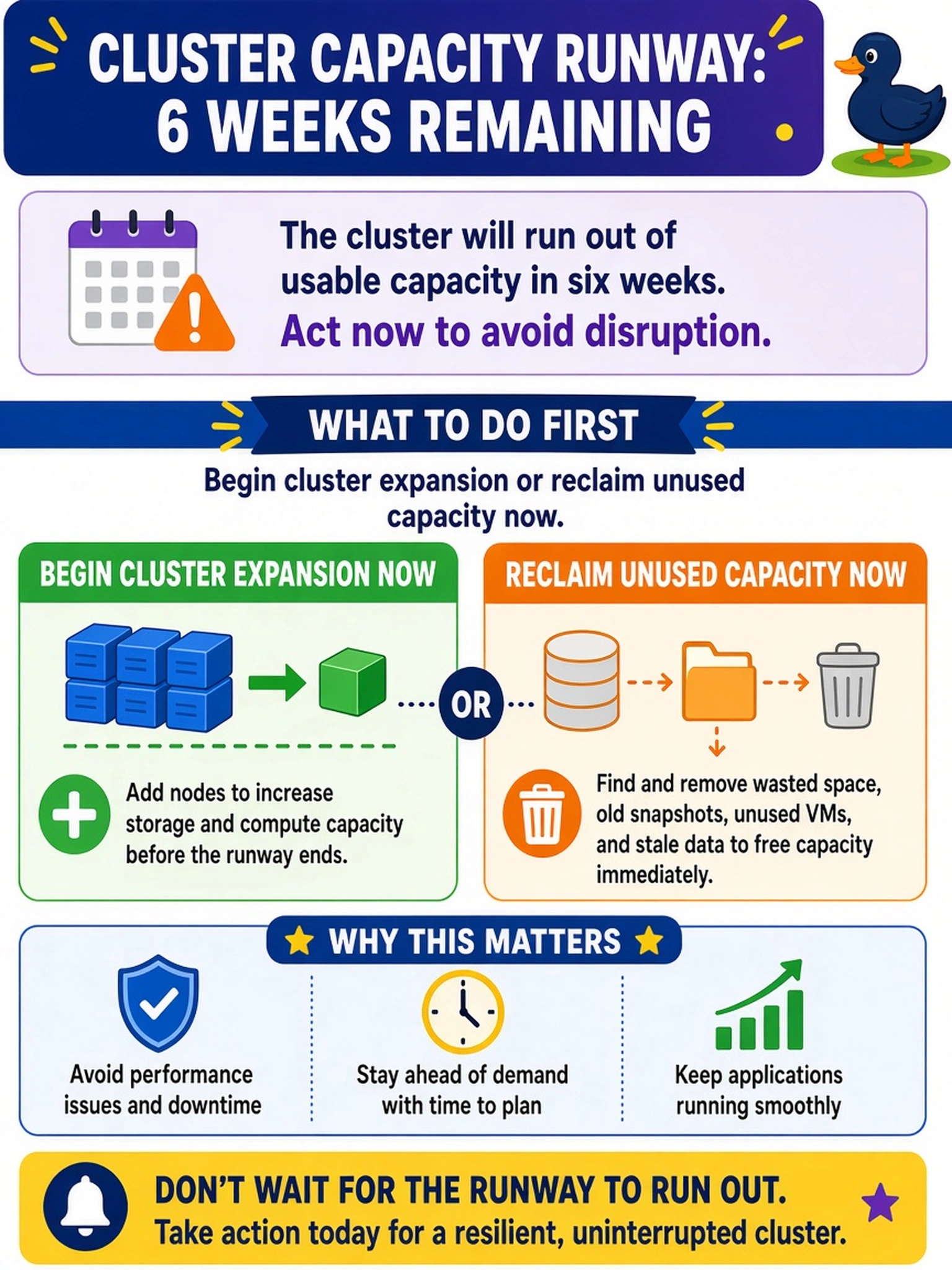
A Nutanix cluster’s capacity runway shows it will run out of usable capacity in six weeks. What should an administrator do first?
Select an answer to reveal the explanation.
Short Explanation
Think of capacity runway like a fuel gauge: if you're six weeks from empty, refuel now, not when the tank is dry. Don't wait for an alert or full exhaustion, because expansion lead time can leave you stranded. Start adding nodes or cleaning unused capacity before the forecast becomes an outage.
Full Explanation
Forecasted runway projects how long current usable capacity will last based on observed consumption, making a short runway an actionable planning signal rather than a failure event. The correct response is to begin expansion or reclaim unused capacity now because procurement, node addition, and workload cleanup consume time before they reduce pressure on the cluster. Waiting until Prism reports exhaustion is wrong because the administrator has already lost the lead time needed to add capacity, and the cluster may hit a write or allocation failure before nodes can be installed. Reducing replication factor or compression settings is wrong because those controls govern data resilience and space efficiency, not a safe capacity buffer; changing them to suppress alerts can reduce availability or mask a real growth problem. Waiting for a critical capacity alert is also wrong because alerts react to the current state, and by the time they fire the forecast may have already consumed the expansion window. Exam caveat: runway is a trend-based estimate, so validate assumptions such as growth rate and usable capacity before acting. Operational check: review current usable capacity, historical growth, and procurement or maintenance lead time in the cluster capacity view, then record the expansion or cleanup date.