
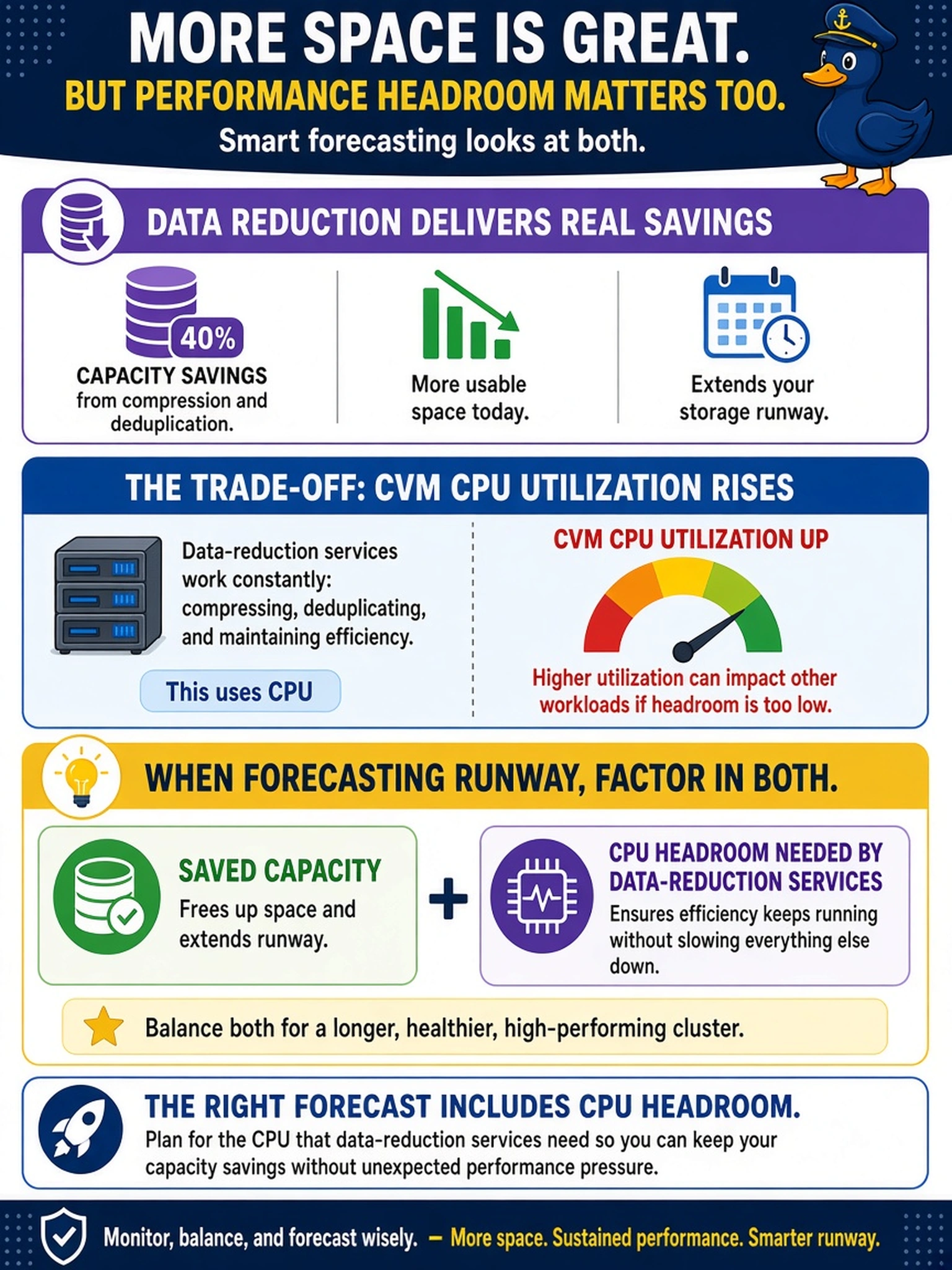
A Nutanix cluster shows 40% capacity savings from compression and deduplication, but CVM CPU utilization rises after enabling them. When forecasting runway, what should you factor in alongside saved capacity?
Select an answer to reveal the explanation.
Short Explanation
Think of capacity savings like a discount coupon: it looks great until you notice the checkout fee. Compression and deduplication reclaim disk, but CVM CPU must work harder to process data. If CPU saturates, your runway forecast is wrong even when free space looks healthy.
Full Explanation
Nutanix capacity runway must reflect both the storage capacity gained by data reduction and the CPU resources required to perform it. Compression and deduplication reduce physical footprint, but they add processing work on the cluster services that handle data placement and reduction, so sustained high CVM CPU can constrain performance and future growth even when free space appears ample. A correct forecast therefore adds CPU headroom as a required resource, not just saved terabytes. Considering only reclaimed physical capacity is wrong because it ignores the processing cost that becomes a bottleneck once CPU is exhausted. Including replication bandwidth is wrong because data reduction affects local CPU and capacity, not the amount of replication traffic by itself; bandwidth planning belongs to DR or async replication sizing. Reserving hypervisor memory for compressed VM disks is wrong because compressed data still occupies storage capacity and is processed by cluster services rather than requiring a dedicated per-VM memory reservation. Exam caveat: do not equate logical savings with usable runway; validate CPU headroom before declaring capacity healthy. Operational check: compare container free-space trend with CVM CPU utilization and CVM ready time during peak I/O, then re-forecast runway using whichever resource reaches threshold first.