
In a Nutanix AHV cluster, Prism Central performance charts show high CVM CPU and increasing write latency during a nightly batch job. The VMs use a storage container with compression and deduplication enabled. What should you do to address the performance impact?
Select an answer to reveal the explanation.
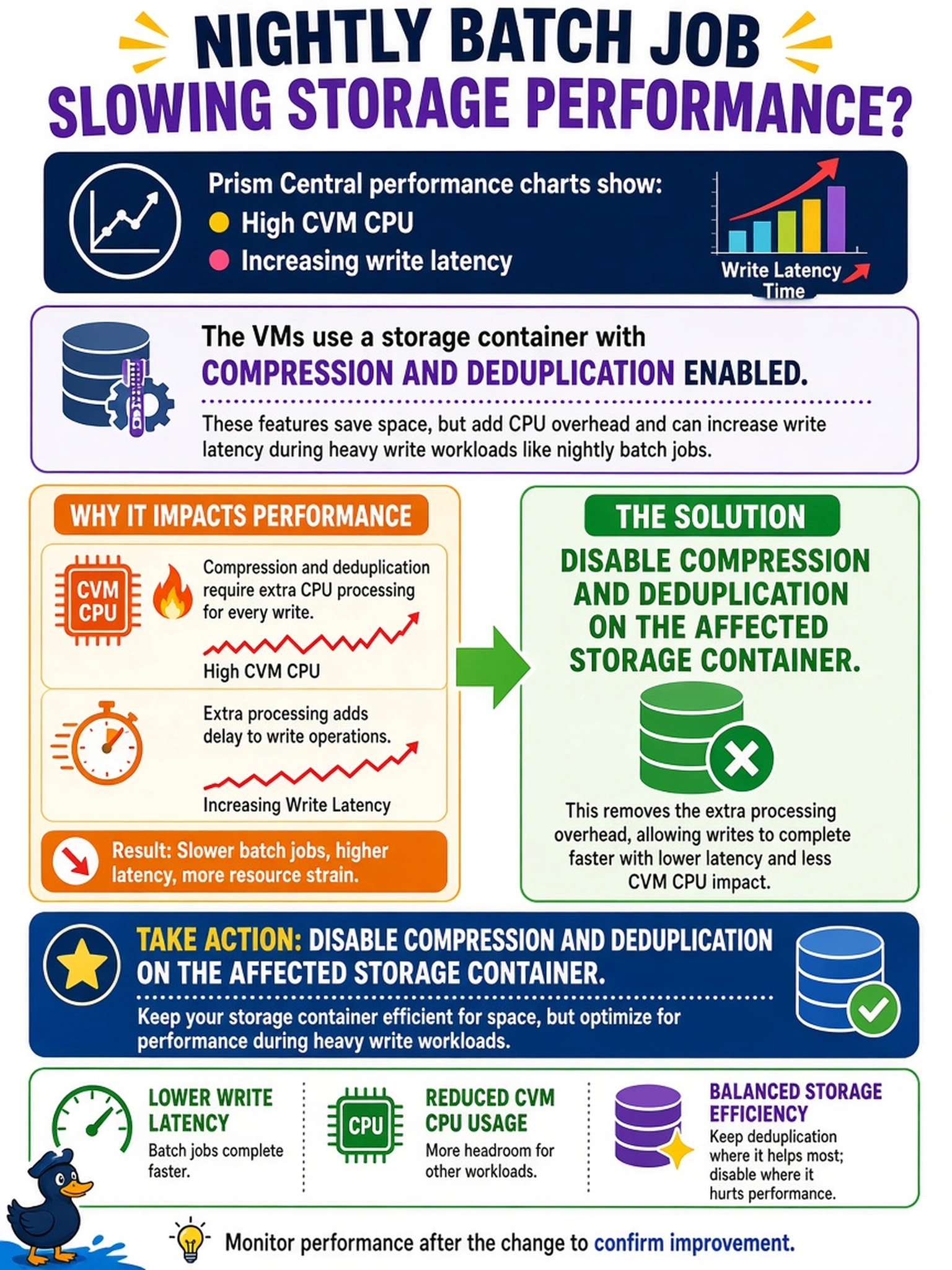
Short Explanation
Think of dedupe and compression like a busy clerk filing paperwork: it saves space, but it costs CPU time. If the clerk is slowing down your checkout line, stop making them file every page. You disable data reduction on that container for the latency-sensitive VMs.
Full Explanation
Nutanix data reduction services consume CVM CPU resources while reducing space, especially during high write rates with poorly compressible data. When write latency rises as CVM CPU climbs, the bottleneck is data-reduction overhead rather than guest CPU starvation. For latency-sensitive workloads, disable container-level compression and deduplication, accepting higher capacity use for lower CPU cost. A CPU reservation on the guest VM does not relieve CVM overhead because it schedules the application VM, not the CVM performing data reduction. Raising the container replication factor increases resilience copies and capacity usage; it does not distribute or reduce compression and deduplication CPU work. Adding more VMs to the same container increases I/O streams and data-reduction work, likely worsening CPU pressure. Exam caveat: when the exact menu label is uncertain, choose the action that removes the identified data-reduction CPU source. Operational check: disable compression and deduplication on a test container, rerun the workload, and compare CVM CPU and latency trends before changing production containers.