
During a weekly review, Prism Central shows a replication lag alert for a protection domain protecting several VMs between two Nutanix clusters. What does this alert primarily indicate?
Select an answer to reveal the explanation.
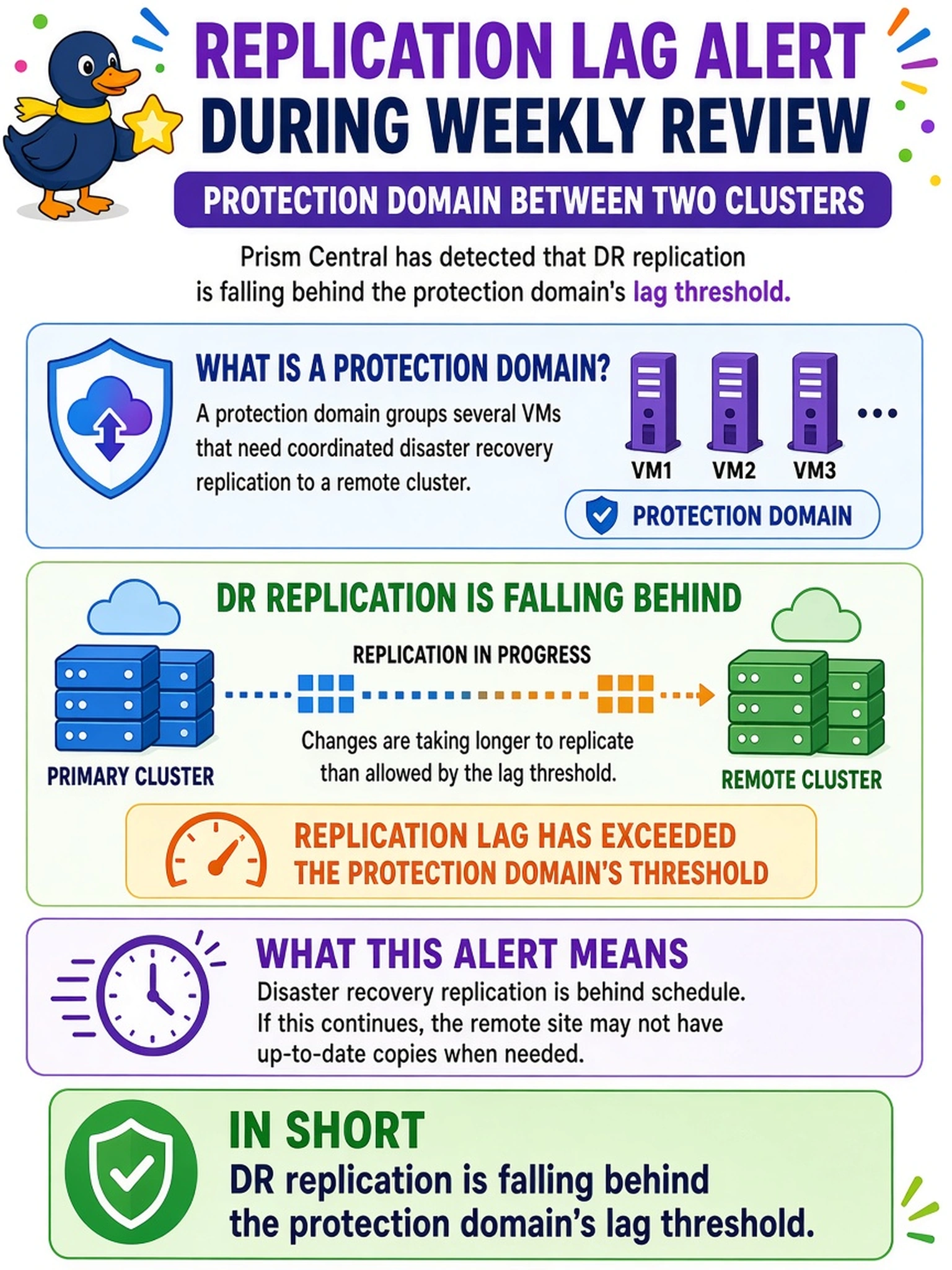
Short Explanation
Think of a replication lag alert like a missed heartbeat between sites: the data is still there, but the copy is getting stale. If Prism Central says a protection domain is lagging, you are looking at DR health, not a local snapshot or certificate problem. That alert tells you the remote copy is drifting past the threshold you set.
Full Explanation
A replication lag alert is raised when a protection domain copy exceeds the configured lag or RPO threshold. The monitoring plane evaluates replication status and alerts administrators to investigate WAN bandwidth, target capacity, or CVM/Stargate load. It signals DR health: the source site may serve VMs normally while the remote copy becomes too stale.
A failed local snapshot caused by an invalid retention policy is a different event. Local snapshots are source-side point-in-time copies; retention problems affect snapshot availability or cleanup, not measured source-to-target replication lag.
An expired certificate on a CVM or Prism component can break secure communication and cause monitoring to fail. That condition surfaces as authentication, certificate, or connectivity errors, not as a protection domain lag threshold being crossed.
A degraded AHV network bond can increase latency and may indirectly slow replication if the network path is the bottleneck. A bond failover by itself is a host networking health event; the replication lag alert directly indicates the remote copy exceeded its allowed lag.
Exam caveat: Do not confuse a replication lag alert with a failed snapshot or general NCC cluster health failure. Operational check: Review the protection domain's replication status, lag graph, and configured RPO, then verify target capacity and network health before failing over.