
An administrator deploys a VM from a template in a Nutanix project. The template has categories Environment:Prod and App:ERP assigned before deployment. After deployment, what happens to those categories on the new VM?
Select an answer to reveal the explanation.
Short Explanation
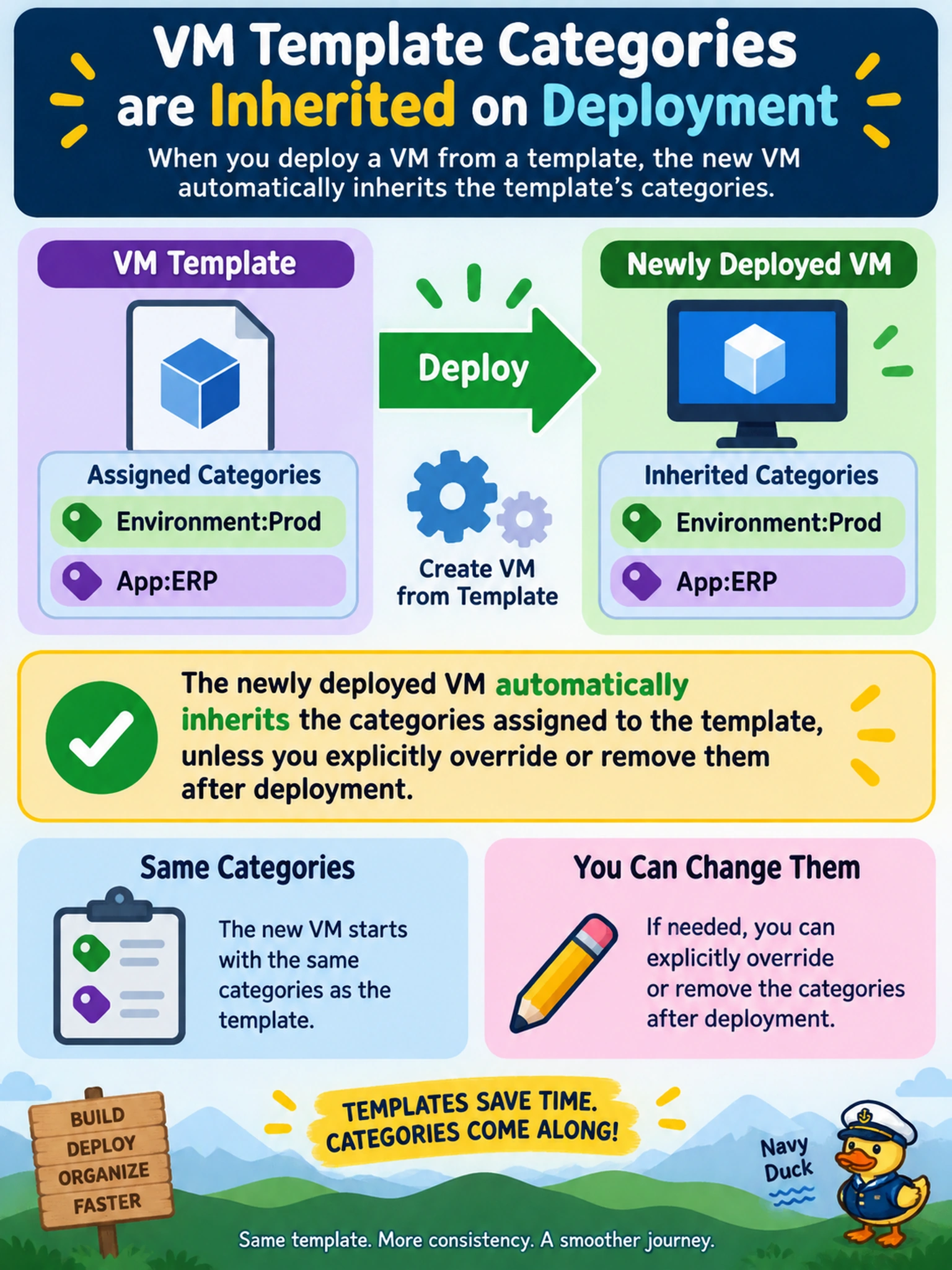
Think of a template like a cookie cutter with a label already stamped on it. When you press it into dough, the cookie comes out with that label, and you can scrape it off later if you want. That's category inheritance — the VM gets the template's categories automatically, so don't assume you have to re-tag every deployment.
Full Explanation
Categories are key-value metadata objects that can be assigned to Nutanix entities such as VMs and templates, and they are used for self-service placement, reporting, and policy grouping. When a VM is deployed from a template, the template's category assignments are propagated to the new VM as part of creation, because the template serves as a reusable definition of workload identity. Inherited categories can be edited later, but no extra tagging is required for the VM to appear in the template's category groups.
Templates can carry categories, so metadata is not limited to powered-on VMs. Inheritance is not delayed until first power-on, because the VM receives metadata when it is created from the template. Manual reapplication is also unnecessary for initial placement, since categorized templates already provide consistent self-service classification.
Exam caveat: Category inheritance concerns metadata propagation from template to VM, not project membership, resource policies, or replication enforcement. Operational check: Deploy a test VM from a categorized template and verify the expected key-value categories appear before scaling the deployment. This confirms inheritance without relying on automation or manual tagging.