
A latency-sensitive database VM on AHV must use RF2. Which storage placement best matches the workload’s performance class?
Select an answer to reveal the explanation.
Short Explanation
Think of containers like parking lanes: put the fast car in the lane without speed bumps. If you toss a latency-sensitive VM onto a compressed container, you’re paying for space savings with extra work. Pick the container whose settings match the workload, not just the one with free space.
Full Explanation
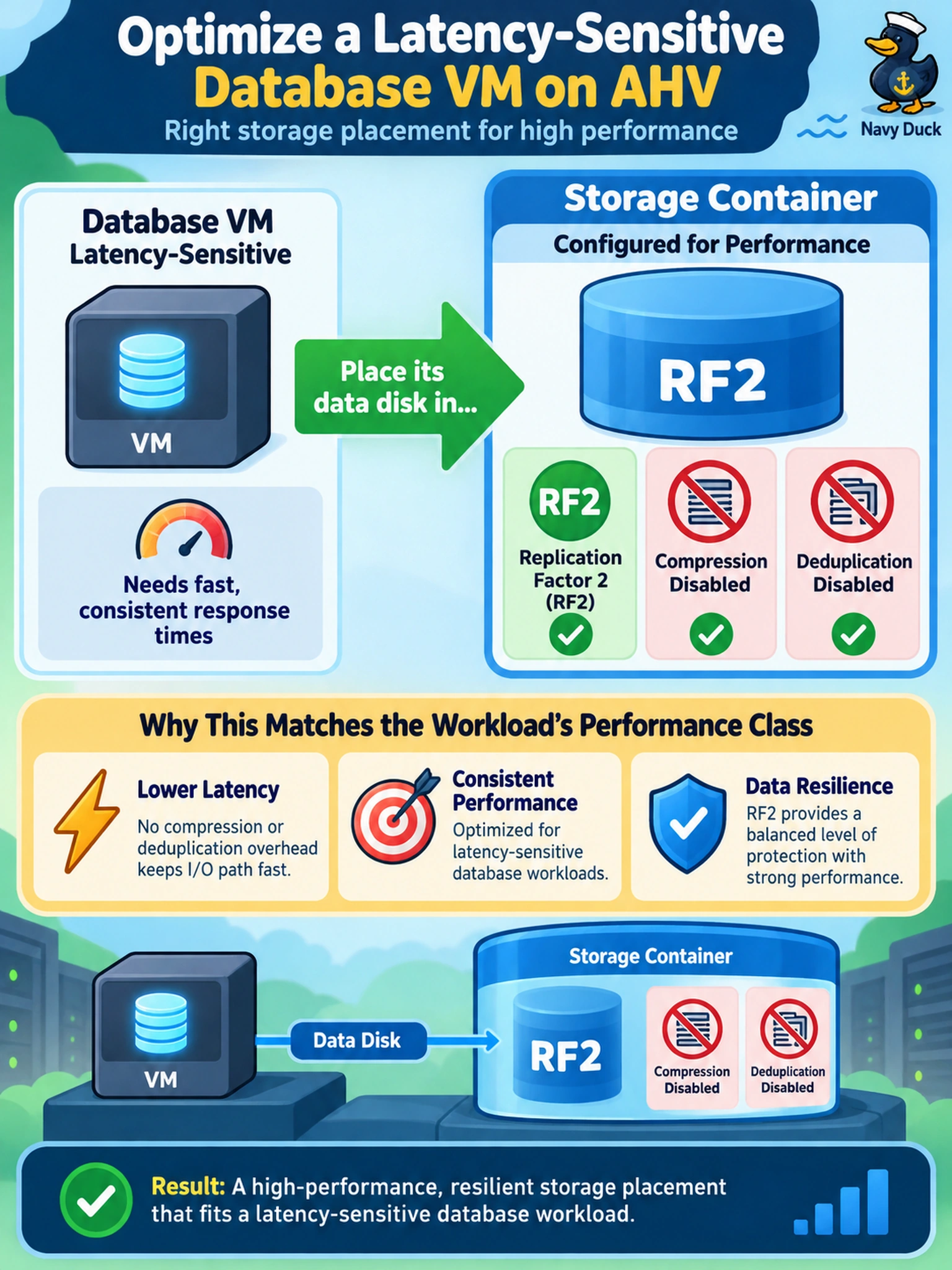
In Nutanix AHV, a VM disk is placed on a storage container, and the container’s configured data services determine the performance and resilience behavior of that disk. For a latency-sensitive workload with an RF2 requirement, the correct placement is a container that enforces RF2 and leaves compression and deduplication disabled. Compression and deduplication save capacity, but they add CPU and processing overhead, which can harm random small I/O and low-latency database access. An RF3 container with compression enabled is wrong for two reasons: it applies the wrong redundancy level and it turns on a data service that increases overhead. An RF2 container with compression enabled still meets redundancy but not the performance class, because compression remains enabled. An RF1 container with deduplication disabled is wrong because it does not satisfy the required RF2 availability target. Exam caveat: when a question names a storage policy, treat the policy as the mechanism that maps a workload to a container with the right RF and data-service settings. Operational check: before attaching or moving a disk, review the container’s RF, compression, deduplication, and erasure coding settings in Prism and confirm they match the workload requirement.