
You need to test a Windows patch on a production AHV VM without changing the running source workload. Which action gives you a disposable copy for the test?
Select an answer to reveal the explanation.
Short Explanation
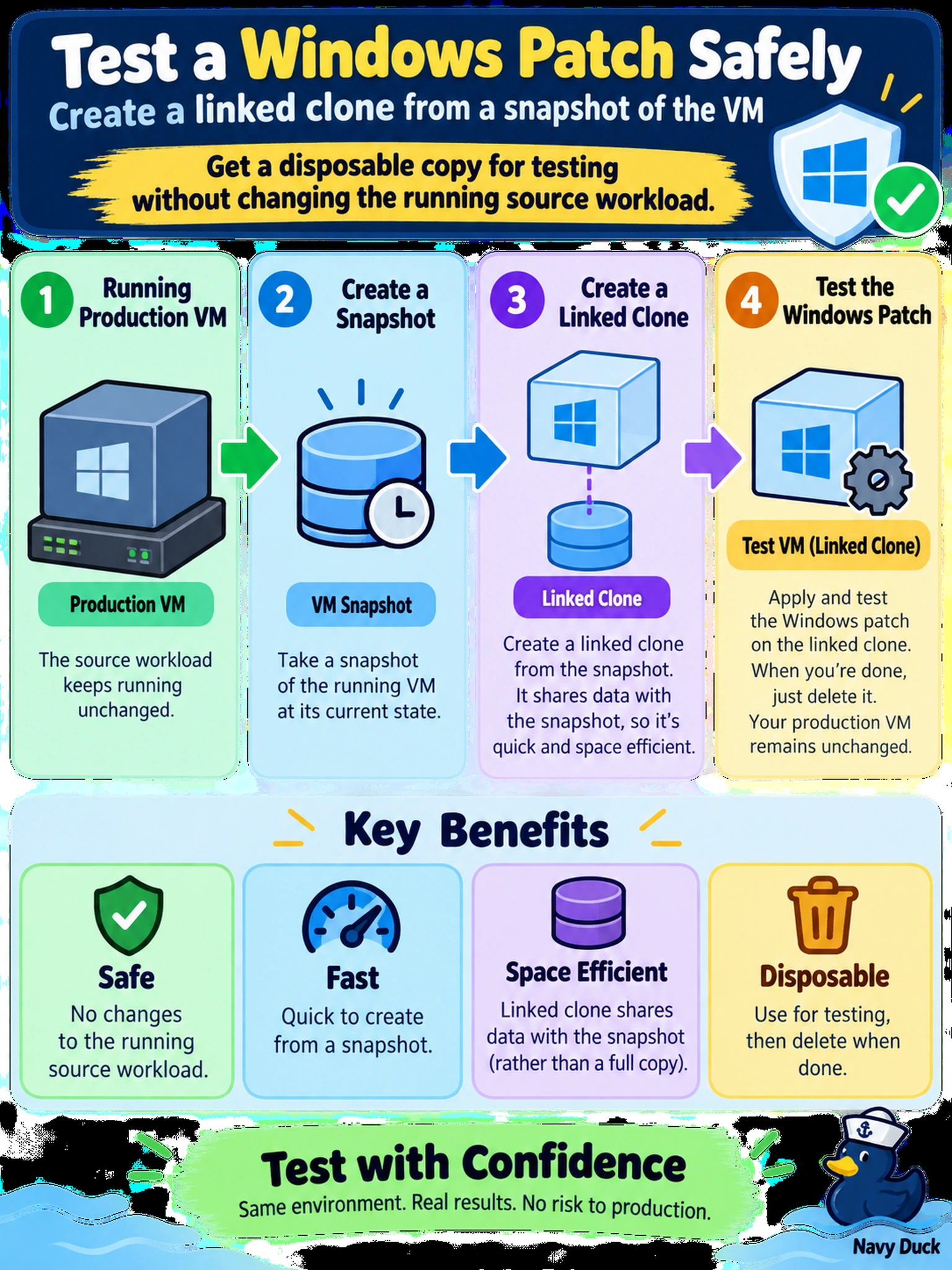
Think of a linked clone like a scratch copy of your VM: it starts from a parent snapshot, so your production box keeps running untouched. If you patch the production VM and rely on a snapshot to undo it, you’re gambling with live data. Use the clone for testing and leave the source alone.
Full Explanation
A linked clone is the appropriate mechanism for a disposable patch test because it creates a separate virtual machine whose base disk is derived from a snapshot of the source VM. The production VM continues to run and write to its own disks, while the clone stores only new changes in its own delta files. This makes the test isolated and inexpensive from a storage and time perspective, as long as the clone is removed after testing. A production snapshot followed by patching the source VM is not a copy strategy; it mutates the live workload and relies on a rollback to undo changes, which is unsafe for a running service. A template from a running VM is intended for standardized provisioning, not for one-off validation, and may require a stopped or generalized VM depending on platform rules. Exporting an OVA, modifying it, and re-importing over the source VM is a destructive replacement path rather than a disposable test copy. Exam caveat: choose the answer that creates an isolated VM from a source state without altering that source state. Operational check: verify the clone's parent snapshot exists, patch only the clone, then delete the clone after testing.