
An administrator has a configured AHV VM in Prism Central and needs a reusable deployment source for multiple new VMs, without changing the original VM. Which workflow should be used?
Select an answer to reveal the explanation.
Short Explanation
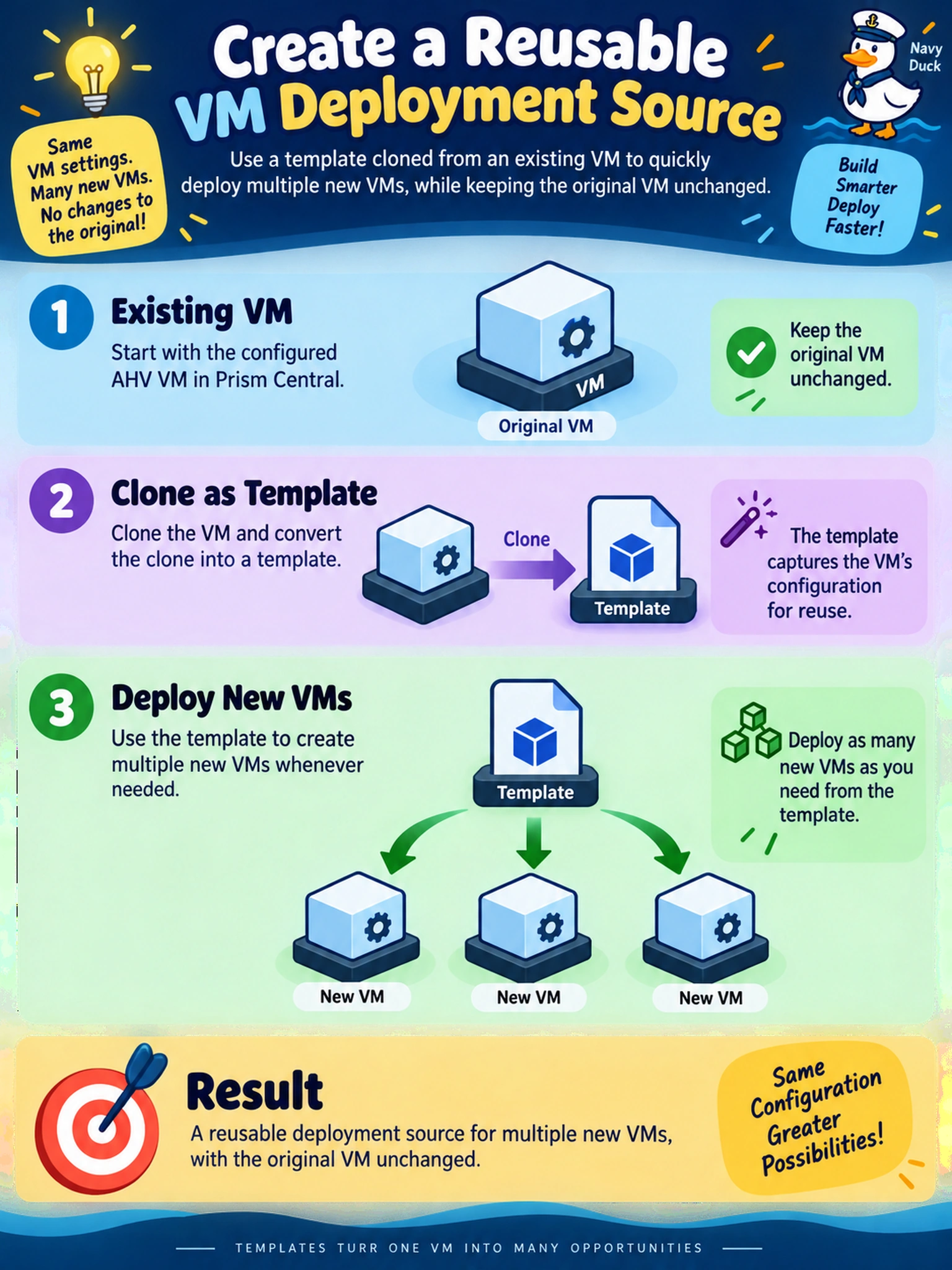
Think of a template like a master key: you clone the finished VM into a reusable source instead of copying the running machine every time. Snapshots protect a VM's current state, not create a deployment source, so don't confuse backup with provisioning.
Full Explanation
In Nutanix AHV, a template is a VM object marked for deployment use, so converting a configured VM into a reusable source is done by cloning it as a template rather than copying it repeatedly. This keeps the original VM intact while the clone carries the disks and configuration as a golden source for new VMs. It also allows guest customization during provisioning. A snapshot restores a VM to a point-in-time state and belongs to data protection; using it as a deployment source bypasses template lifecycle and can preserve runtime state or identity unexpectedly. Image Service stores boot media or operating-system images for provisioning, but it is not the workflow for turning an already configured VM into a Nutanix VM template. Move VM changes placement across hosts or clusters and does not alter the object type or create a deployment source. Exam caveat: the exact menu wording can vary by Prism version, so focus on the concept: create a template from the VM without modifying the original. Operational check: deploy one test VM from the new template and confirm customization settings and application state before using it for production workloads.