
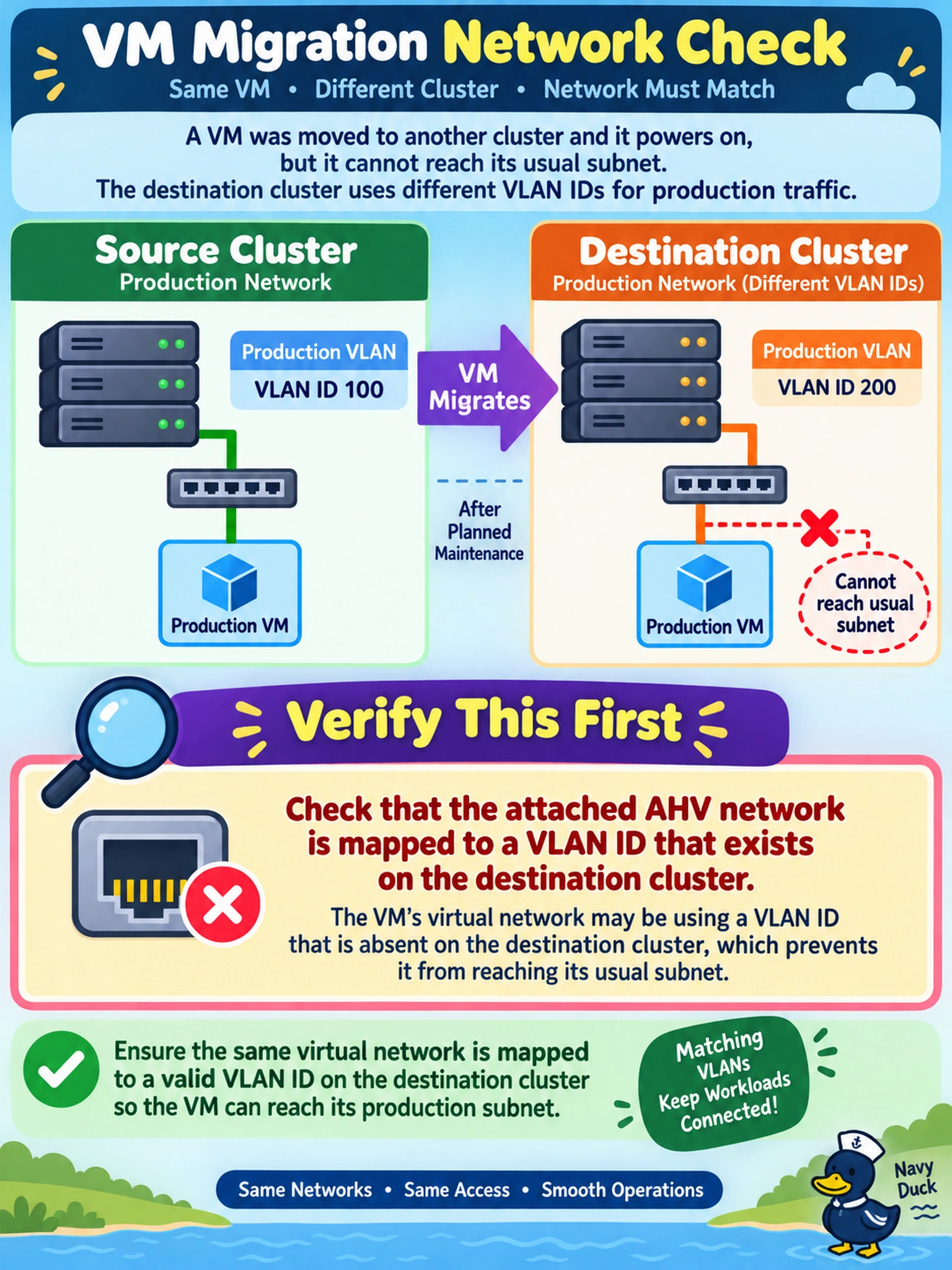
A production VM on AHV is migrated to a second cluster after planned maintenance. The VM powers on and responds to console, but it cannot reach its usual subnet. The destination cluster uses different VLAN IDs for its production traffic. Which issue should you verify first?
Select an answer to reveal the explanation.
Short Explanation
Think of a VLAN like a street address for the VM's virtual switch. If the new cluster doesn't have that address configured, the VM boots fine but can't deliver frames to its subnet. You should check the network mapping first, not the guest OS.
Full Explanation
AHV VM networking is tied to a cluster-local network object and the VLAN or bridge that object maps to on the hosts. When a VM migrates to a cluster with a different VLAN design, the guest may still show an IP address, but the virtual switch cannot place frames on the correct segment if the destination network definition does not carry the required VLAN ID. Verifying the VM network attachment and destination AHV network/VLAN mapping isolates the fault before changing guest settings. A regenerated MAC address is not expected during a normal migration; MAC changes require explicit reconfiguration and would point to switch security or DHCP reservations, not the VLAN design itself. A CVM data-path or Stargate disk-serving problem would manifest as storage latency, failed disk access, or VM power-on issues, not as a VM that boots but cannot reach its subnet. Flow security policies can block traffic, but they operate at policy scope and must be inspected as a separate layer; they do not explain a fault that appears specifically after moving to a cluster whose VLAN configuration differs. Exam caveat: distinguish guest IP configuration from L2 network mapping when a migration crosses clusters with different network topologies. Operational check: compare the VM connected network name and the destination cluster network/VLAN configuration, then correct or recreate the network mapping if needed.