
In Prism Central, a support team needs to create, power-cycle, and delete VMs, but must not change networking, storage policies, or cluster settings. Which approach best enforces least privilege?
Select an answer to reveal the explanation.
Short Explanation
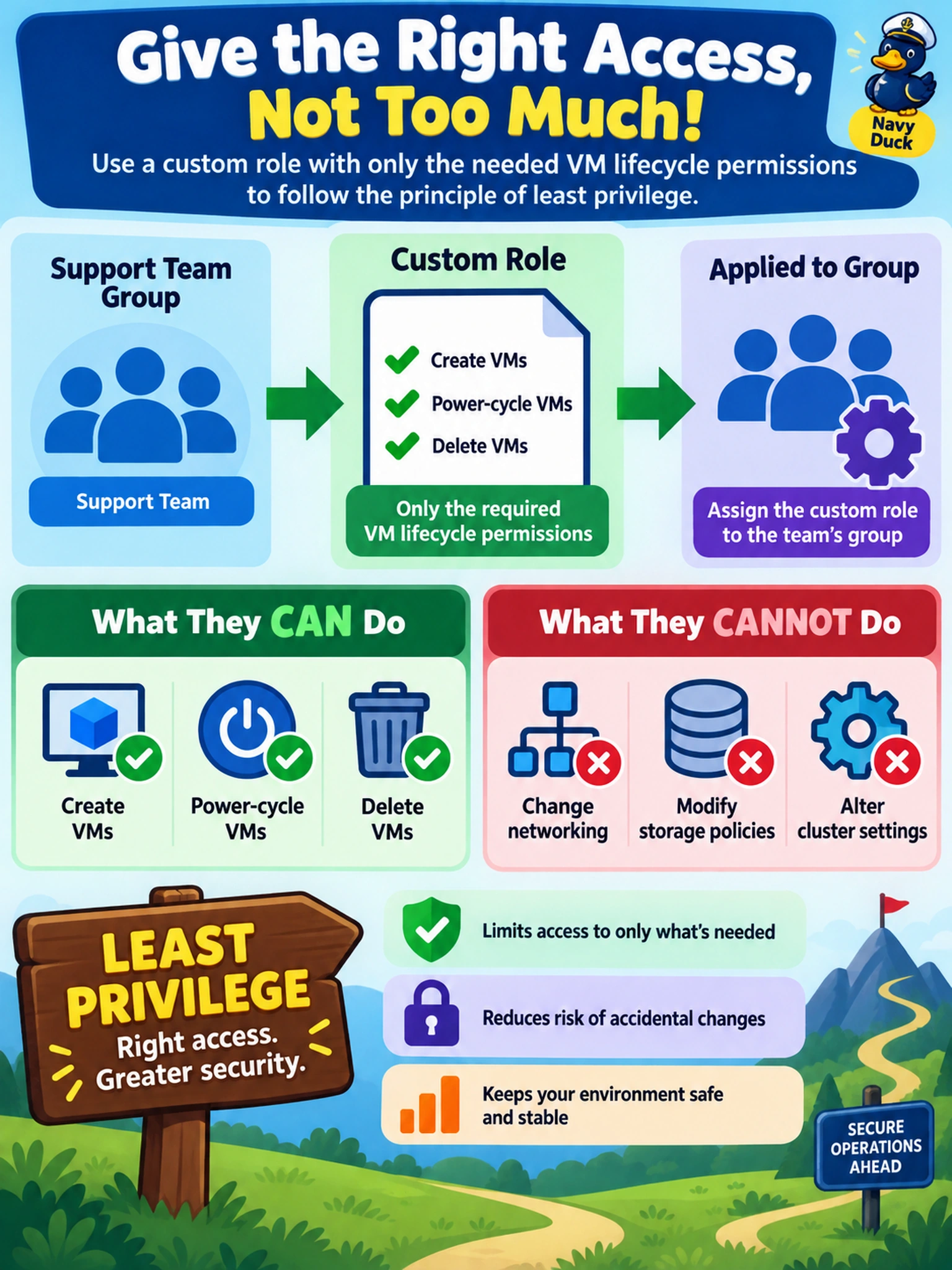
Think of roles like a badge: give the crew exactly the doors they need, not the master key. If you edit the Admin role to make it safer, you've just changed global admin for everyone — the trap is trying to fix least privilege by weakening a built-in role. Use a custom role and bind it to the team's group.
Full Explanation
Nutanix role-based access control separates identity from privilege: permissions are bundled into roles, and roles are assigned to users or groups. For a team that only needs VM lifecycle actions, a custom role should contain the minimum permission set required to create, power-manage, and delete VMs, then be assigned to the team's group so membership changes inherit the same access. This preserves least privilege while keeping administration manageable. Granting a built-in administrative role to VM support staff defeats least privilege because administrative roles are designed for full cluster or Prism management, not narrowly scoped VM operations. Editing a built-in administrative role is unsafe because that role is shared by system administrators and automation workflows; reducing its permissions can break legitimate operations, upgrades, and monitoring. Assigning individual permissions directly to each user without a role fragments policy, makes audits difficult, and increases the chance of inconsistent access as staff join or leave. Exam caveat: when a question emphasizes least privilege and repeated VM lifecycle tasks, choose a custom role assigned to a group over built-in admin or per-user grants. Operational check: confirm the group contains only intended members, verify the custom role grants only VM lifecycle permissions, and test that storage or networking changes are denied.