
A Nutanix administrator must configure storage containers, network bridges, and local alerts on a single AHV cluster without using a centralized console. Which interface should be used for these cluster-local tasks?
Select an answer to reveal the explanation.
Short Explanation
Think of Prism Element as the control room for one cluster, while Prism Central is the headquarters for many. If you need to configure containers, bridges, or local alerts on that single cluster, you go to Prism Element—not the central console. The trap is assuming every Nutanix management task starts in Prism Central.
Full Explanation
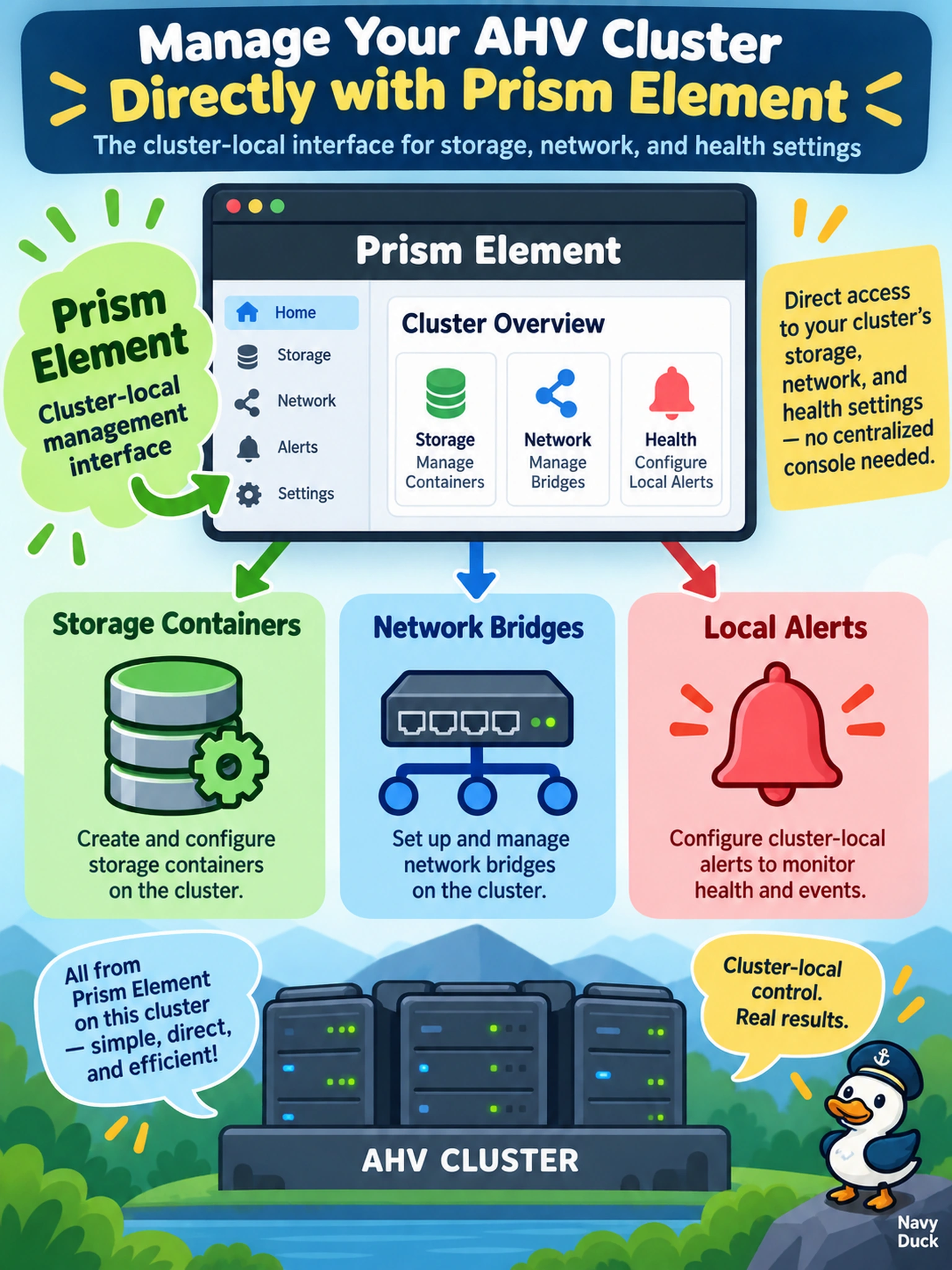
Prism Element is the cluster-local management plane for Nutanix clusters. It exposes the storage, networking, virtualization, and health configuration of the cluster on which it runs, so container creation, bridge configuration, VLAN settings, and local alert viewing are performed there when a single cluster is managed directly. Prism Central is not the correct interface for this task because it is a centralized management console for multiple clusters and aggregate operations, not the local cluster configuration plane. A Prism Element API is a programmatic interface to cluster objects, useful for automation, but it is not the interactive management interface implied by configuring containers, bridges, and alerts. Prism Central alerts are an aggregated monitoring feature for managed clusters, not a place to create or manage the underlying cluster-local objects. Exam caveat: Nutanix distinguishes cluster-local Prism Element management from multi-cluster Prism Central administration, and tasks tied to a single cluster's native objects usually belong to Prism Element. Operational check: Open Prism Element for the target cluster and confirm you can list storage containers, view AHV network bridges, and view local health alerts before escalating to Prism Central.