
An administrator notices that post-process compression and EC-X conversion are not completing on a container after recent writes. Which Nutanix AOS component should be checked because it performs these background storage optimization and data-reduction tasks?
Select an answer to reveal the explanation.
Short Explanation
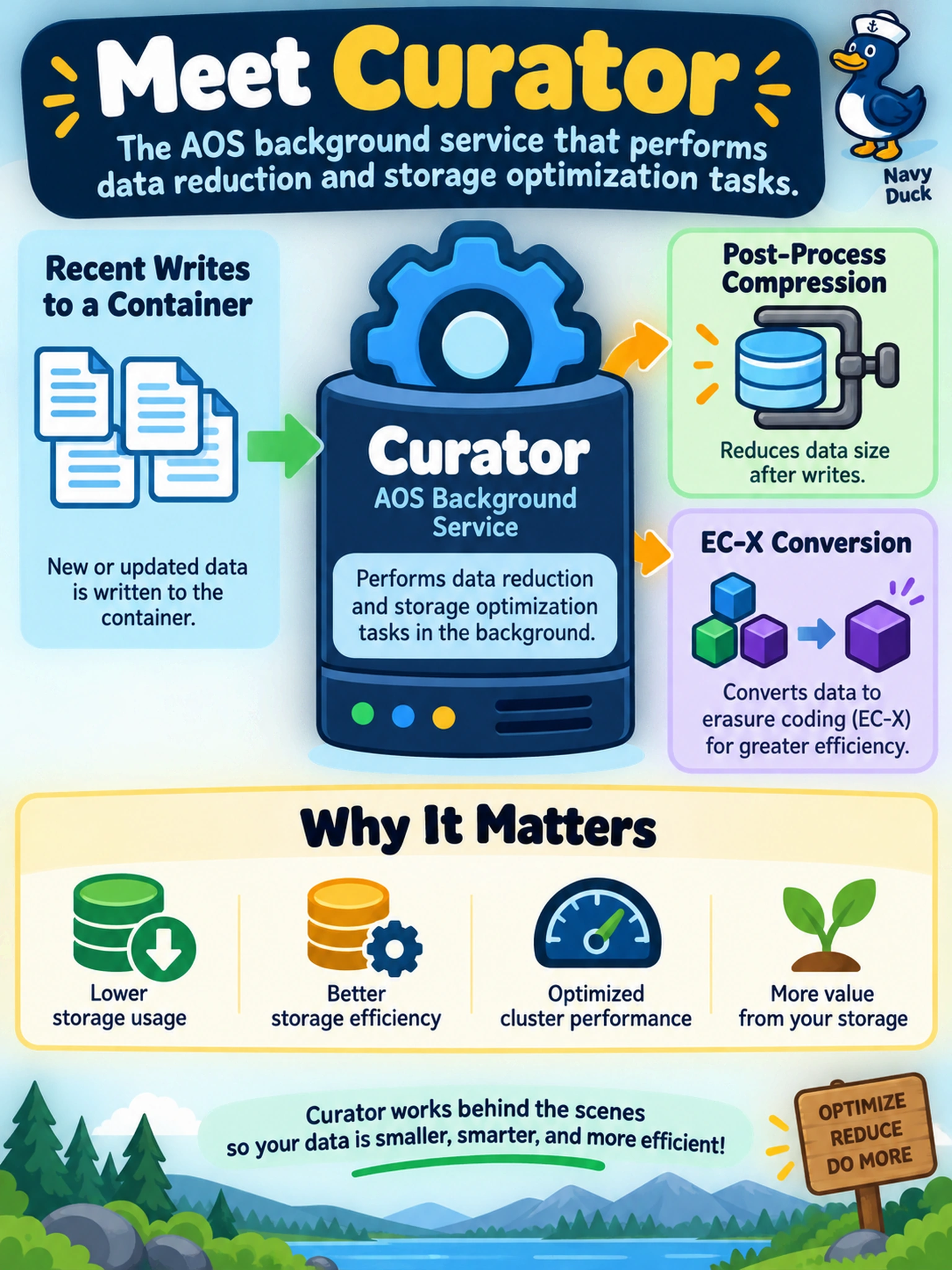
Think of Curator as the night-shift janitor for your AOS cluster: it sweeps through post-process work like data reduction and EC-X conversion. If background optimization stalls, look at Curator, not the front-door services like Stargate or Prism. The trap is blaming the I/O path when the job is actually a background task.
Full Explanation
Curator is the AOS background service responsible for post-process storage optimization and data-reduction work, including tasks that operate on already written data rather than on the synchronous I/O path. When a container shows incomplete post-process compression, deduplication, or EC-X conversion, Curator is the component that carries out those deferred jobs, so it is the first service to inspect when background optimization does not progress. Stargate is not the correct answer because it primarily serves VM I/O, routes requests to data locations, and participates in the online data path; it does not own deferred background data reduction. Zookeeper is also wrong because it coordinates distributed cluster state and leader election for AOS services, not storage optimization jobs. Prism Element and Prism Central provide management visibility and workflow entry points; they may display status or trigger actions, but they are not the background service that performs data reduction. Exam caveat: choose the service that performs the work, not the UI that shows the work or the I/O service that handles live requests. Operational check: inspect Curator status and logs for the affected CVM, confirm the container has the intended optimization setting enabled, and verify whether post-process jobs are queued, delayed, or failing.