
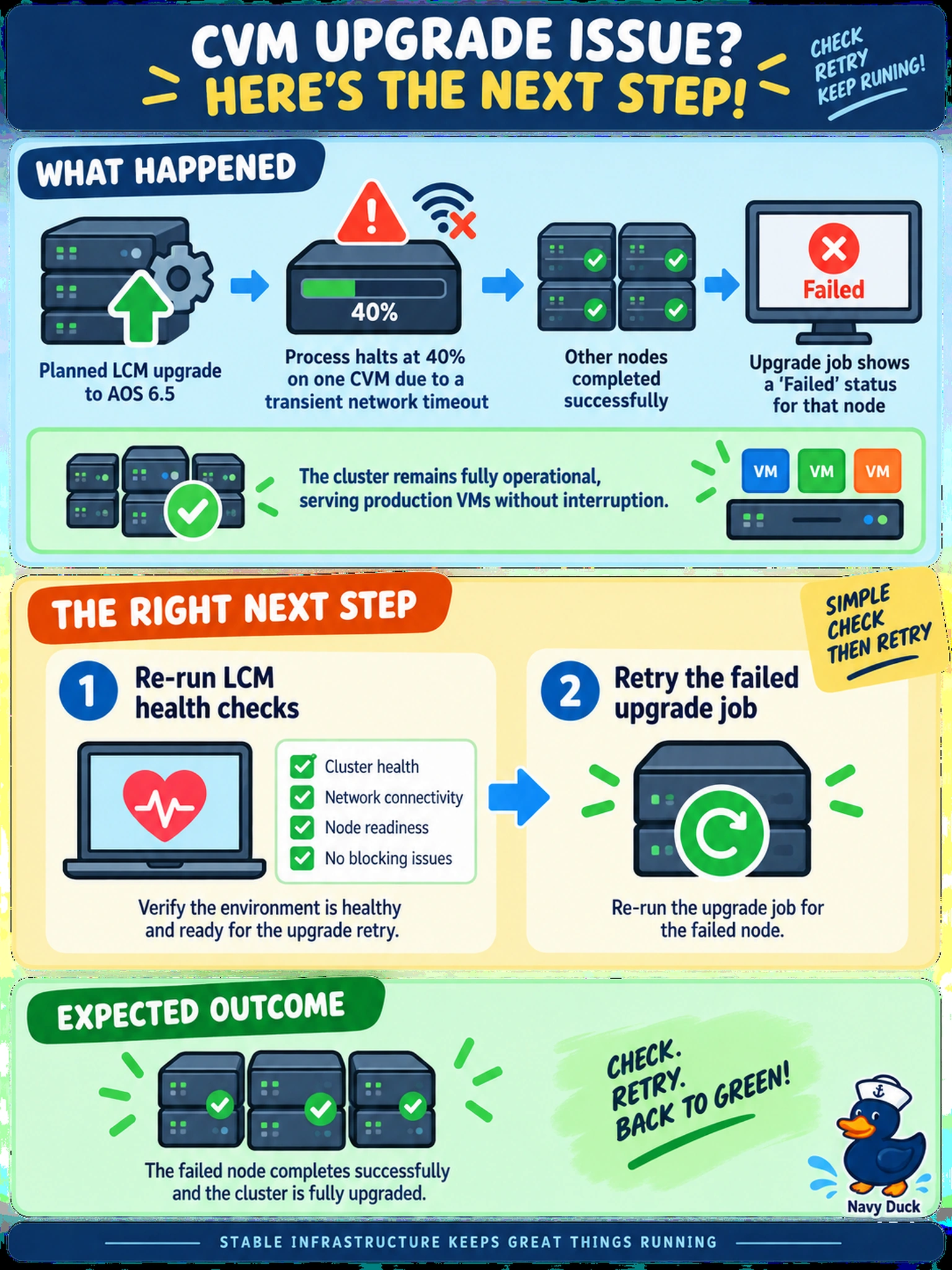
During a planned LCM upgrade to AOS 6.5, the process halts at 40% on one CVM due to a transient network timeout. The cluster remains fully operational, serving production VMs without interruption. The upgrade job shows a 'Failed' status for that node, but the other nodes completed successfully. What is the correct next step?
Select an answer to reveal the explanation.
Short Explanation
Think of a failed node during an upgrade like one runner tripping in a relay: if the cluster is still healthy, you don't throw in the towel. Re-check LCM health, then retry the job. Rolling back a running cluster for one transient timeout is the trap.
Full Explanation
Nutanix Lifecycle Manager upgrades nodes sequentially and is expected to tolerate transient failures on a single node when the cluster remains available. A partial failure does not mean the cluster is unhealthy; it means one CVM did not complete the workflow. This preserves workload availability while restoring the intended version sequence. The cluster's current availability is evidence against rollback.
Rolling back the whole cluster is wrong because mixed AOS versions are supported during an upgrade window, and rollback introduces unnecessary downtime and risk when production services remain available. Manually forcing the upgrade service on a CVM is unsupported because it bypasses LCM orchestration, version coordination, and pre/post checks, potentially leaving inconsistent CVM state. Rebooting the failed CVM may address a host network issue, but it is not the LCM workflow and does not replace health validation before retry.
Exam caveat: choose the least disruptive action that follows LCM state and cluster health, not the most dramatic recovery. Operational check: open Prism Element LCM, inspect the failed node status, run health checks, then retry the upgrade job.