
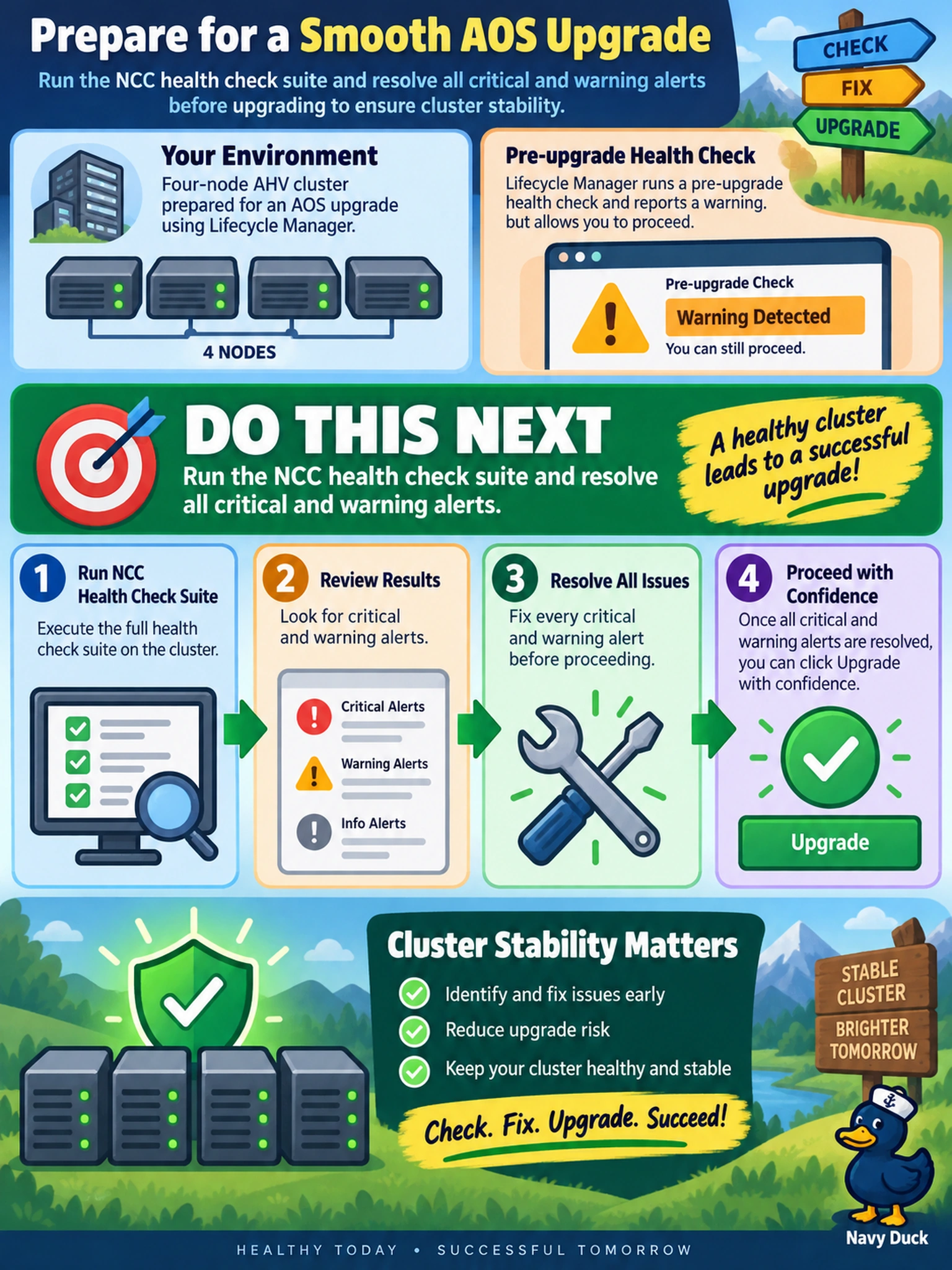
You are preparing a four-node AHV cluster for an AOS upgrade using Lifecycle Manager. The LCM pre-upgrade health check reports a warning but allows you to proceed. Before clicking 'Upgrade', what is the most appropriate action to ensure cluster stability?
Select an answer to reveal the explanation.
Short Explanation
Think of an LCM upgrade like a major surgery: you don't go in with a known infection. That warning is your cluster saying something's off, so run NCC and fix the root cause before touching the upgrade button. Don't assume the upgrade will heal it; the safe path is a clean health report first.
Full Explanation
LCM is the supported path for AOS upgrades, but its pre-checks are not a substitute for a full cluster health assessment. NCC evaluates core cluster services, storage consistency, CVM health, and configuration conditions that can make a rolling upgrade unsafe. Resolving critical and warning alerts before starting LCM reduces the chance of a failed pre-check, interrupted node reboot, or post-upgrade instability. Raising replication factor is a data-protection change, not an upgrade prerequisite; it may consume capacity and still leaves unhealthy services unrepaired. Shutting down VMs is unnecessary because LCM coordinates live migration and graceful node maintenance, so workload I/O is not the control point for a healthy upgrade. Restarting CVMs manually can mask transient symptoms or disrupt cluster coordination and is not a recommended pre-upgrade step. Exam caveat: choose the action that validates cluster health through the supported Nutanix health tool before changing software. Operational check: run ncc health_checks run_all, review the report, fix all critical and warning items, then rerun it until it returns success before starting LCM.