
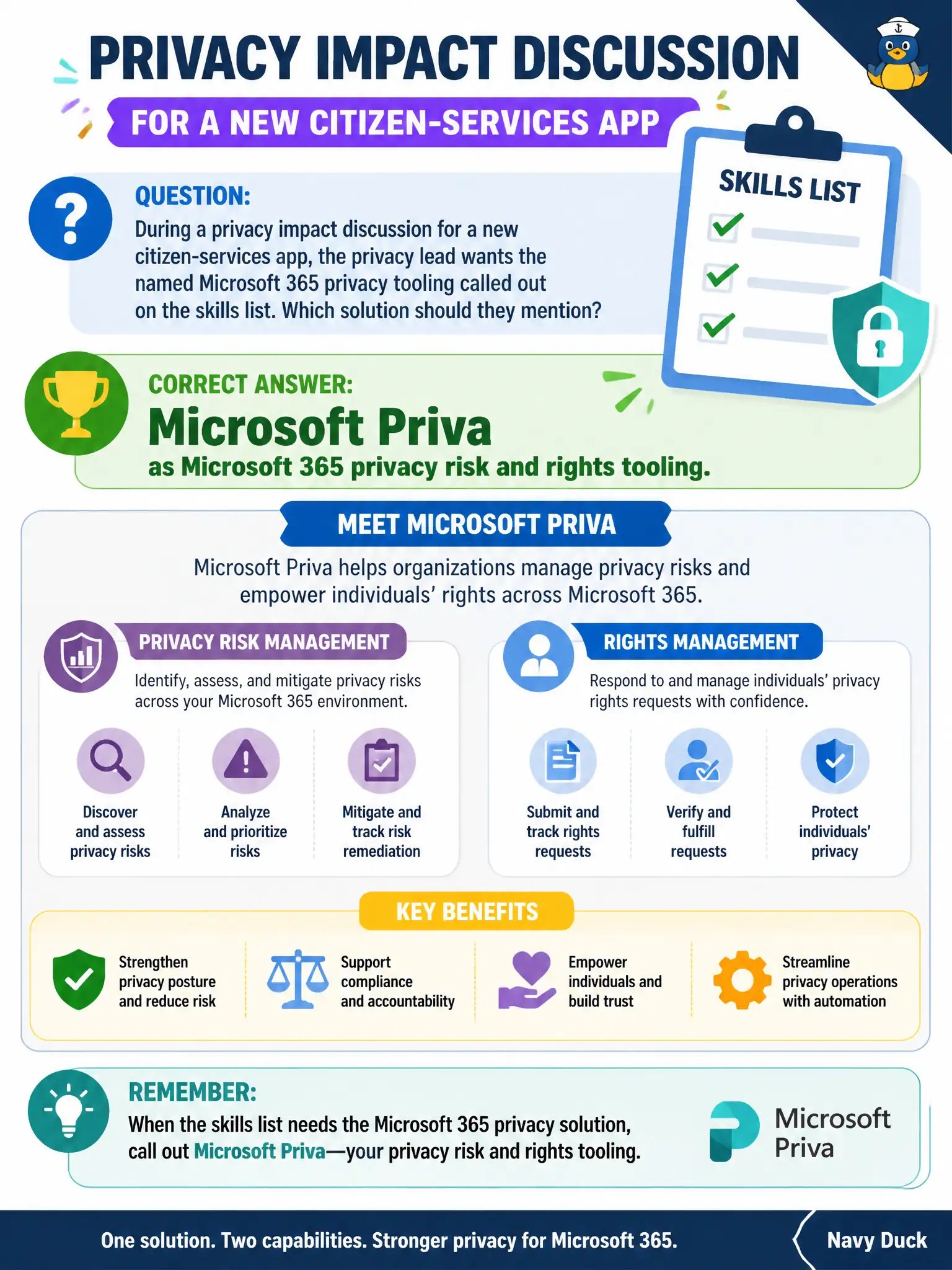
During a privacy impact discussion for a new citizen-services app, the privacy lead wants the named Microsoft 365 privacy tooling called out on the skills list. Which solution should they mention?
Select an answer to reveal the explanation.
Short Explanation
When the privacy team asks for Microsoft’s privacy-named toolbox in Microsoft 365, the answer is Priva—not booking appointments or streaming videos.
Full Explanation
During a privacy impact discussion for a new citizen-services app, the named Microsoft 365 privacy tooling on the skills list is Microsoft Priva as privacy risk and rights tooling. Privacy leads should call out Priva when they need Microsoft’s privacy-focused capabilities rather than adjacent productivity or update products.
Microsoft Bookings is not the primary privacy risk platform. Windows Autopatch is not the subject-rights request engine. Microsoft Stream is not the default privacy governance suite for personal-data risk in Microsoft 365.
Exam caveat: Priva works with organizational data in Microsoft 365; application privacy design still needs broader DPIA practices beyond any single tool. Operational check: include Priva in the privacy impact checklist for the new app’s Microsoft 365 data stores, assign privacy officers access, and define how subject-rights requests will be fulfilled if the app stores personal data. In municipal Microsoft 365 fundamentals scenarios, always map the business need to the named capability, reject distractors that describe a different pillar, and verify the control in the admin portal before telling leadership the risk is closed. In municipal Microsoft 365 fundamentals scenarios, always map the business need to the named capability, reject distractors that describe a different pillar, and verify the control in the admin portal before telling leadership the risk is closed.