
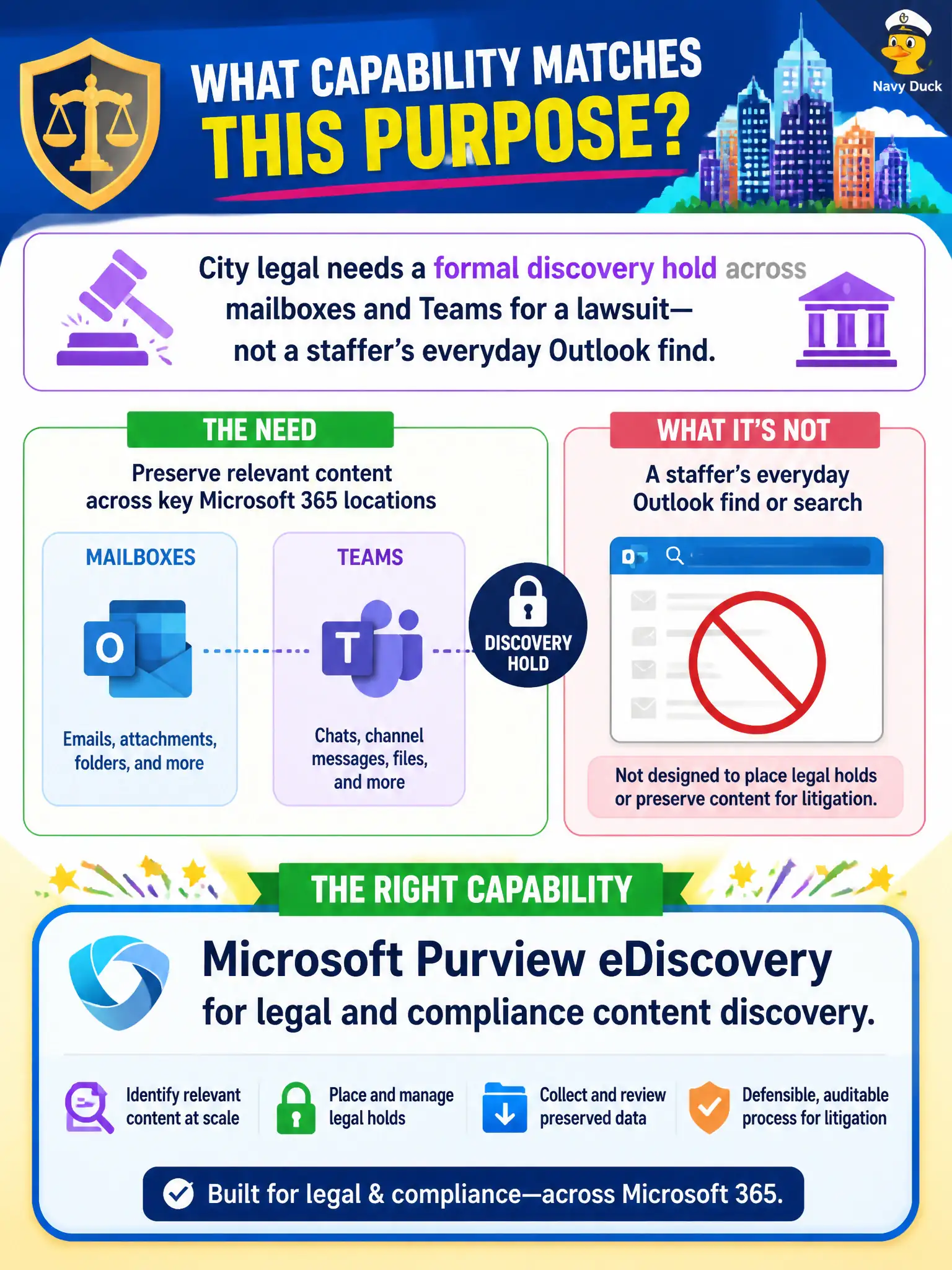
City legal needs a formal discovery hold across mailboxes and Teams for a lawsuit—not a staffer’s everyday Outlook find. Which capability matches that purpose?
Select an answer to reveal the explanation.
Short Explanation
Looking for last week’s lunch invite is Outlook search. Looking for lawsuit evidence across the tenant is eDiscovery—bigger scope, formal purpose.
Full Explanation
City legal needing a formal discovery hold across mailboxes and Teams for a lawsuit should use Microsoft Purview eDiscovery for legal and compliance content discovery. That capability is built for case-based search, hold, and export across Microsoft 365—not for a staffer’s everyday personal find experience in Outlook.
Personal Outlook search focused on one user’s inbox alone lacks tenant-wide legal case tooling and defensibility. Microsoft Bookings appointment scheduling for depositions does not preserve or export custodial content. Windows wallpaper search in Endpoint Analytics is unrelated to lawsuit discovery.
Exam caveat: eDiscovery requires appropriate roles and process; casual admin searches are not a substitute for legal hold discipline. Operational check: open an eDiscovery case, place a hold on sample mailbox and Teams content, verify hold notice behavior with legal, and ensure custodians cannot silently purge in-scope content. In municipal Microsoft 365 fundamentals scenarios, always map the business need to the named capability, reject distractors that describe a different pillar, and verify the control in the admin portal before telling leadership the risk is closed. In municipal Microsoft 365 fundamentals scenarios, always map the business need to the named capability, reject distractors that describe a different pillar, and verify the control in the admin portal before telling leadership the risk is closed.