
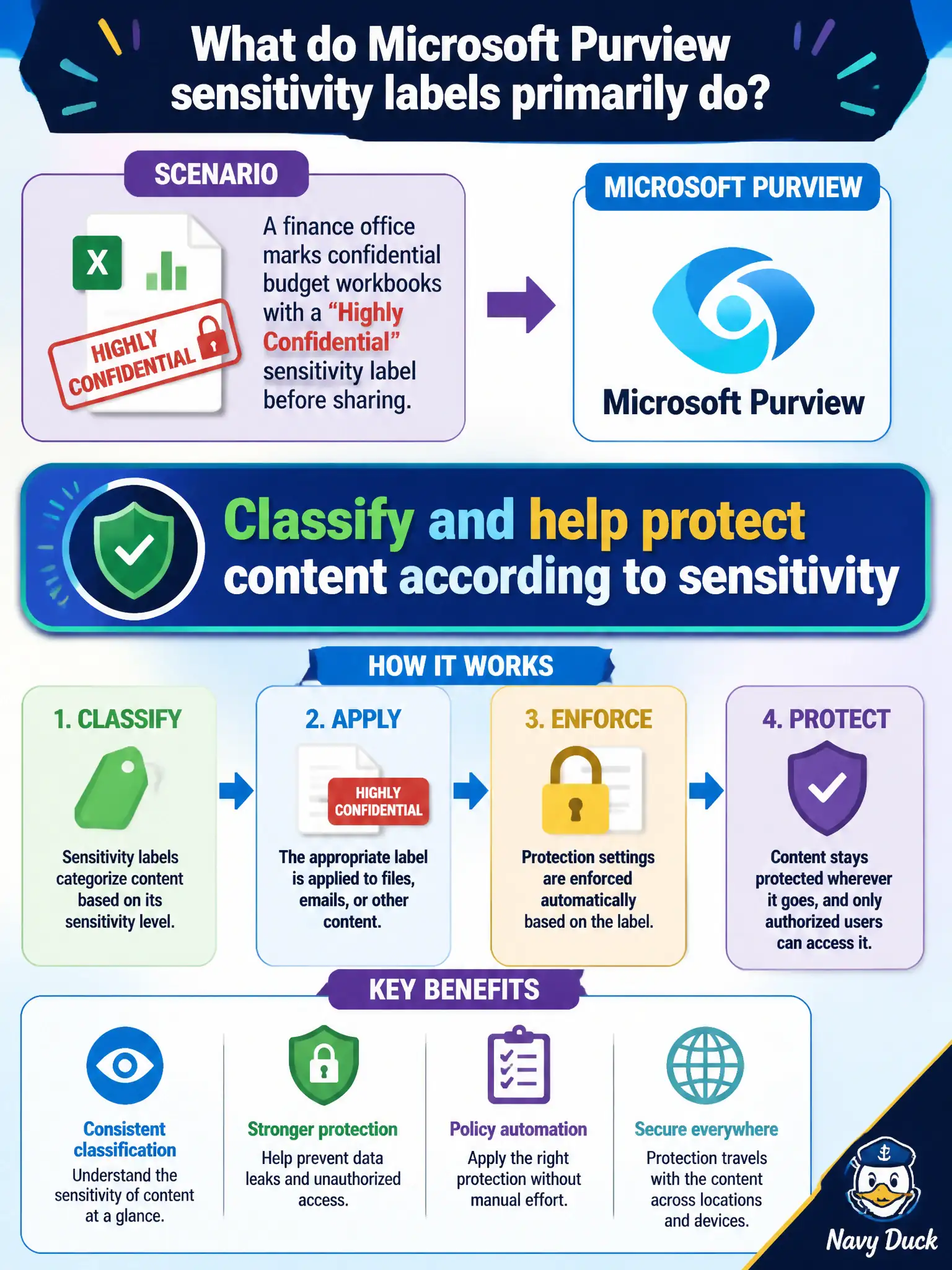
A finance office marks confidential budget workbooks with a Highly Confidential sensitivity label before sharing. What do Microsoft Purview sensitivity labels primarily do?
Select an answer to reveal the explanation.
Short Explanation
A sensitivity label is a classification sticker that can also enforce protection. Highly Confidential means the content is tagged—and often protected—based on how sensitive it is. It is not a directory or a Cloud PC button.
Full Explanation
Microsoft Purview sensitivity labels primarily classify content and help protect it according to sensitivity—for example marking confidential municipal budget workbooks Highly Confidential and applying protection policies that can travel with the file. That information-protection layer is what finance demonstrates when labeling before sharing beyond a simple folder permission.
Sensitivity labels do not replace Microsoft Entra ID as the sign-in directory. They do not provision Cloud PCs for every labeled file. They do not set municipal property tax rates automatically. Those options confuse classification and protection with identity services, Windows 365 provisioning, or tax policy systems.
Exam caveat: labels classify and can enforce encryption, markings, and access restrictions, but effective protection still depends on correct label publishing, user training, and complementary DLP policies. Operational check: publish a Highly Confidential label to the finance group, apply it to a sample workbook, verify marking and encryption behavior on open and share, and confirm external recipients face the intended restrictions. For municipal MS-900 scenarios, keep the product-to-purpose mapping explicit so distractors about unrelated UX, networking, or licensing features do not displace the correct compliance or security control.