
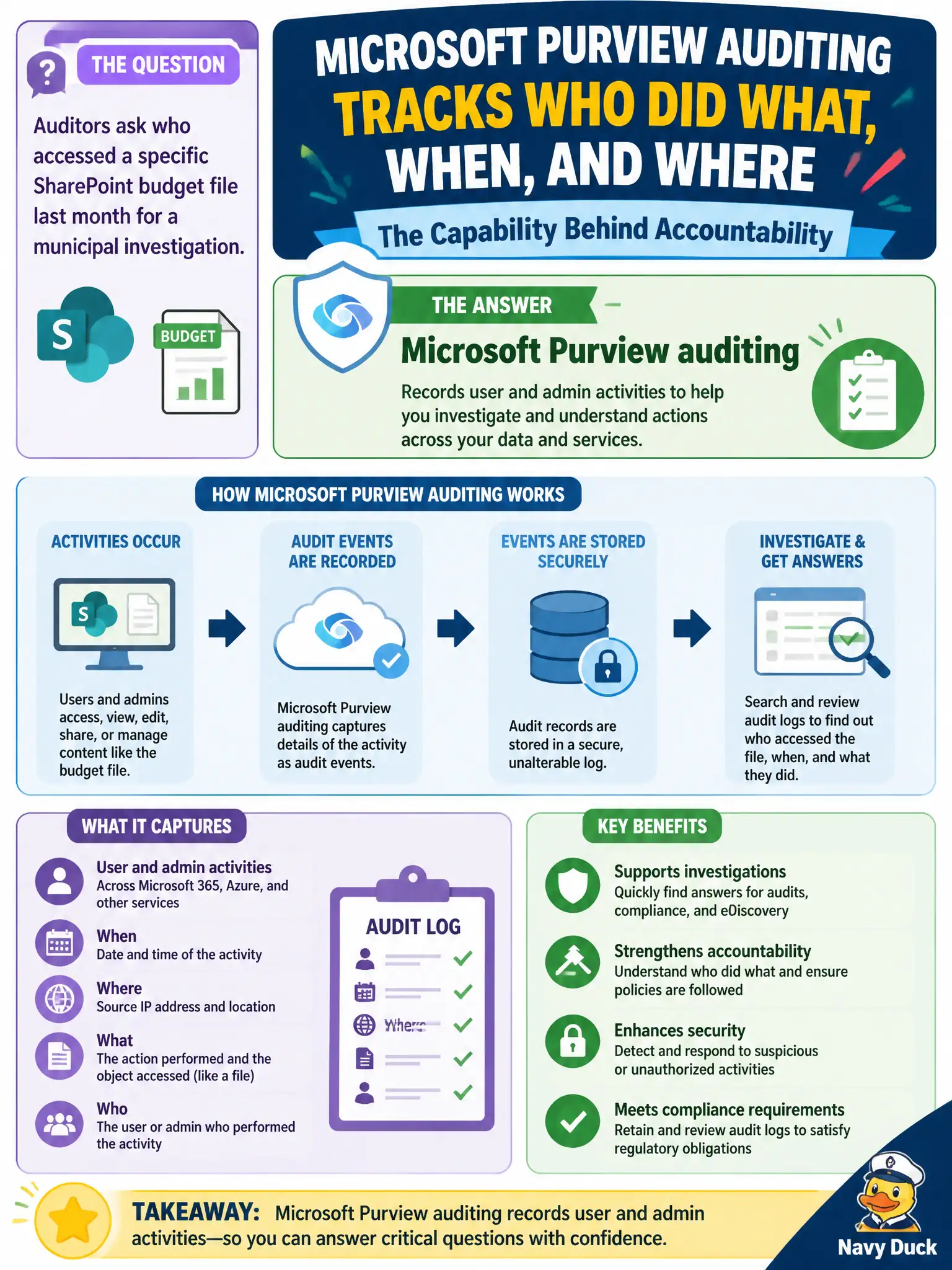
Auditors ask who accessed a specific SharePoint budget file last month for a municipal investigation. Which Purview capability records user and admin activities for that kind of inquiry?
Select an answer to reveal the explanation.
Short Explanation
Auditors want a who-did-what timeline. Purview auditing keeps the activity history for users and admins so you can investigate file access without inventing a detective novel.
Full Explanation
Microsoft Purview auditing records user and admin activities so investigators can answer who accessed what and when. When auditors ask who accessed a specific SharePoint budget file last month for a municipal investigation, auditing is the compliance capability that provides that activity history across Microsoft 365 workloads at fundamentals depth.
Microsoft Forms theme packs only affect form appearance. PowerPoint Designer alone helps slide design and does not retain organizational audit trails for file access. Loop workspace templates alone organize Loop content collaboration; they are not the audit log subsystem used for city investigations.
Exam caveat: audit log retention and search permissions depend on licensing and role configuration—know that auditing exists as the accountability trail without memorizing every retention SKU detail for MS-900. Operational check: search the audit log for FileAccessed or equivalent SharePoint events on the budget file, confirm the acting user and timestamp, and verify audit logging is enabled before an investigation depends on it. For municipal MS-900 scenarios, keep the product-to-purpose mapping explicit so distractors about unrelated UX, networking, or licensing features do not displace the correct compliance or security control.