
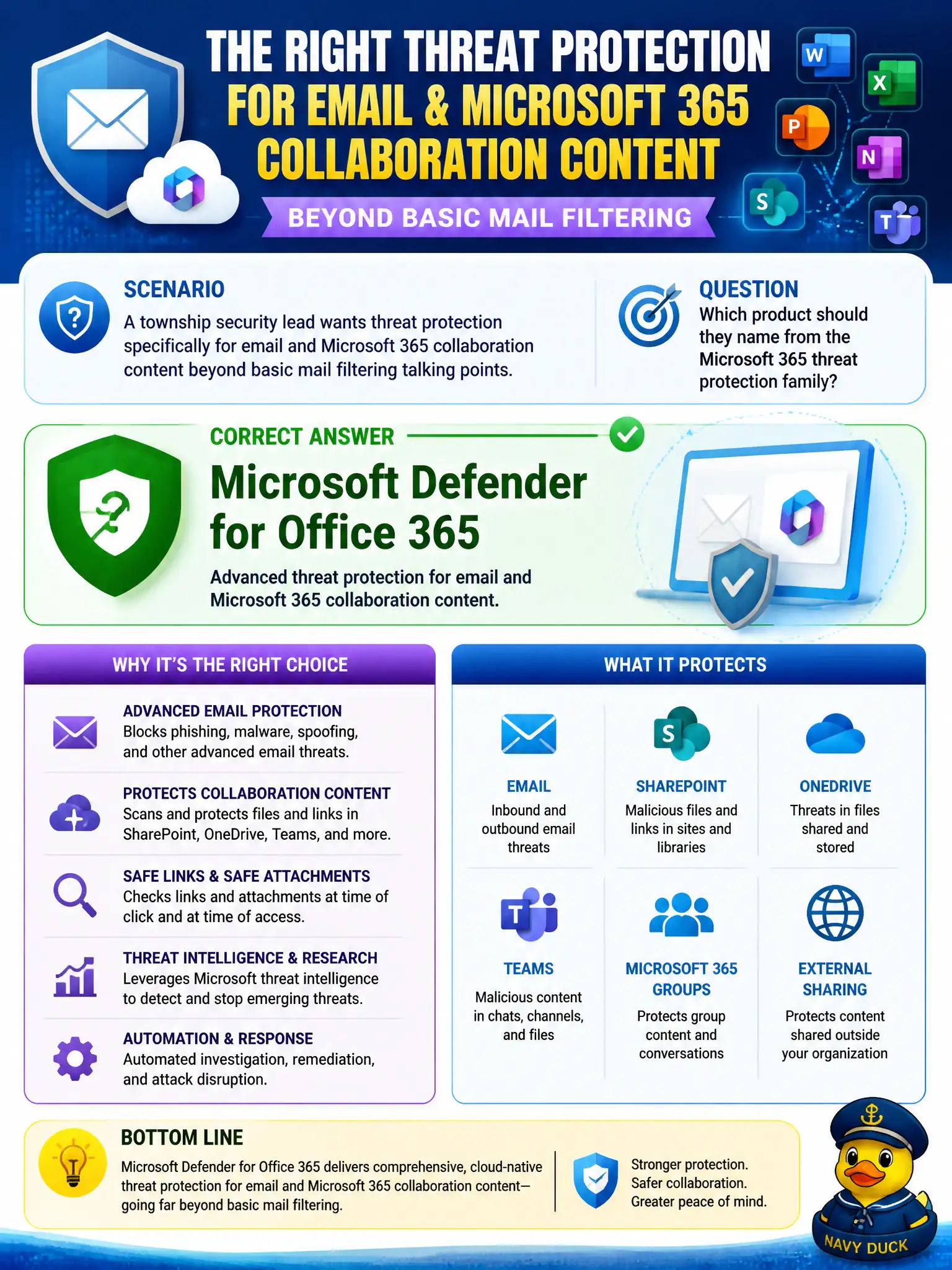
A township security lead wants threat protection specifically for email and Microsoft 365 collaboration content beyond basic mail filtering talking points. Which product should they name from the Microsoft 365 threat protection family?
Select an answer to reveal the explanation.
Short Explanation
When the threat walks in through Outlook or collaboration content, name Defender for Office 365. It is the skills-list product for protecting email and collaboration workloads—not Autopilot, Bookings, or AVD.
Full Explanation
When a township security lead needs threat protection specifically for email and Microsoft 365 collaboration content beyond basic mail-filtering talking points, the product to name from the Microsoft 365 threat-protection family is Microsoft Defender for Office 365. MS-900 maps phishing, malware in attachments, and collaboration-content threats to that product so municipal messaging and file collaboration are protected in the cloud workloads staff actually use.
Azure Virtual Desktop delivers desktops and apps remotely; it is not the named email/collaboration threat-protection product. Microsoft Bookings schedules appointments and has no Defender-style phishing or attachment protection role. Windows Autopilot provisions and enrolls Windows devices—it is an endpoint deployment path, not the collaboration threat stack for Outlook and related content.
Exam caveat: Exchange Online Protection provides baseline mail filtering; Defender for Office 365 is the deeper Microsoft 365 threat-protection offering candidates should associate with advanced email and collaboration protection scenarios. Operational check: confirm Defender for Office 365 is licensed and enabled for township mailboxes, review anti-phishing and Safe Attachments/Safe Links configuration, and validate a test message disposition in threat explorer or equivalent reporting.