
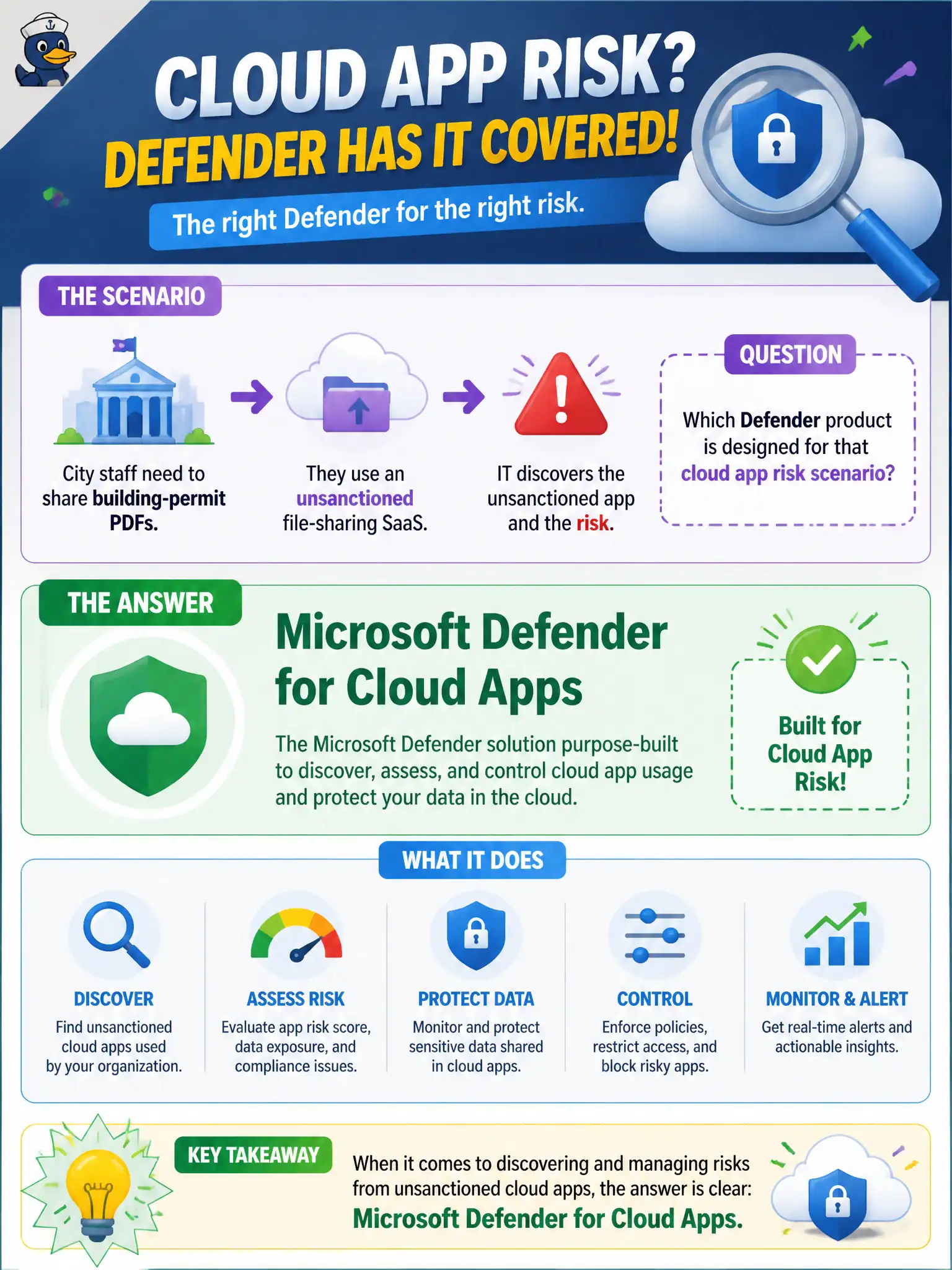
IT discovers an unsanctioned file-sharing SaaS that city staff use to move building-permit PDFs. Which Defender product is designed for that cloud app risk scenario?
Select an answer to reveal the explanation.
Short Explanation
That rogue file-share is shadow IT with city PDFs on board. Defender for Cloud Apps is built for SaaS discovery and cloud app risk visibility. Spell check, calendar colors, and Autopilot ESP are different tools.
Full Explanation
Microsoft Defender for Cloud Apps is designed for cloud app risk scenarios such as discovering an unsanctioned file-sharing SaaS used to move building-permit PDFs. That CASB-style visibility and control helps municipal IT see where official permit documents leave approved Microsoft 365 repositories. MS-900 maps unsanctioned SaaS and cloud app risk to Defender for Cloud Apps, not to spell check or calendar cosmetics.
Microsoft Word desktop spell check does not govern shadow IT file-sharing risk. Outlook calendar categories organize appointments and do not provide CASB controls. Windows Autopilot enrollment status page alone tracks device provisioning status, not unsanctioned SaaS usage.
An exam caveat is that cities should classify which unsanctioned apps are merely inconvenient versus which ones exfiltrate regulated citizen data before choosing block versus coach actions. Operationally, use Defender for Cloud Apps to identify the unsanctioned file-sharing app, quantify building-permit document uploads if available, meet with the offending department on approved SharePoint/OneDrive alternatives, and apply policy controls proportionate to the data risk. Permit desks should receive a short approved-sharing playbook that names SharePoint or OneDrive locations for official PDFs and explains why consumer file-sharing SaaS creates eDiscovery and retention gaps. Reinforce the playbook after each Defender for Cloud Apps discovery cycle that finds repeat offenders.