
Credential phishing against staff email is the most common threat the city help desk reports. How does Microsoft 365 typically address that threat at fundamentals depth?
Select an answer to reveal the explanation.
Short Explanation
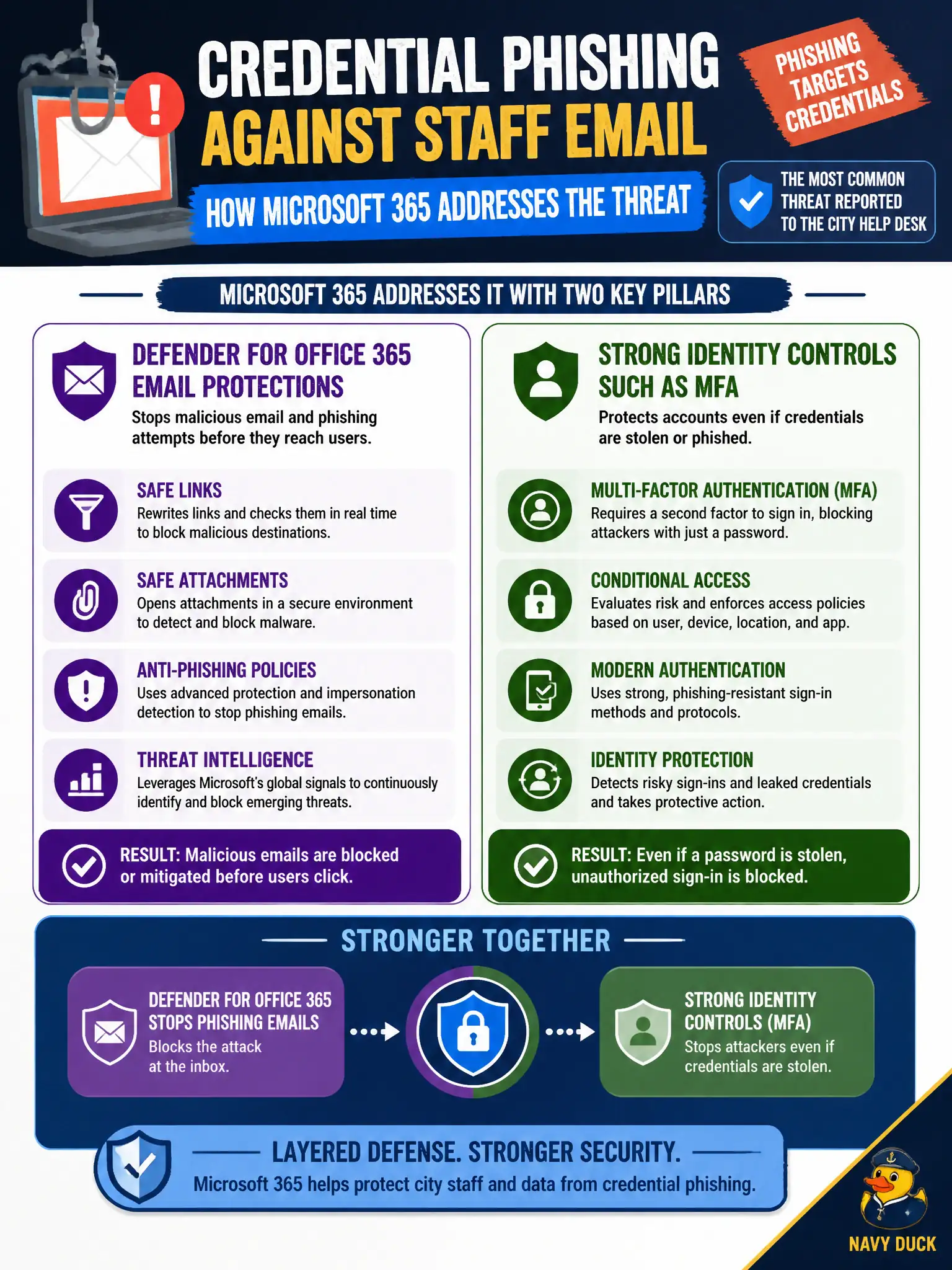
Phishing steals passwords through the inbox, so you fight it in mail and at sign-in. Defender for Office 365 watches collaboration payloads while MFA and related identity controls make a stolen password harder to use. Planner, OneNote, and PowerPoint templates are not that defense duo.
Full Explanation
Defender for Office 365 email protections combined with strong identity controls such as MFA is how Microsoft 365 typically addresses credential phishing against staff email at fundamentals depth. Phishing succeeds when malicious mail delivers and when stolen passwords still work; pairing content protection with MFA attacks both sides of that municipal help-desk reality. Candidates should resist single-tool myths that pretend Planner checklists or notebooks alone stop phishing.
Microsoft Planner checklists are not the only phishing control and cannot replace mail threat protection plus MFA. OneNote notebooks without mail or identity protections do not address phishing. PowerPoint templates do not block inbound SMTP threats.
An exam caveat is that user awareness training still helps, but MS-900 product answers emphasize Defender for Office 365 and MFA as the technical pairing for phishing. Operationally, verify Defender for Office 365 anti-phishing policies cover city mailboxes, enforce MFA for those users, run a controlled phishing simulation or review real quarantines, and confirm compromised-password attempts fail without the second factor. Help-desk macros should therefore treat reported phishing as both a mail-filtering event and an identity-risk event, checking quarantine evidence and recent MFA or unusual sign-in activity before closing the ticket. That dual check keeps municipal response aligned with how attackers actually chain email lure and credential reuse.