
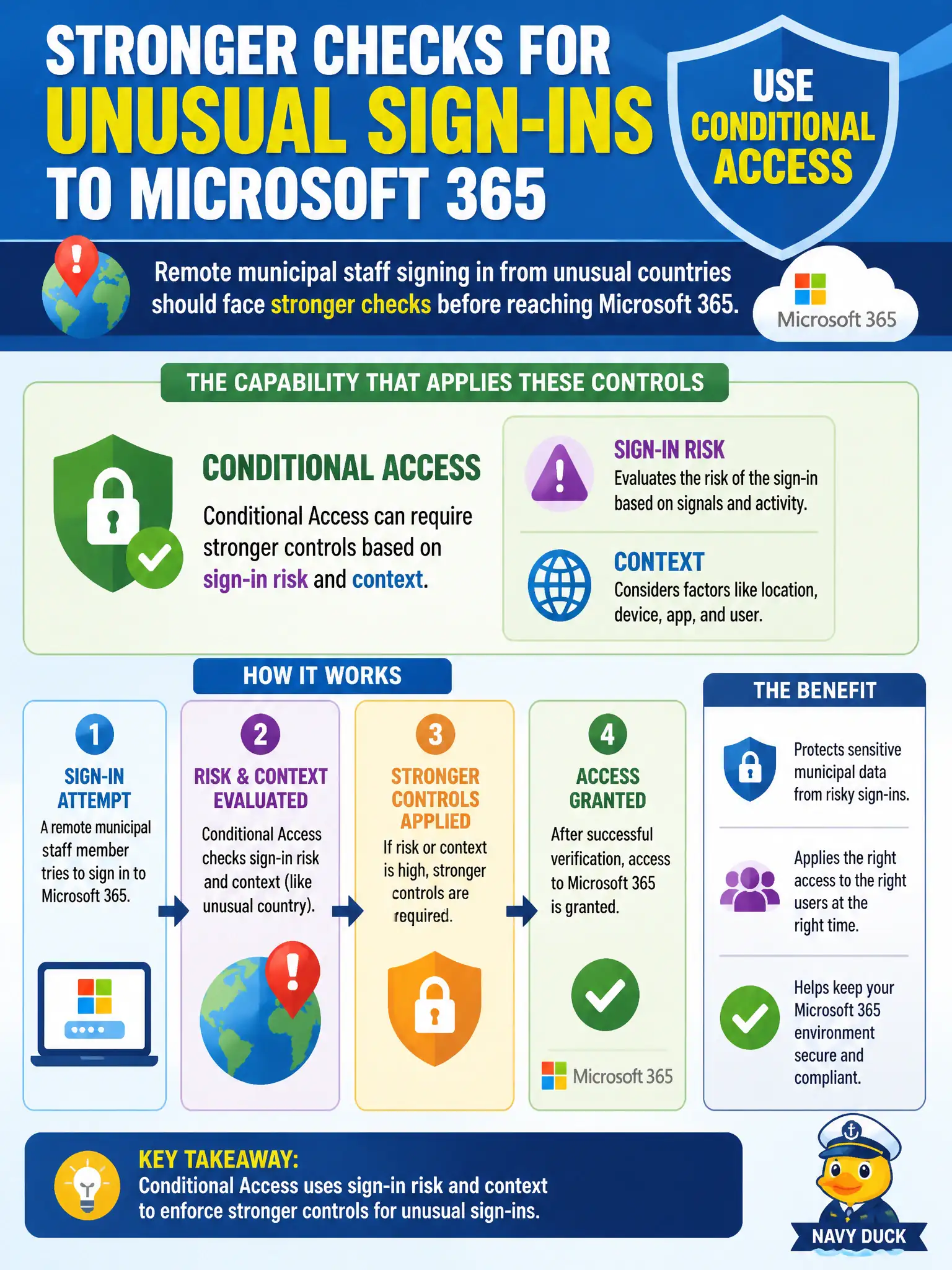
Remote municipal staff signing in from unusual countries should face stronger checks before reaching Microsoft 365. Which capability is meant to apply those context-based controls?
Select an answer to reveal the explanation.
Short Explanation
Weird location plus important apps equals extra proof before you get in. Conditional Access is built for those context signals. It is not a note app or a slide helper.
Full Explanation
Conditional Access is meant to apply context-based controls so remote municipal staff signing in from unusual countries face stronger checks before reaching Microsoft 365. It can require MFA, block access, or demand compliant devices based on sign-in risk and context signals rather than treating every authentication attempt the same. That adaptive model fits civic remote-work realities where staff travel or connect from unexpected networks.
OneNote notebook syncing stores notes and does not evaluate sign-in context. PowerPoint Designer suggestions improve slides and do not enforce adaptive access. Microsoft Lists column types structure list data and do not gate cloud sign-ins.
An exam caveat is that Conditional Access decisions improve when identity protection risk signals, named locations, and device compliance are configured thoughtfully—overly blunt country blocks can hinder legitimate travel for inspectors or emergency staff. Operationally, create or adjust a Conditional Access policy that challenges atypical geographic sign-ins with MFA or a block-with-exception process, pilot it with a remote-work cohort, and review Entra sign-in logs to confirm unusual-country attempts receive the stronger control.