
Exchange Online mail flow fails citywide and Service health confirms a Microsoft-side incident is already visible. What should the municipal admin do to engage Microsoft support formally?
Select an answer to reveal the explanation.
Short Explanation
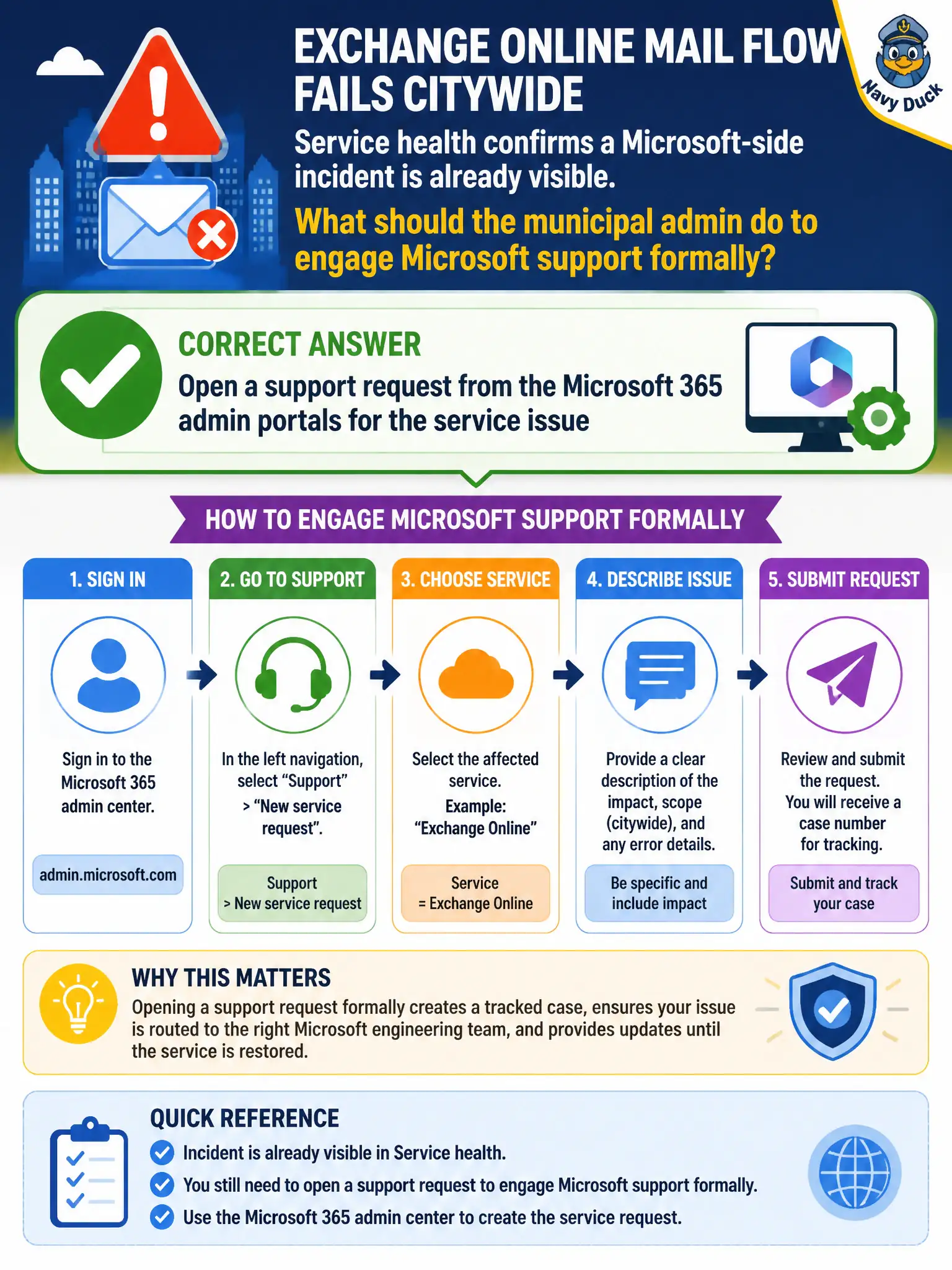
When citywide mail is on fire, you do not only yell into the social-media void. Open a proper support request from the admin portals so Microsoft has a tracked case.
Full Explanation
When Exchange Online mail flow fails citywide and Service health already shows a Microsoft-side incident, the municipal admin should still open a support request from the Microsoft 365 admin portals for the service issue when formal engagement is needed. Tracked cases are the supported escalation path even when an incident is publicly visible.
Posting only on personal social media and waiting for an unofficial reply is not formal support. Unassigning every user license until mail resumes without contacting Microsoft worsens impact and does not engage support. Deleting the tenant’s domain records is not the required first support step and can extend the outage.
Exam caveat: for widespread incidents Microsoft may already be working the issue; a case still documents customer impact and severity for the city. Operational check: open a support request with start time, impacted user counts, message traces, and Service health incident ID referenced in the description. In municipal Microsoft 365 fundamentals scenarios, map the business need to the named capability, reject distractors from a different pillar, and verify the control or commercial setting in the admin or billing experience before reporting risk closed to leadership.