
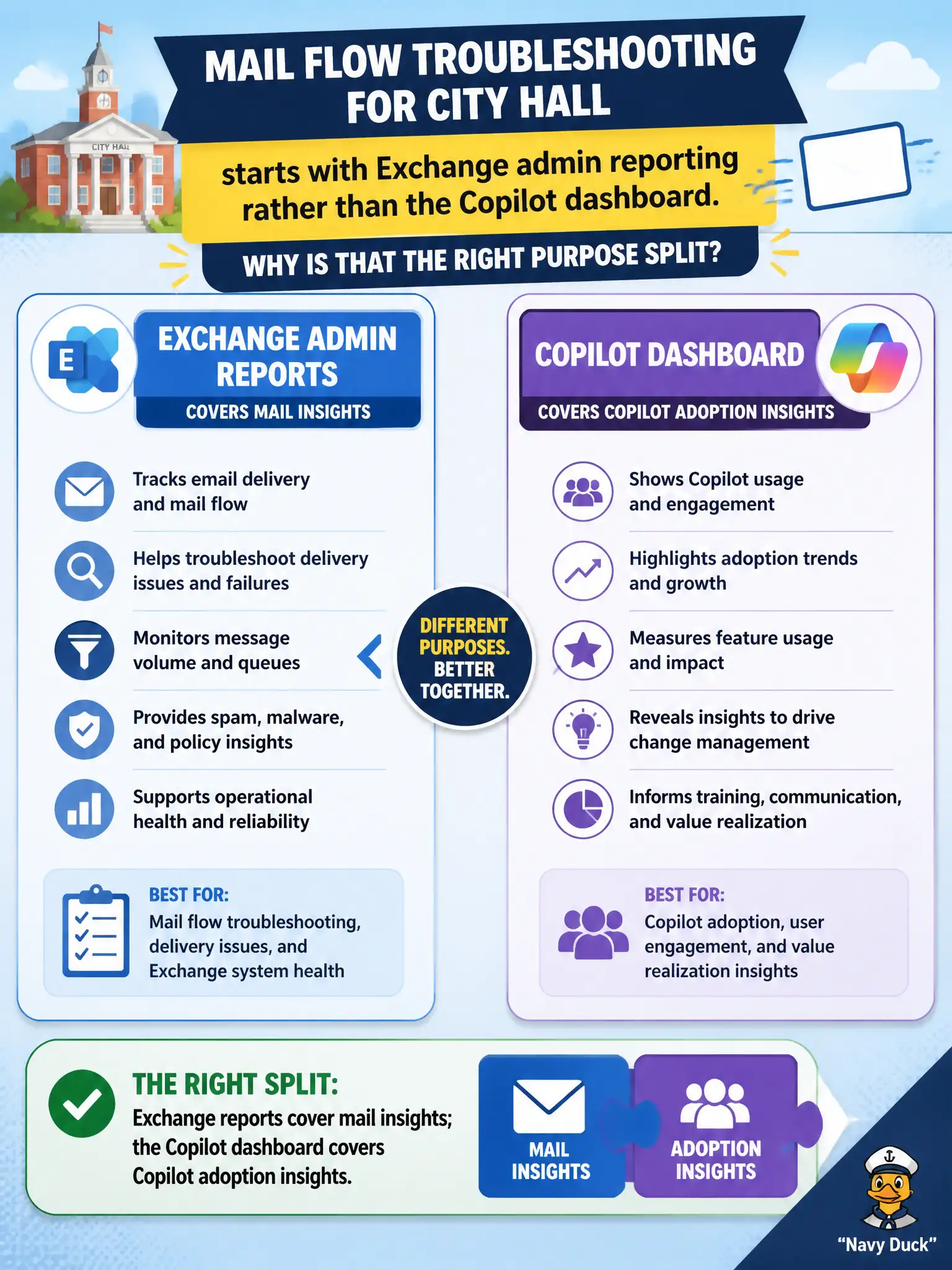
Mail flow troubleshooting for city hall starts with Exchange admin reporting rather than the Copilot dashboard. Why is that the right purpose split?
Select an answer to reveal the explanation.
Short Explanation
Wrong toolbox, wrong job: mail flow uses Exchange reports; Copilot pilots use the Copilot dashboard. Mixing them is like using a water meter to read library checkouts. Match the report to the workload.
Full Explanation
Mail flow troubleshooting for city hall should start with Exchange admin reporting because those reports are built for mail insights, whereas the Microsoft Copilot dashboard is built for Copilot adoption insights. Matching the tool to the operational question is a core MS-900 skill: messaging problems need Exchange visibility, while Copilot program reviews need the Copilot dashboard. Mixing those surfaces wastes time and produces the wrong evidence for municipal incident response or executive briefings.
The Copilot dashboard is not the place to inspect SMTP mail flow, so treating it as the only mail-flow console is incorrect. Exchange reports do not show Windows Autopilot hardware hashes; Autopilot belongs to device provisioning. The tools are not identical or interchangeable—each serves a different Microsoft 365 narrative.
An exam caveat is that Microsoft 365 Admin center usage reports may still show high-level Exchange adoption, but detailed mail-flow and mailbox operational insights remain Exchange-centered. Operationally, when mail delivery complaints arrive, open Exchange admin center reports or related mail insights first, reserve the Copilot dashboard for Copilot steering metrics, and document that purpose split in the city’s messaging runbook so on-call staff pick the correct console under pressure.