
City leadership wants adoption and usage reports for Exchange, OneDrive, and Teams from one central place. Which Microsoft 365 capability should they use?
Select an answer to reveal the explanation.
Short Explanation
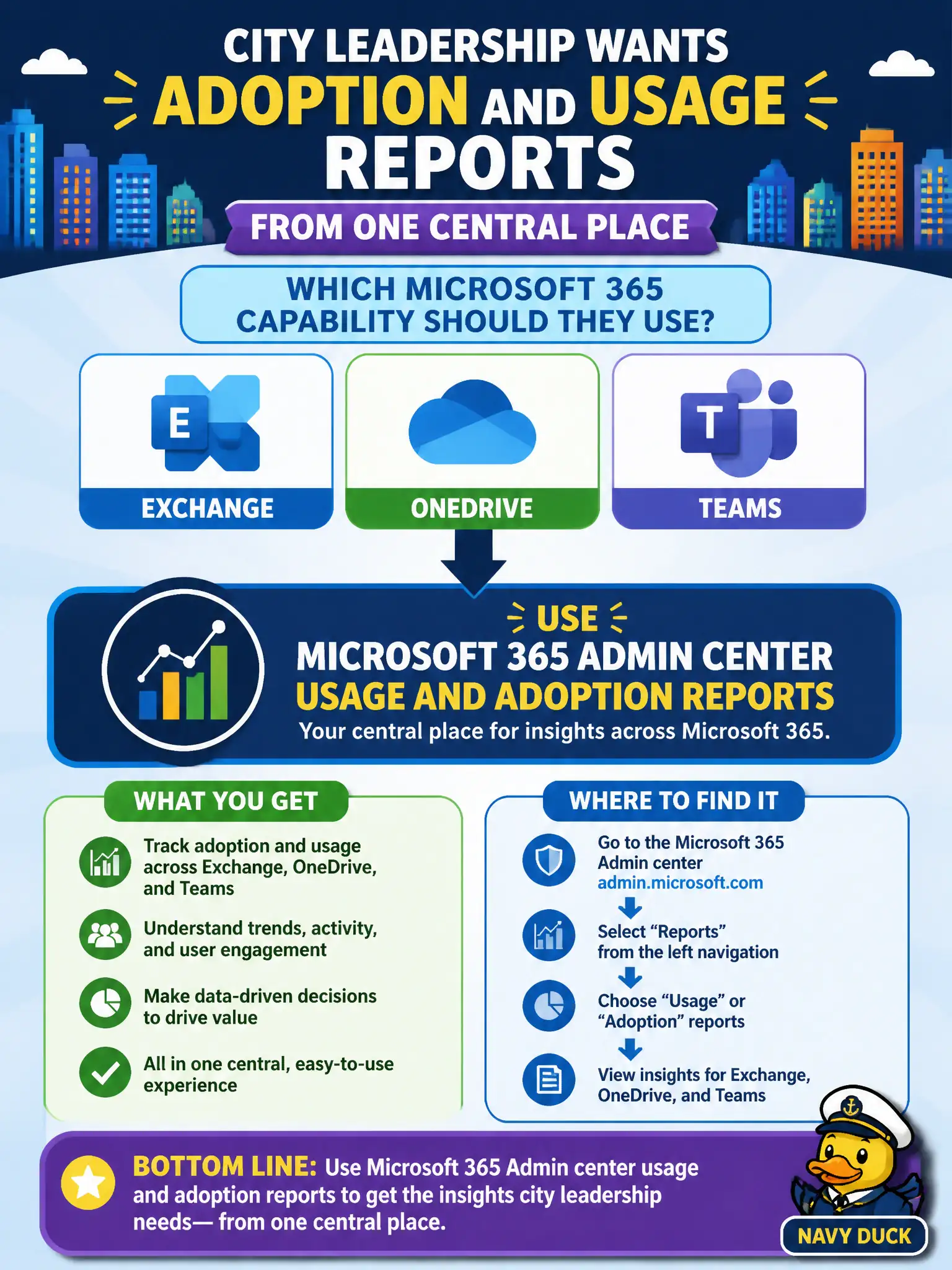
Picture the Admin center like city hall’s operations dashboard—one place for service-wide usage, not each person’s Start page. Leaders chasing Exchange, OneDrive, and Teams adoption look at the Microsoft 365 Admin center reports. The user portal is for employees, not tenant-wide charts.
Full Explanation
Microsoft 365 Admin center usage and adoption reports give municipal leadership a tenant-level view of how core collaboration workloads are actually being used. For a city that needs one briefing surface covering Exchange, OneDrive, and Teams, those reports surface active users, adoption trends, and engagement signals without forcing executives to bounce between separate product consoles for every chart. That consolidation matters in civic environments where a CIO or digital workplace lead must brief council or a hybrid-work committee quickly and consistently.
The Microsoft 365 user portal personal theme settings exist for end-user self-service, not for organization-wide adoption analytics, so a clerk changing a Start page theme never produces the cross-workload leadership report city hall needs. A SharePoint site home page navigation experience only organizes intranet links for visitors; it does not aggregate Exchange mailbox activity or Teams meeting usage across the tenant. Outlook desktop Offline Address Book sync keeps local address books current for mail clients and has nothing to do with adoption dashboards or service engagement metrics.
An exam-relevant caveat is that workload admin centers—Exchange, SharePoint, and Teams—still offer deeper product-specific analytics when a specialist needs mailbox traffic detail, site popularity, or call quality. Fundamentals questions that ask for one central leadership hub point to the Microsoft 365 Admin center first, not those specialty portals. Operationally, after enabling reporting access for the appropriate admin roles, open the Microsoft 365 Admin center Reports area, confirm Exchange, OneDrive, and Teams usage tiles refresh for the target period, and validate that the leadership export or screenshot matches the municipal reporting calendar before the next steering meeting.