
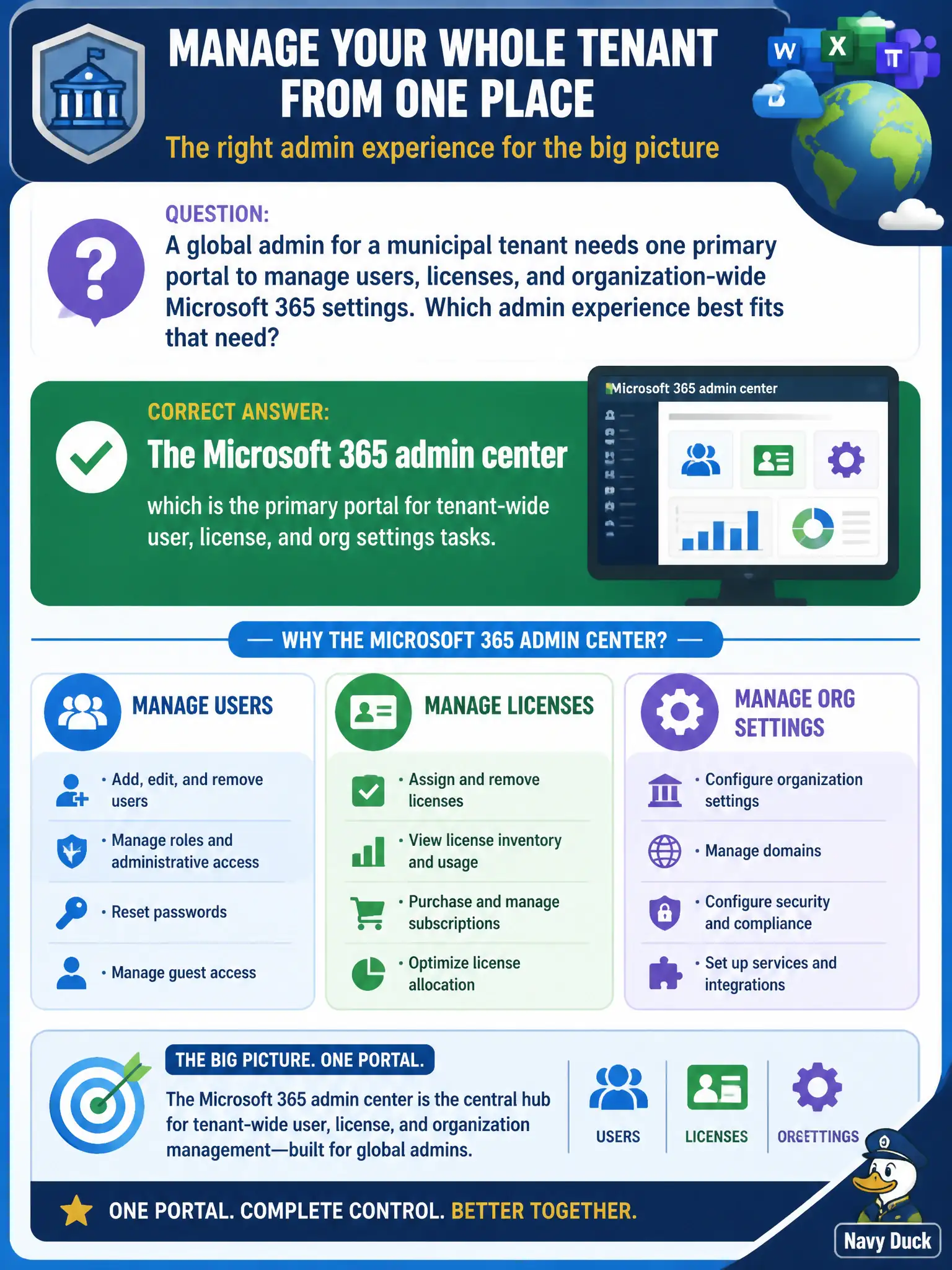
A global admin for a municipal tenant needs one primary portal to manage users, licenses, and organization-wide Microsoft 365 settings. Which admin experience best fits that need?
Select an answer to reveal the explanation.
Short Explanation
Need the big admin switchboard for users, licenses, and org toggles? That’s the Microsoft 365 admin center. Whiteboard and To Do are not your tenant console.
Full Explanation
A global admin for a municipal tenant who needs one primary portal to manage users, licenses, and organization-wide Microsoft 365 settings should use the Microsoft 365 admin center, which is the primary portal for tenant-wide user, license, and org settings tasks. That is the big admin switchboard for day-to-day tenant administration at fundamentals depth—distinct from end-user app portals and from collaboration canvases.
Microsoft Whiteboard alone fails because it is a collaboration canvas rather than a tenant admin portal. The Microsoft 365 user portal only fails because it is oriented to end-user apps and self-service rather than full tenant administration. Microsoft To Do fails because personal tasks do not administer tenant licenses and users.
Exam caveat: Microsoft 365 admin center is the primary tenant admin experience for users/licenses/org settings. Specialized admin centers exist too, but this stem asks for the primary portal fit.
Operational check: ensure global/tenant admins know the Microsoft 365 admin center path for user and license tasks, use least-privilege admin roles, avoid granting global admin casually, and train staff that Whiteboard, the user portal, and To Do are not tenant administration surfaces.