
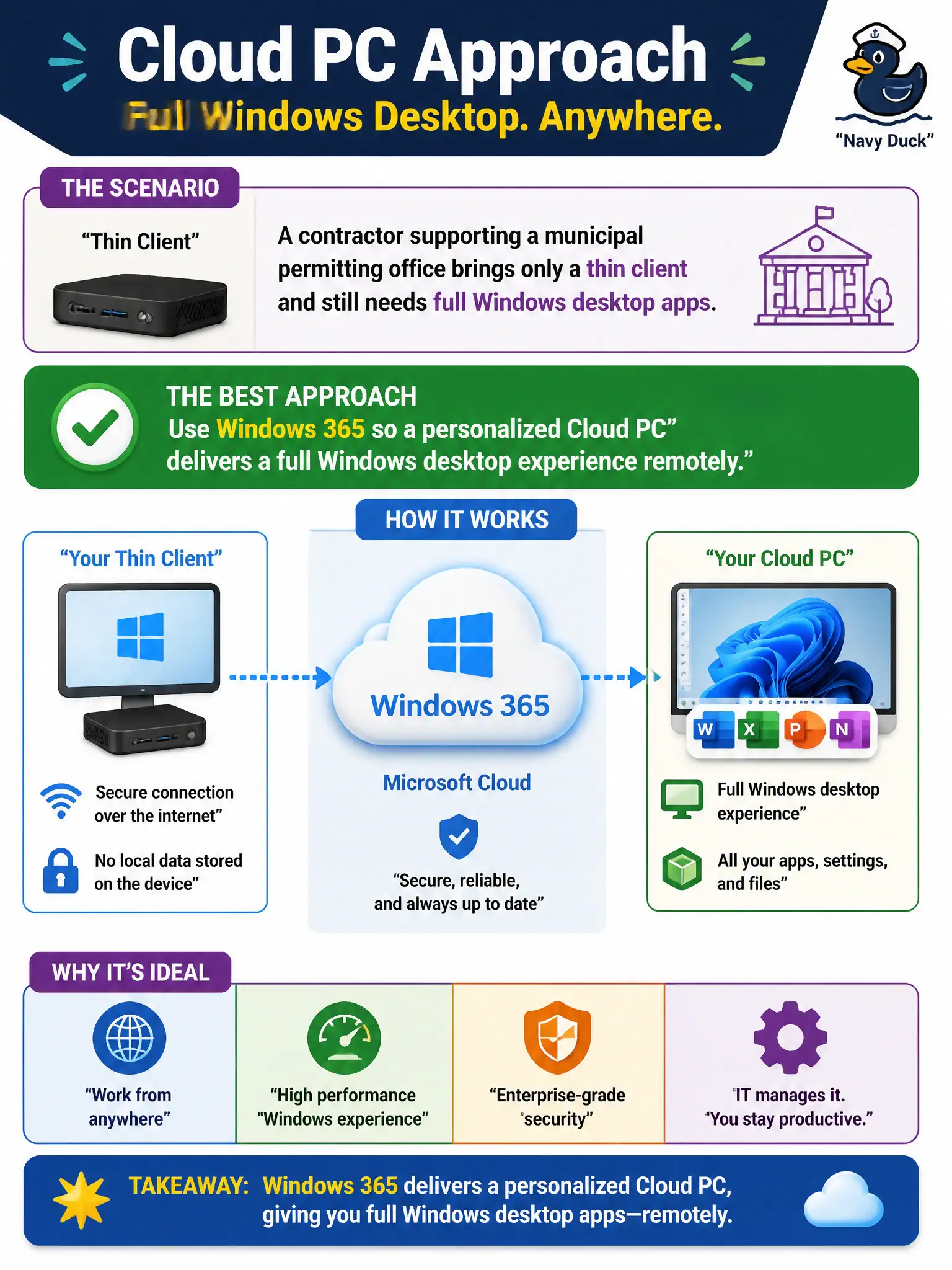
A contractor supporting a municipal permitting office brings only a thin client and still needs full Windows desktop apps. Which option best describes the Cloud PC approach?
Select an answer to reveal the explanation.
Short Explanation
Thin client in the backpack, real Windows in the cloud—that’s Cloud PC. To Do and SharePoint won’t magically run your full desktop LOB suite.
Full Explanation
A contractor supporting a municipal permitting office who brings only a thin client and still needs full Windows desktop apps should use Windows 365 so a personalized Cloud PC delivers a full Windows desktop experience remotely. Thin client in the backpack, real Windows in the cloud—that is the Cloud PC approach for contractors who cannot run the full desktop stack locally.
Installing Microsoft Publisher on the thin client locally and disabling all cloud desktops fails when the need is full desktop apps beyond what the thin client can host. Relying on Microsoft To Do alone fails because tasks do not run Win32 line-of-business applications. Using SharePoint document libraries as a substitute operating system fails because libraries store documents; they are not an OS for desktop apps.
Exam caveat: Windows 365 personalized Cloud PC is the answer for full remote Windows desktop from light devices. AVD may appear in flexibility compares, but this stem points to Cloud PC.
Operational check: assign a Windows 365 Cloud PC to the contractor identity with proper guest/partner access patterns as designed, validate app performance, plan offboarding, and stop treating To Do or SharePoint as fake operating systems.