
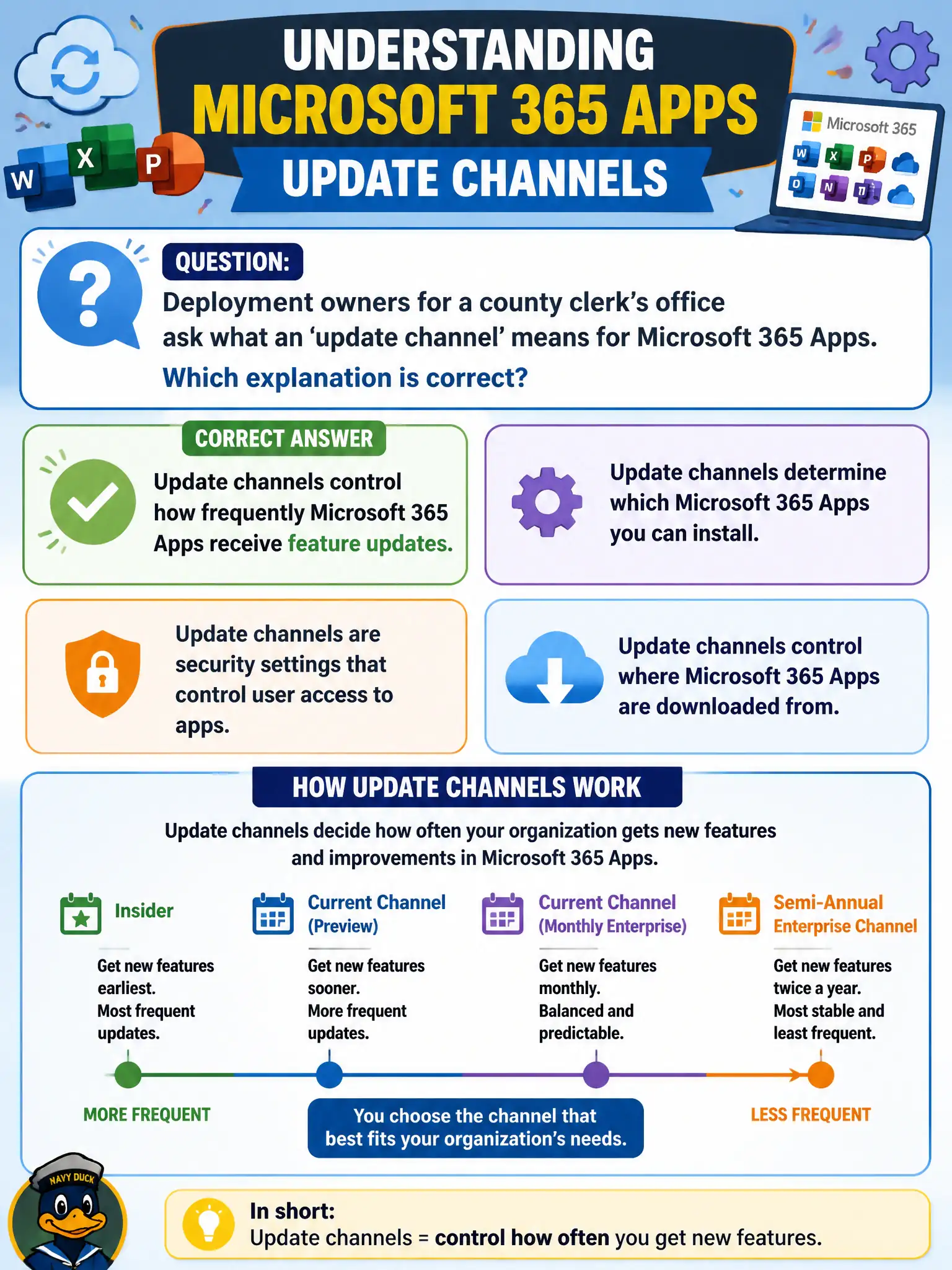
Deployment owners for a county clerk’s office ask what an ‘update channel’ means for Microsoft 365 Apps. Which explanation is correct?
Select an answer to reveal the explanation.
Short Explanation
An update channel is the metronome for new Office features—how often the apps get new capability drops. It isn’t phone numbers, OneDrive crypto, or Conditional Access in disguise.
Full Explanation
Deployment owners asking what an “update channel” means for Microsoft 365 Apps should learn that update channels control how frequently Microsoft 365 Apps receive feature updates. Channels are the cadence dial for Word, Excel, PowerPoint, and related apps across Current, Monthly Enterprise, and Semi-Annual Enterprise styles. Getting this definition right prevents mixing Office servicing with telephony, encryption myths, or identity controls.
Claiming update channels assign Microsoft Teams Phone numbers to each desktop fails because telephony numbering is not an Office apps channel. Claiming channels encrypt OneDrive files with a unique key per channel name fails because encryption and keying are not what update channels do. Claiming channels replace Entra Conditional Access with Office-only firewall rules fails identity and access fundamentals.
Exam caveat: update channel = feature update frequency for Microsoft 365 Apps. Keep Phone numbering, OneDrive crypto myths, and Conditional Access in their own domains on the exam.
Operational check: pick channels per cohort based on speed versus stability needs, publish a simple channel matrix for departments, validate add-ins after channel moves, and stop using “channel” as a synonym for phone assignment, encryption, or Conditional Access.