
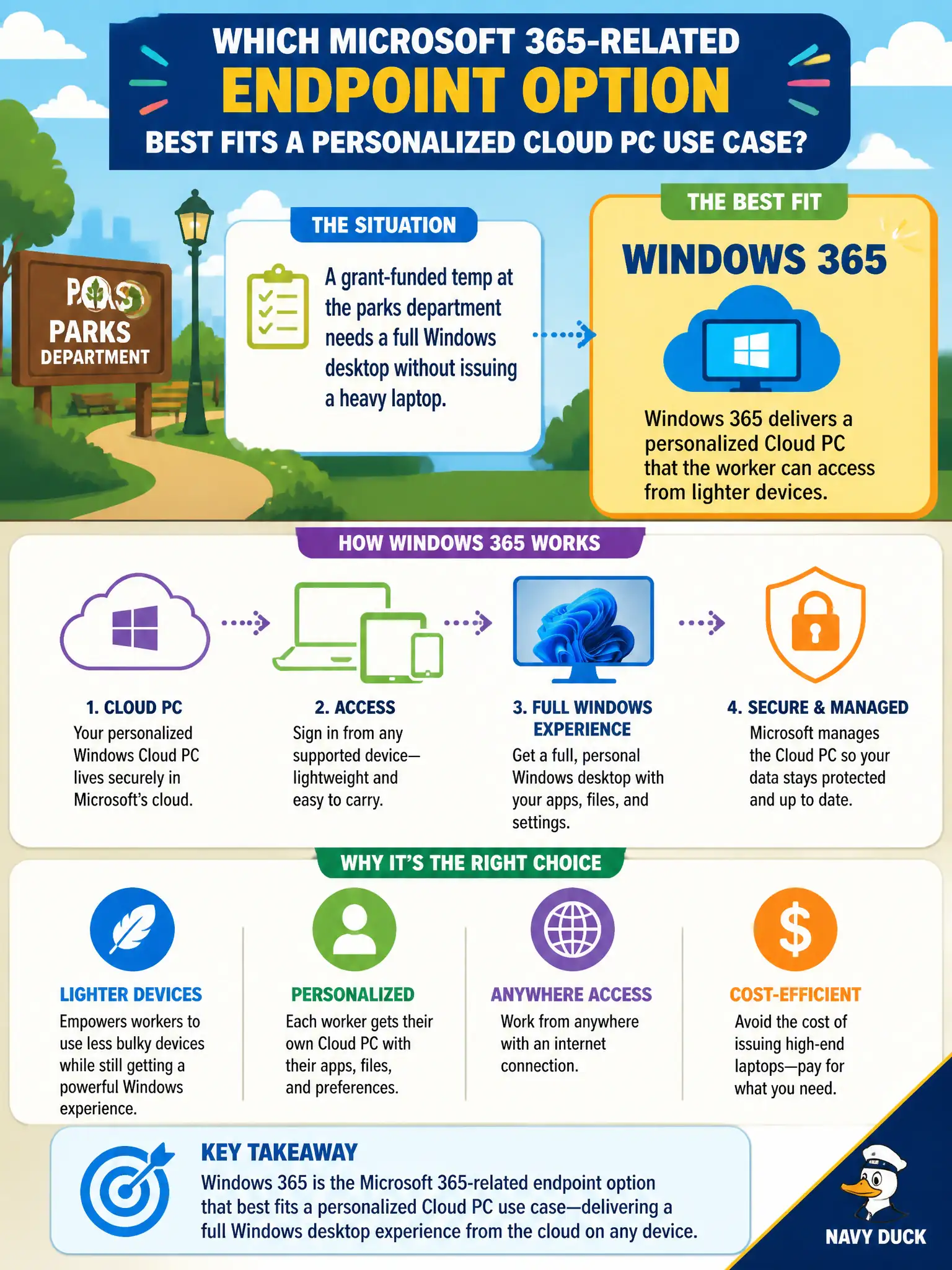
A grant-funded temp at the parks department needs a full Windows desktop without issuing a heavy laptop. Which Microsoft 365-related endpoint option best fits a personalized Cloud PC use case?
Select an answer to reveal the explanation.
Short Explanation
Need Windows apps without hauling a gaming-rig laptop? Cloud PC is the reserved desk in Microsoft’s cloud. Forms, mailboxes, and Stream are useful—just not a desktop.
Full Explanation
A grant-funded temp at the parks department who needs a full Windows desktop without issuing a heavy laptop should use Windows 365, which delivers a personalized Cloud PC that the worker can access from lighter devices. The Cloud PC provides a persistent personal Windows experience hosted in Microsoft’s cloud—suitable for temporary staff who still need full desktop applications, browsers, and line-of-business tools without a bulky endpoint assignment or a shared lab session that resets identity expectations.
Microsoft Forms only fails because surveys collect answers; they do not provide a Windows desktop or Win32 app workspace. Exchange Online mailboxes alone fail because email without a Cloud PC does not deliver a full desktop experience. Microsoft Stream live events fail because broadcasting video is not hosting a personal Windows desktop for day-to-day parks work.
Exam caveat: personalized Cloud PC maps to Windows 365. If a later question emphasizes pooled multi-session density for many seasonal workers, think Azure Virtual Desktop—but this stem is one temp worker needing a personal Cloud PC.
Operational check: provision a Windows 365 Cloud PC for the temp role, grant access from the light device, set offboarding to reclaim the Cloud PC when the grant ends, verify app performance for parks software, and avoid pretending Forms, mailboxes, or Stream are desktop substitutes.