
A security board wants cloud mobile app protection for BYOD phones so work data in apps is managed without always taking full device ownership. Which Microsoft 365 endpoint capability fits that describe-level ask?
Select an answer to reveal the explanation.
Short Explanation
BYOD phones still need a fence around work apps without always owning the whole handset. Intune's app/device management story covers that mobile protection ask at fundamentals depth. Planner charts aren't MAM.
Full Explanation
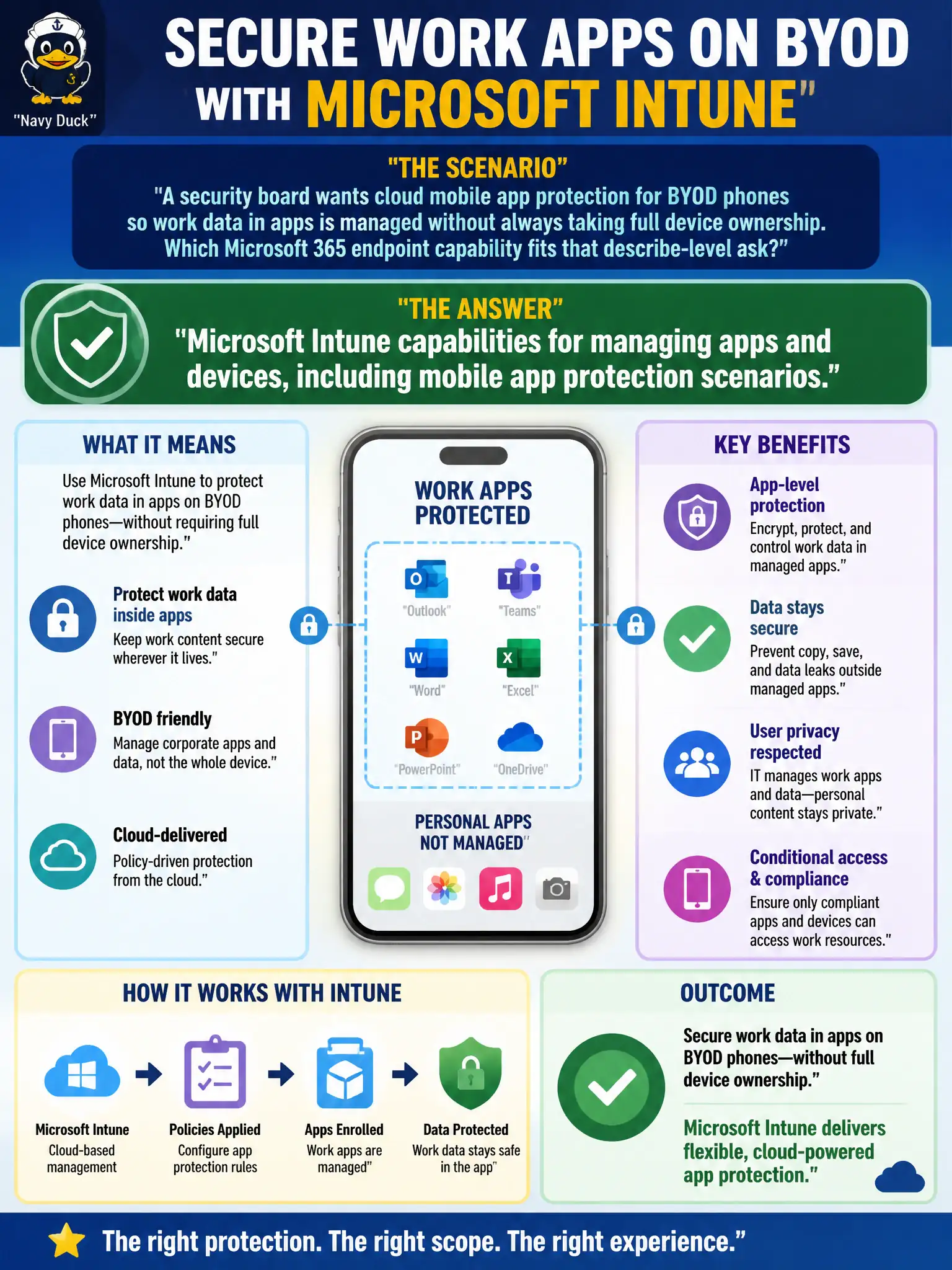
A security board that wants cloud mobile app protection for BYOD phones so work data in apps is managed without always taking full device ownership should select Microsoft Intune capabilities for managing apps and devices, including mobile app protection scenarios. App protection policies (MAM) let the city protect corporate mail and files inside managed apps on personally owned phones—selective wipe of work data without pretending IT owns the entire personal device. That BYOD-friendly pattern is central to Intune at MS-900 describe depth.
Microsoft Planner charts fail as mobile application protection policies because Planner visualizes tasks. Microsoft Viva learning paths fail as BYOD device wipe engines because learning content is not MAM. SharePoint news posts fail as the only MAM control plane because news publishing is not app protection.
Exam caveat: Intune covers both broader MDM and MAM. This stem emphasizes protecting work data in apps without always requiring full device ownership—still answer Intune. Do not confuse employee experience or task apps with endpoint app protection.
Operational check: deploy app protection for Outlook, Teams, and other managed apps on BYOD, explain privacy boundaries to inspectors and staff, define selective wipe procedures for lost phones, combine with Conditional Access in the broader architecture as appropriate, and educate the board that Planner/Viva/SharePoint news are not MAM controls.