
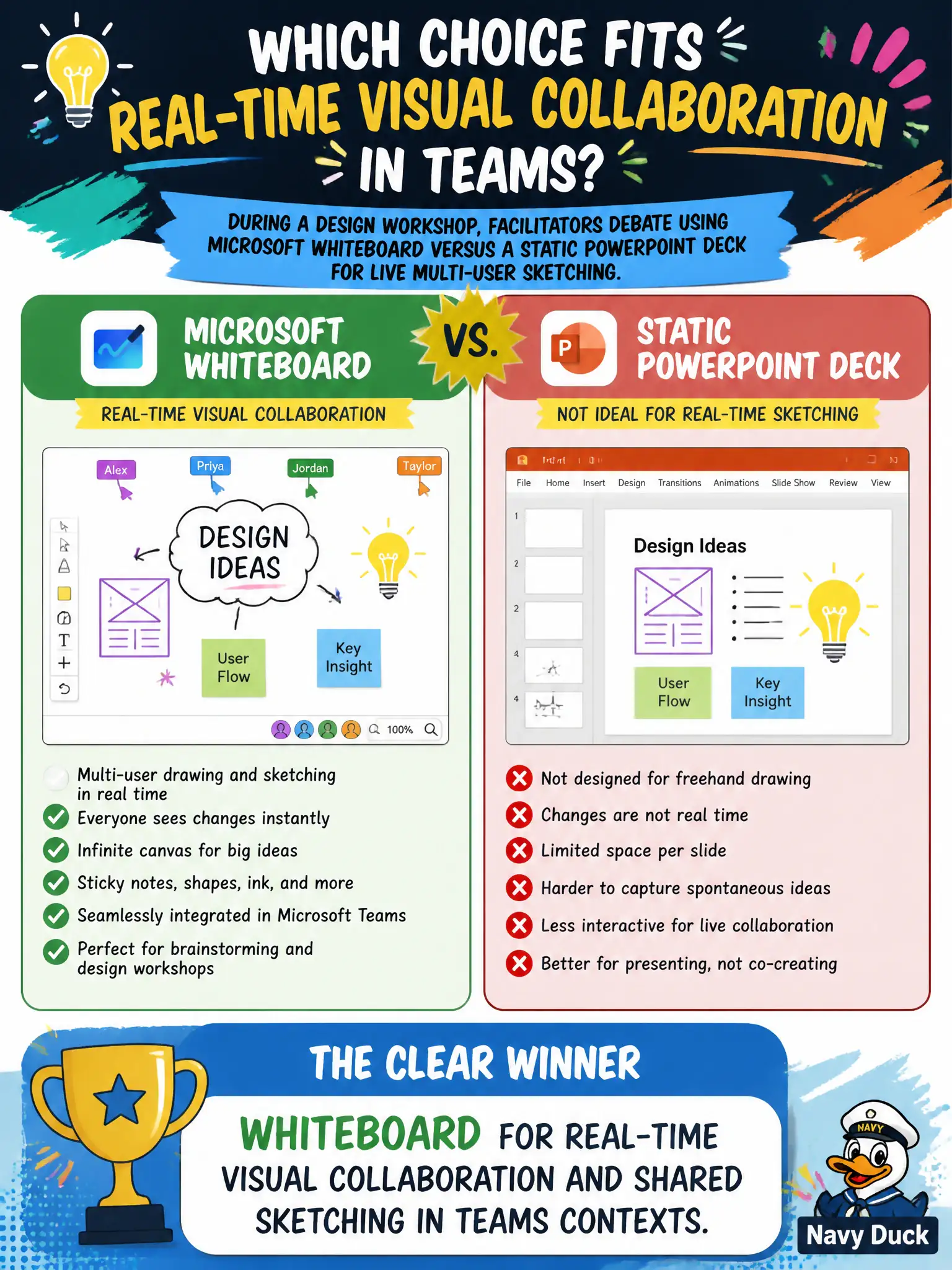
During a design workshop, facilitators debate using Microsoft Whiteboard versus a static PowerPoint deck for live multi-user sketching. Which choice fits real-time visual collaboration in Teams?
Select an answer to reveal the explanation.
Short Explanation
Live sketching wants Whiteboard—everyone inks the same canvas during the workshop. A frozen deck, mail transport rules, and Secure Score are not shared drawing boards.
Full Explanation
During a design workshop, facilitators who need live multi-user sketching in Teams should choose Whiteboard for real-time visual collaboration and shared sketching in Teams contexts. Multiple participants contribute to one canvas during the session—ideal for park, streetscape, or facility design facilitation—whereas a static deck encourages single-editor updates after the meeting ends. Whiteboard extends the meeting with a living visual surface rather than a frozen slide.
A static PowerPoint file that only one editor can change after the meeting ends fails the live multi-user sketching requirement. Exchange Online transport rules fail as the canvas for freeform design sketching because transport rules filter and route mail. Microsoft Secure Score improvements fail as a live multi-user drawing surface because Secure Score is a security posture experience, not a whiteboard.
Exam caveat: Whiteboard versus static slides is about real-time co-creation during the workshop. After ideas stabilize, capture or export outcomes into SharePoint or Teams Files for records; Whiteboard does not replace document management or security posture tools.
Operational check: start Whiteboard from the Teams workshop, invite co-authors, timebox sketching rounds, save outputs to the project library, use PowerPoint later for polished council briefings, and keep Secure Score and mail-flow discussions out of the design-canvas decision.