
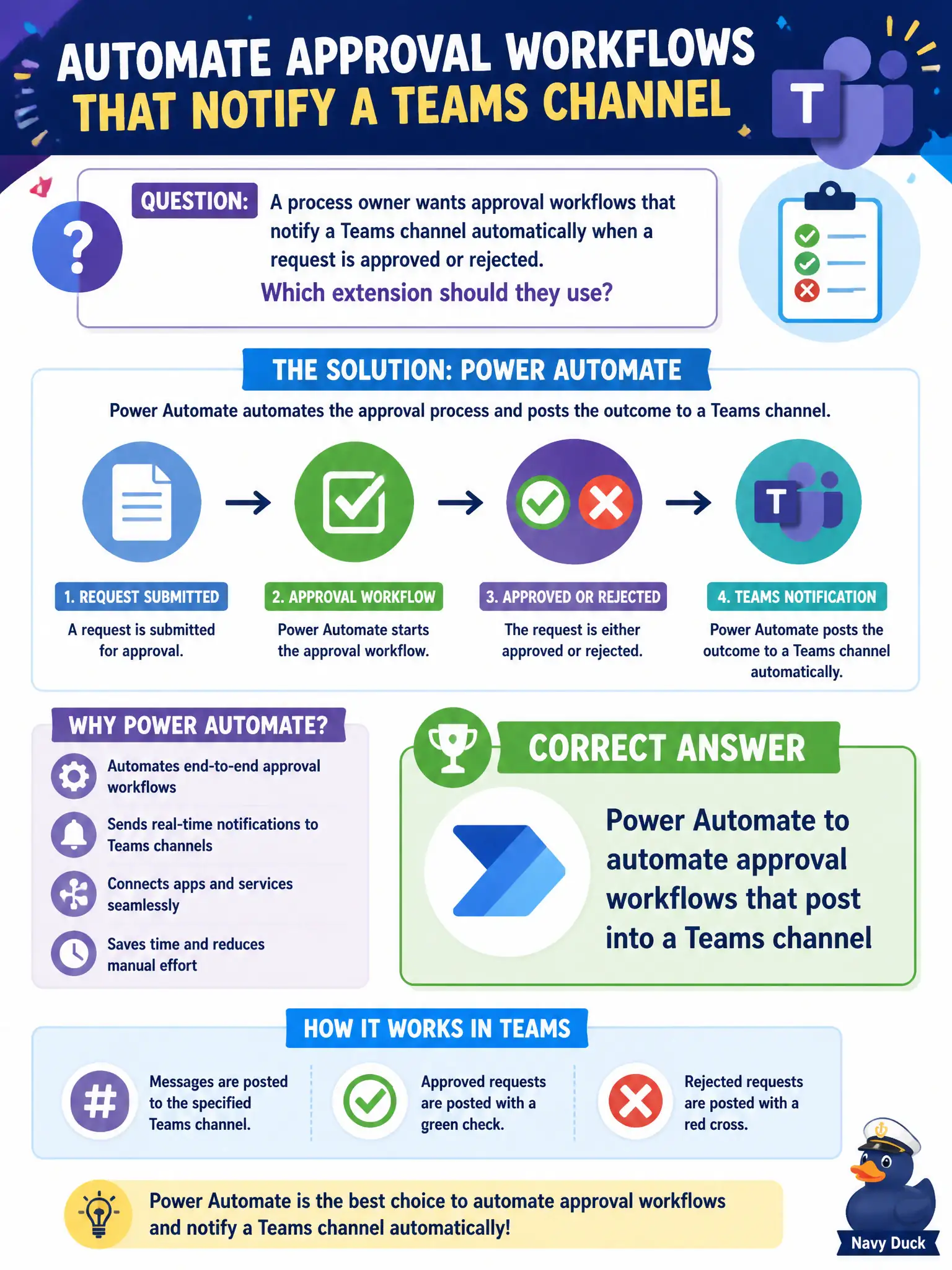
A process owner wants approval workflows that notify a Teams channel automatically when a request is approved or rejected. Which extension should they use?
Select an answer to reveal the explanation.
Short Explanation
Approvals that ping the channel are Power Automate’s job—wire the request, then drop the result in Teams. Sticky notes, recycle bins, and app update channels are not approval engines.
Full Explanation
A process owner who wants approval workflows that notify a Teams channel automatically when a request is approved or rejected should use Power Automate to automate approval workflows that post into a Teams channel. Approvals become visible in the collaboration hub where the workgroup already watches for updates, reducing “did this clear?” hunting across personal inboxes. For municipal process owners, that is the standard low-code automation extension tying business approvals to Teams awareness.
Microsoft Whiteboard sticky notes fail as the only supported approval engine because sticky brainstorming is not an approval workflow system with auditable outcomes. Personal OneDrive recycle bin restores fail as the approval notification system because restore operations are not approve/reject business process notifications. Microsoft 365 Apps update channels fail as a substitute for workflow approvals because update channels control Office feature cadence, not request routing and decisions.
Exam caveat: at MS-900 describe depth, name Power Automate for automated approvals into Teams. You are not required to configure every action on the exam, but you must distinguish workflow automation from Whiteboard, OneDrive recycle operations, and Office update channels.
Operational check: model the approval in Power Automate with clear approve/reject paths, post outcomes to the correct Teams channel with links to the request, define approver roles and timeouts, test failure and escalation paths, assign a flow owner, and document how staff should act when the channel notification arrives.