
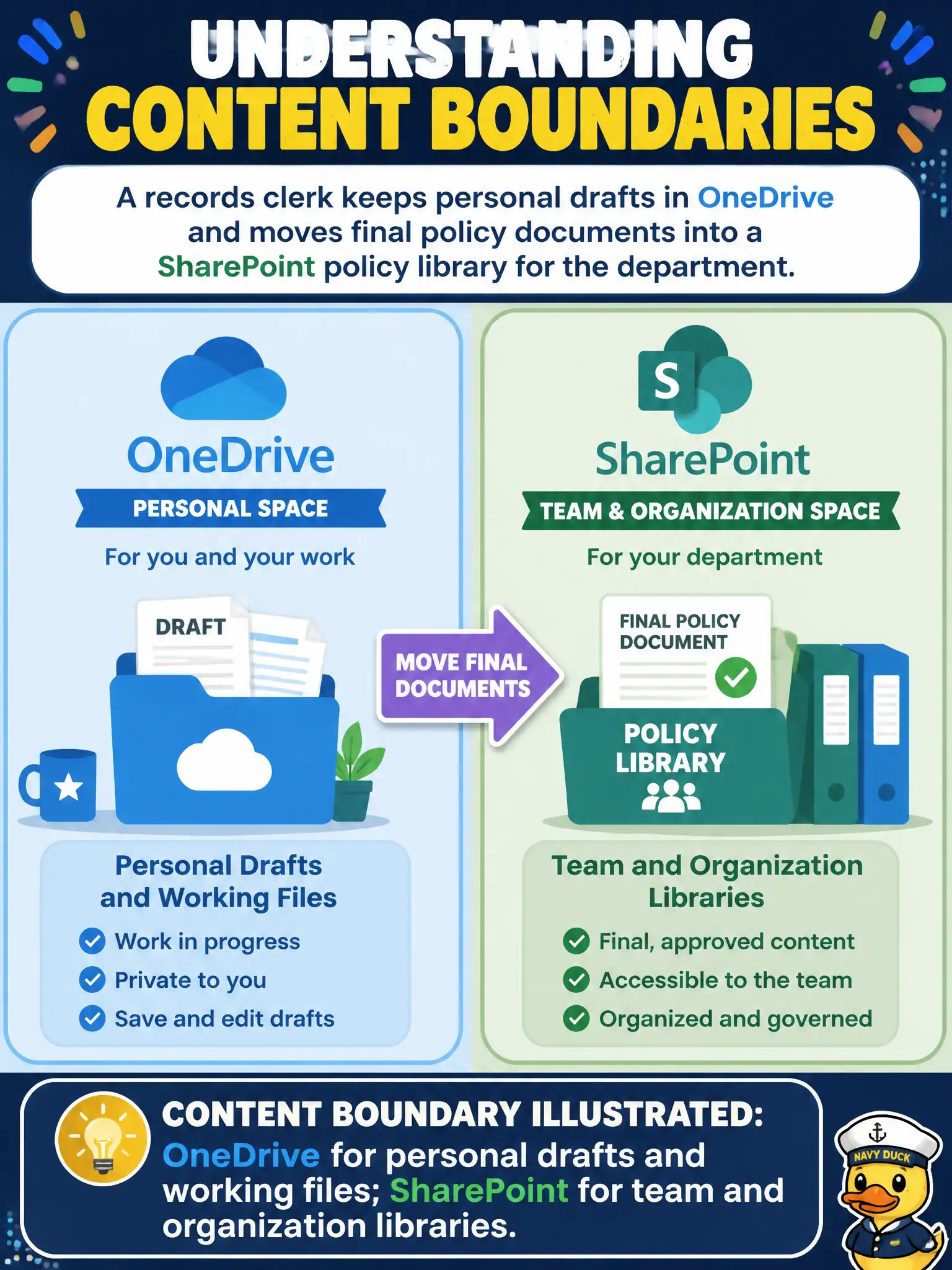
A records clerk keeps personal drafts in OneDrive and moves final policy documents into a SharePoint policy library for the department. Which content boundary does that illustrate?
Select an answer to reveal the explanation.
Short Explanation
Draft on your desk (OneDrive), publish to the department shelf (SharePoint). That personal-versus-team boundary is the classic Microsoft 365 story—and Stream is for video, not every policy PDF.
Full Explanation
Records clerks illustrate a core content boundary when they keep personal drafts in OneDrive and move final policy documents into a SharePoint policy library. The correct framing is OneDrive for personal drafts and working files; SharePoint for team and organization libraries. That boundary keeps incomplete drafts out of the official policy library while giving the department a governed place for published policy of record.
OneDrive as the only allowed location for published citywide policy fails because organization policy libraries belong in SharePoint team/org scopes. SharePoint solely for private drafts that must never be shared fails because SharePoint is the team/org library surface, not a personal-draft-only vault. Stream as the mandatory store for every Word and PDF policy document fails because Stream is video-centric, not the default policy document library.
Exam caveat: personal versus team storage is a describe-level distinction. Real tenants may use additional records tools; the exam still expects OneDrive ≈ personal working files and SharePoint ≈ team/org libraries.
Operational check: publish a simple guidance page—drafts in OneDrive, finals in the SharePoint policy library—add retention/versioning on the library, train clerks on move/copy practices, and periodically audit whether “final” policies are still lingering only in personal OneDrive.