
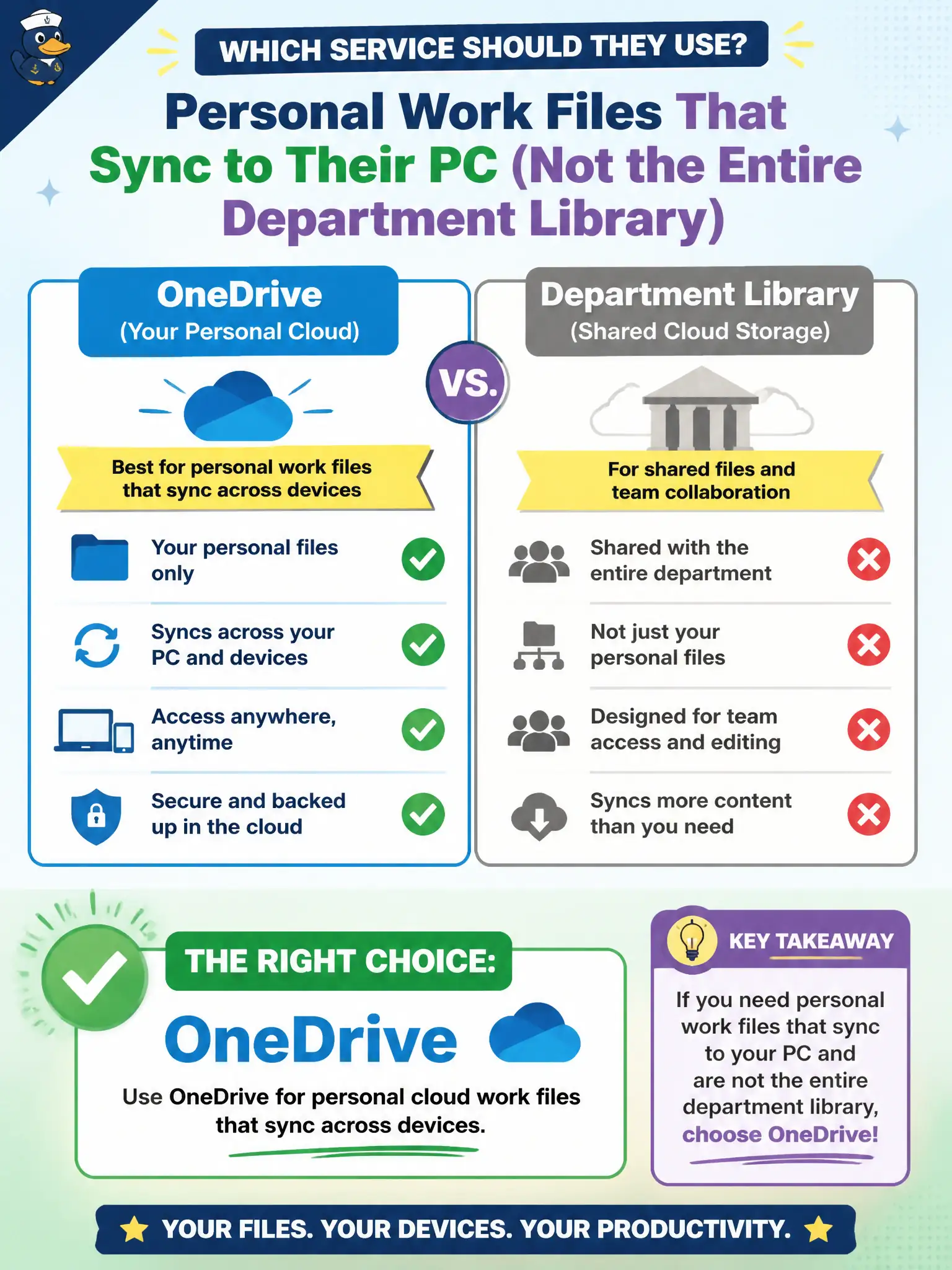
An employee wants personal work files that sync to their PC and are not the entire department library. Which service should they use?
Select an answer to reveal the explanation.
Short Explanation
OneDrive is the personal cloud backpack that syncs to the PC — your drafts, not the whole department attic. SharePoint holds the shared team libraries. Keep personal work files in OneDrive when they are not meant to be the department archive.
Full Explanation
OneDrive is for personal cloud work files that sync across devices—what an employee needs for personal work files that are not the entire department library. Personal versus shared storage is the key Microsoft 365 collaboration distinction.
SharePoint team site libraries as the only allowed personal scratch space fails the personal storage model. Stream as primary storage for every spreadsheet and Word draft fails because Stream is enterprise video. Exchange public folders as the modern replacement for personal file sync fails contemporary Microsoft 365 guidance.
Exam caveat: “personal” OneDrive for work is still organizational data subject to eDiscovery and retention—not a private vault beyond policy. Operational check: verify OneDrive provisioning, Known Folder Move if used, quota, and that staff save personal drafts to OneDrive while publishing finals to SharePoint libraries. Record the choice in the municipal service catalog so help-desk scripts stay consistent. Record the choice in the municipal service catalog so help-desk scripts stay consistent. Record the choice in the municipal service catalog so help-desk scripts stay consistent. Record the choice in the municipal service catalog so help-desk scripts stay consistent.