
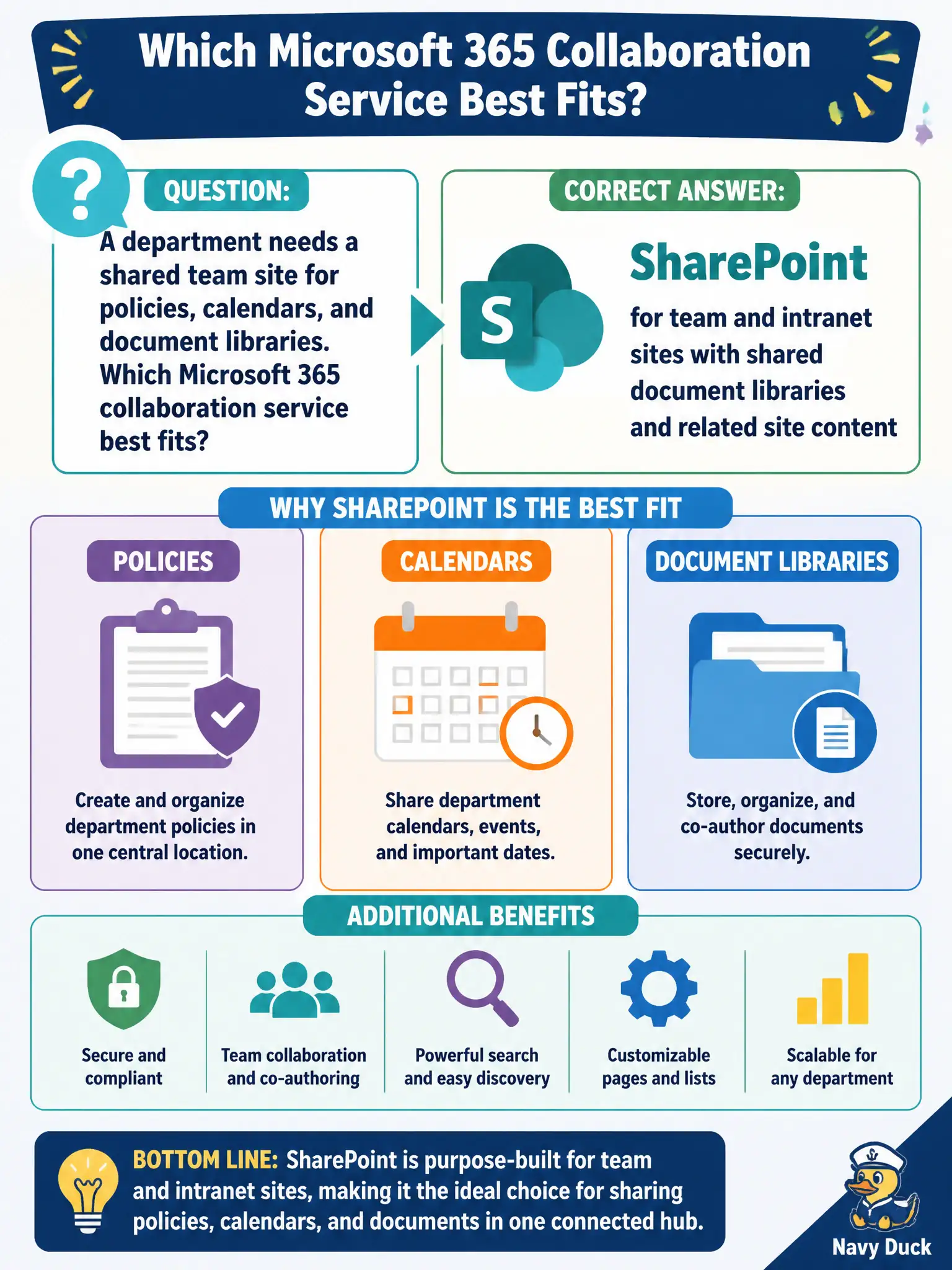
A department needs a shared team site for policies, calendars, and document libraries. Which Microsoft 365 collaboration service best fits?
Select an answer to reveal the explanation.
Short Explanation
SharePoint is the department clubhouse — pages, libraries, and calendars the whole team can use. OneDrive is more like a personal locker. When policies and shared libraries are the goal, stand up a SharePoint team site.
Full Explanation
SharePoint provides team and intranet sites with shared document libraries and related site content—best fitting a department that needs a shared team site for policies, calendars, and libraries. SharePoint is the collaboration service for departmental shared workplaces.
OneDrive only fails for department-wide policy libraries because OneDrive is personal work file storage, not the team site model. Bookings alone fails as an intranet and policy repository. Windows 365 Cloud PC fails as the only place to publish shared policy pages; Cloud PCs deliver desktops, not the departmental intranet service.
Exam caveat: SharePoint sprawl creates orphan sites—require ownership and retention at site creation. Operational check: provision a SharePoint team site, migrate policy files into a library with versioning, set permissions by role, and link the site from the department’s Teams team. Record the choice in the municipal service catalog so help-desk scripts stay consistent. Record the choice in the municipal service catalog so help-desk scripts stay consistent. Record the choice in the municipal service catalog so help-desk scripts stay consistent. Record the choice in the municipal service catalog so help-desk scripts stay consistent.