
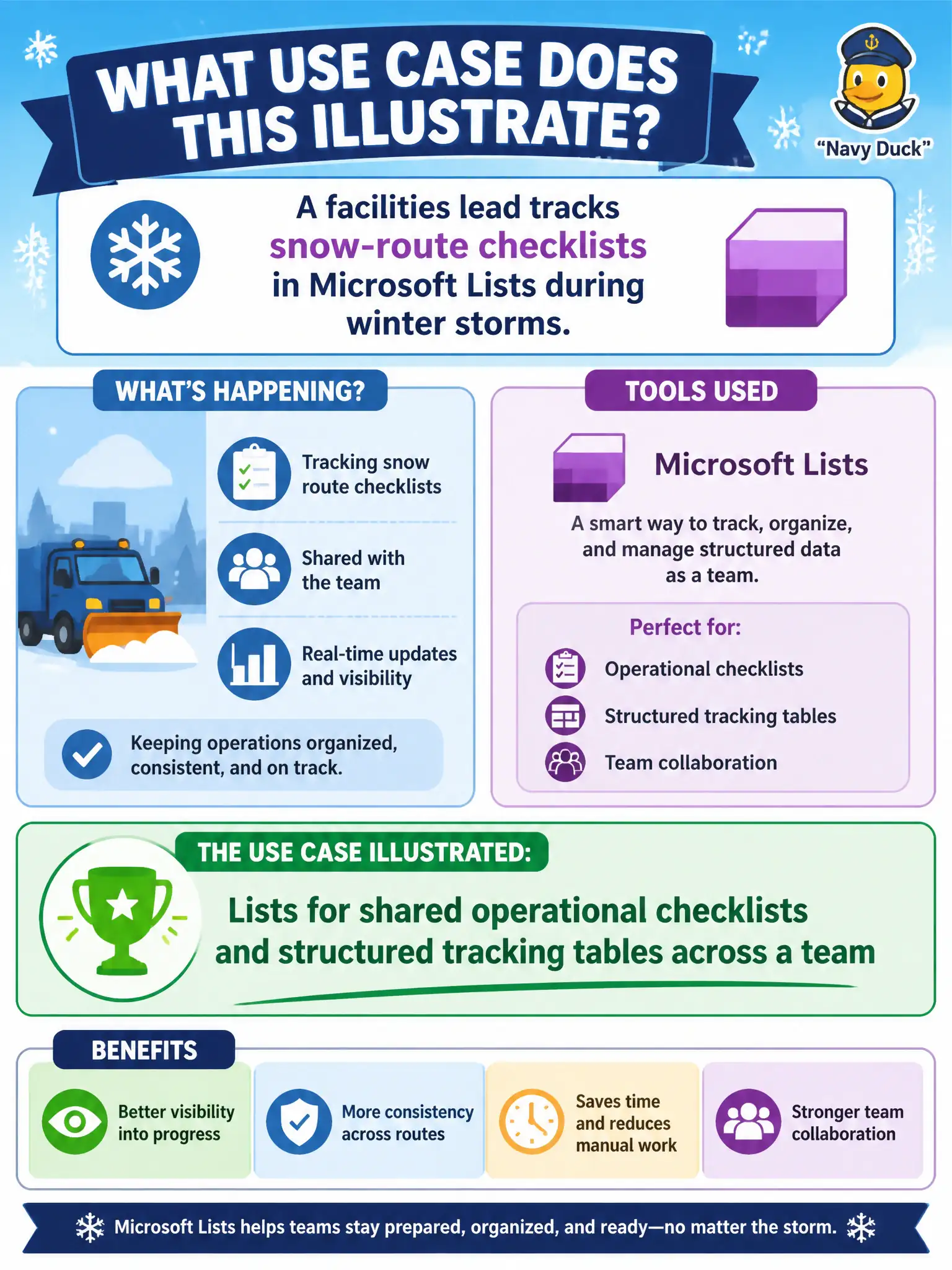
A facilities lead tracks snow-route checklists in Microsoft Lists during winter storms. What use case does this illustrate?
Select an answer to reveal the explanation.
Short Explanation
Snow routes are checkboxes and status columns the whole facilities crew can share — classic Lists. It is a living operational table, not a mailbox and not a phone router. When the storm hits, Lists keeps the checklist in one collaborative place.
Full Explanation
Microsoft Lists supports shared operational checklists and structured tracking tables across a team—illustrated by a facilities lead tracking snow-route checklists during winter storms. Shared columns and views keep shops aligned on route completion.
Lists as a full replacement for Exchange Online mailboxes fails. Lists as the only approved tool for Teams Phone call routing fails. Lists as a consumer gaming platform fails entirely and ignores municipal operations use.
Exam caveat: storm operations move fast—keep list views simple and mobile-friendly so crews update status from the field. Operational check: prebuild the snow-route list before winter, permission district leads, pin it in Teams, and review incomplete routes at each operations briefing. Record the choice in the municipal service catalog so help-desk scripts stay consistent. Record the choice in the municipal service catalog so help-desk scripts stay consistent. Record the choice in the municipal service catalog so help-desk scripts stay consistent. Record the choice in the municipal service catalog so help-desk scripts stay consistent. Record the choice in the municipal service catalog so help-desk scripts stay consistent.