
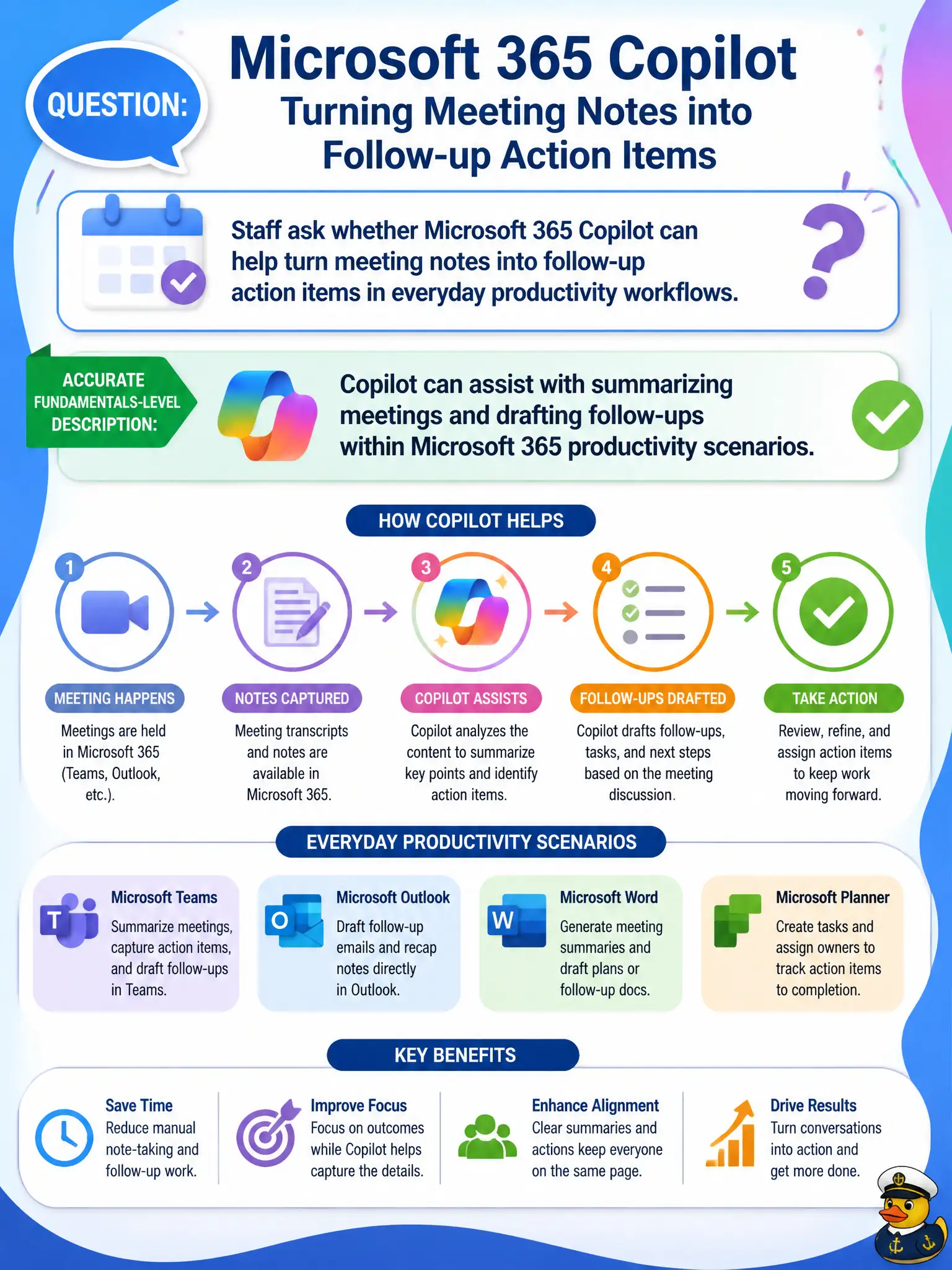
Staff ask whether Microsoft 365 Copilot can help turn meeting notes into follow-up action items in everyday productivity workflows. What is the accurate fundamentals-level description?
Select an answer to reveal the explanation.
Short Explanation
Copilot is like a sharp aide who listens to the meeting summary pile and helps turn it into clean follow-ups — still under your review. It speeds drafting inside Microsoft 365 work, not a magic autopilot that fires people. At fundamentals depth, the benefit is faster meeting-to-action help.
Full Explanation
At fundamentals depth, Copilot can assist with summarizing meetings and drafting follow-ups within Microsoft 365 productivity scenarios. Staff asking whether Copilot can turn meeting notes into action items should hear that accurate assistance framing—not replacement of humans or unrelated consumer-only search.
Claiming Copilot permanently replaces every human note-taker and cannot be used with meetings fails. Claiming Copilot only works for consumer Bing searches and never touches Microsoft 365 content fails the work Copilot story. Claiming Copilot is limited to printing paper agendas fails digital follow-up drafting capability.
Exam caveat: AI-drafted actions can mis-attribute owners—meeting organizers must confirm assignees before publishing. Operational check: after a Teams meeting, generate a Copilot summary and action draft, verify against recording/transcript policy, and post confirmed actions to Planner or To Do. Record the choice in the municipal service catalog so help-desk scripts stay consistent. Record the choice in the municipal service catalog so help-desk scripts stay consistent. Record the choice in the municipal service catalog so help-desk scripts stay consistent.