
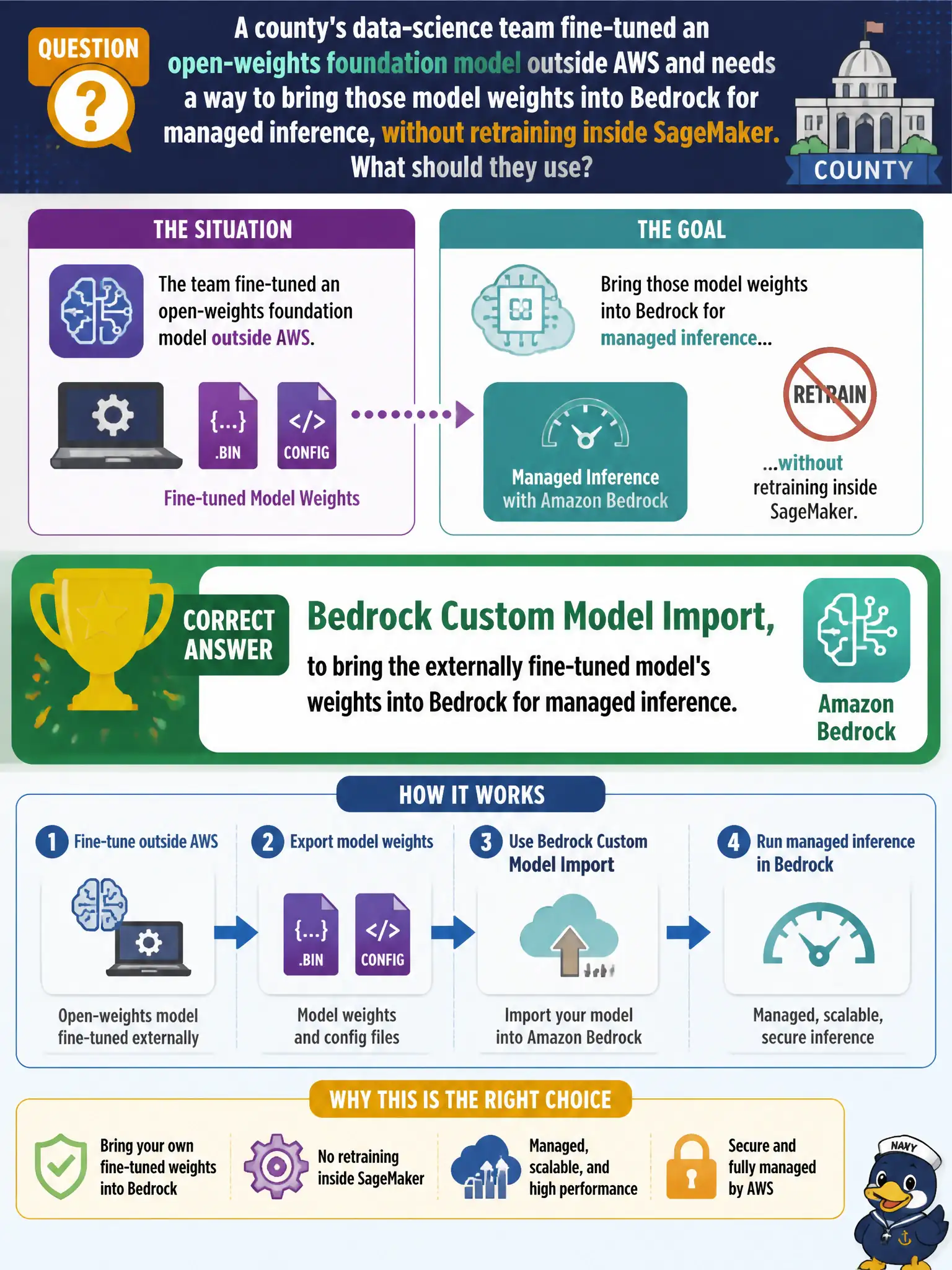
A county's data-science team fine-tuned an open-weights foundation model outside AWS and needs a way to bring those model weights into Bedrock for managed inference, without retraining inside SageMaker. What should they use?
Select an answer to reveal the explanation.
Short Explanation
Fine-tuning happened outside AWS, so the question isn't how to retrain — it's how to bring finished work in. Bedrock Custom Model Import exists precisely for that: hand it the county's own weights and get managed Bedrock inference without redoing the fine-tuning job. It's the door built for models that already exist elsewhere.
Full Explanation
Bedrock Custom Model Import is designed to take model weights produced outside Bedrock — including a fine-tuned open-weights model — and make them available for managed inference through Bedrock, which matches the team's exact need to reuse work already done rather than repeat it. SageMaker JumpStart provides pre-built templates for training or fine-tuning models from scratch inside AWS, which solves a different problem than importing an already-fine-tuned artifact; using it here would mean redoing work the county already completed. Falling back to a Bedrock base FM under provisioned throughput abandons the county's fine-tuning investment entirely, trading away whatever domain-specific accuracy the custom weights provide for a generic model, just because it's easier to provision. Hosting the weights directly on a SageMaker real-time endpoint bypasses Bedrock's managed inference layer altogether, which may be workable for a traditional ML artifact but skips the FM-specific tooling (guardrails, prompt management, model evaluation) Bedrock provides for foundation models. Scope note: custom model import has format and size expectations for the weights, so confirm the fine-tuned model's format is compatible before planning around it. Operational check: run a small evaluation batch through the imported model in Bedrock and compare outputs against the original external environment's results.